A review of Figma's Config 2022 conference, covering the strengths and shortcomings of its global online format and fifteen product updates including dark mode, variable fonts, stronger Auto Layout, and new FigJam collaboration features.
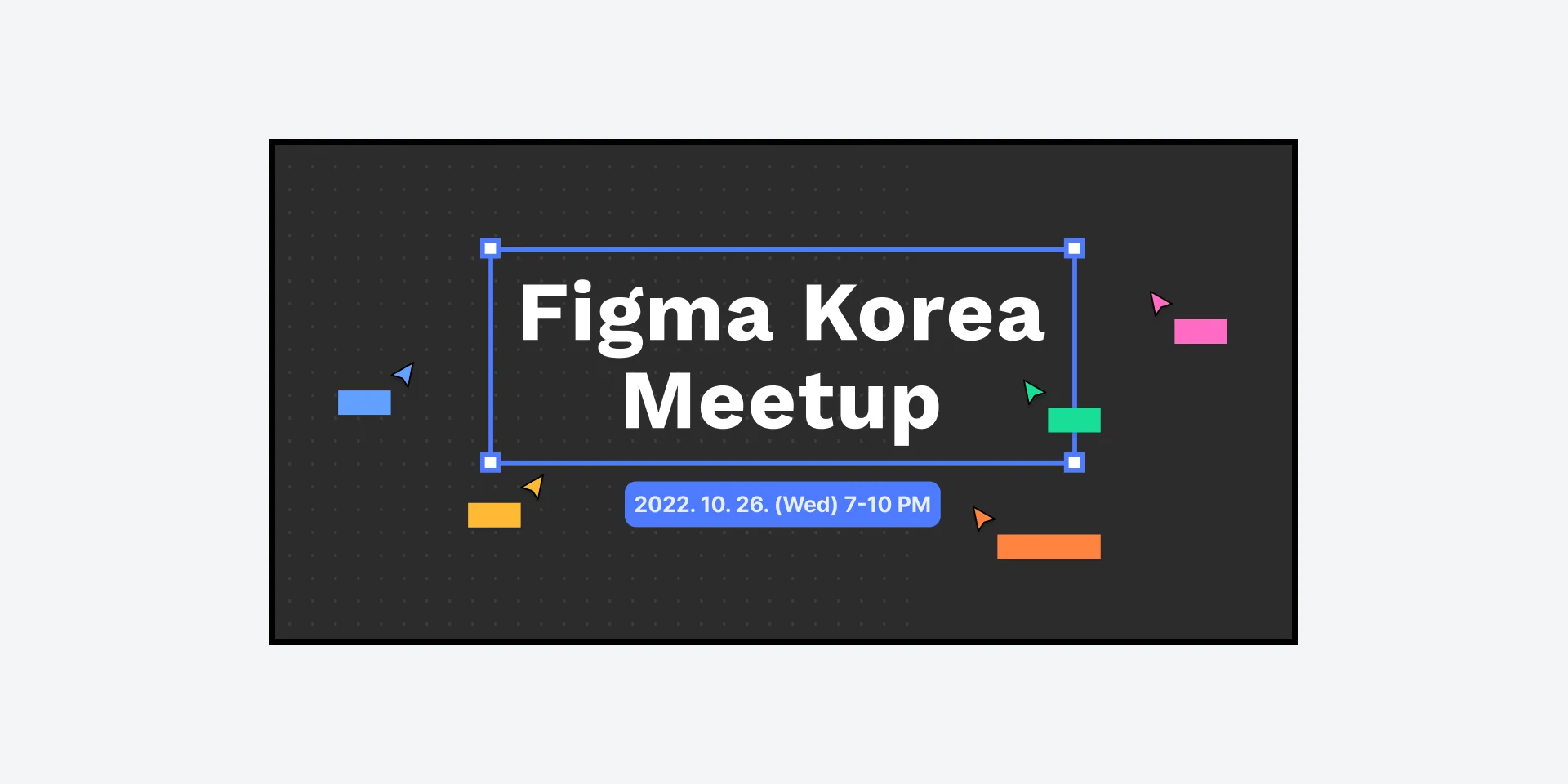
What is Config?
Config is an annual design conference hosted by Figma. Speakers share live sessions on topics ranging from UX and design systems to product-design case studies. This article covers my personal impressions of Config and the major Figma updates introduced there.
What worked well
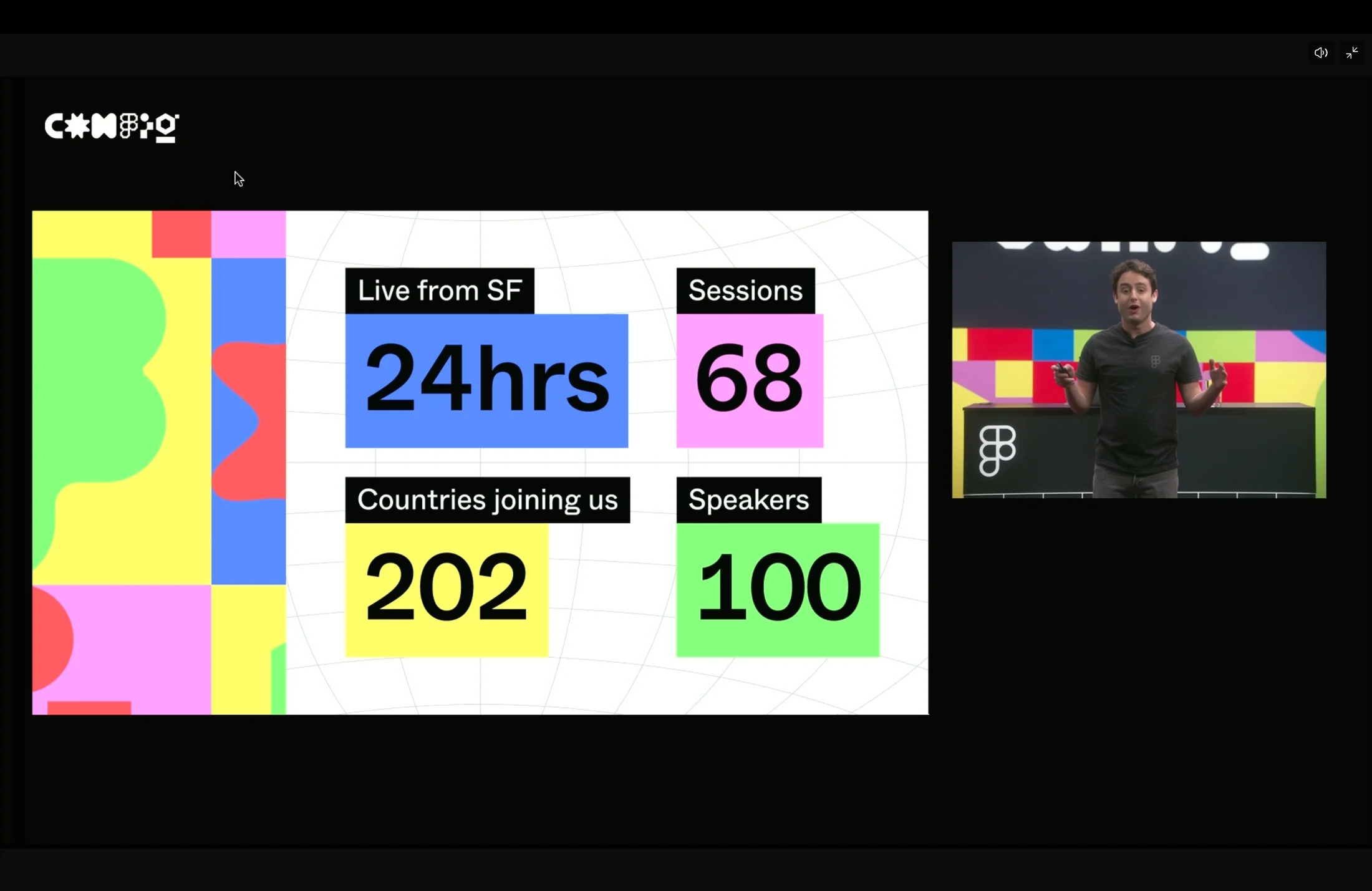
The Figma updates announced in the opening keynote were fascinating. There were more than a dozen major changes, which I cover in greater detail below.
The scale of the speaker lineup and breadth of topics clearly seem to grow each year. I also appreciated seeing speakers invited from many countries. The event gave me a strong impression that diversity and accessibility mattered.
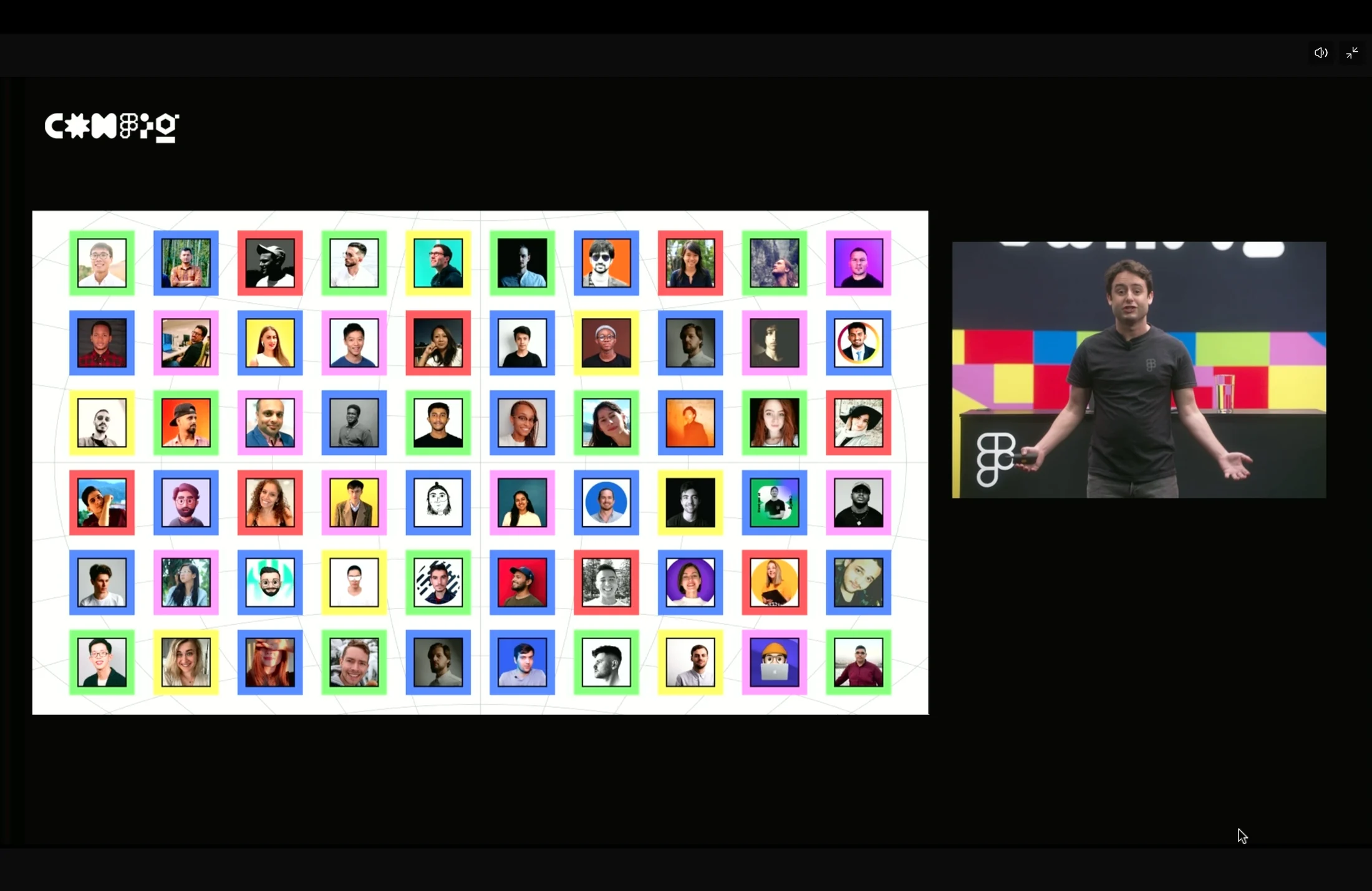
Adding live chat to the webinar page was fun. Watching designers around the world talk made the experience feel genuinely shared, and I imagine that sense of a live crowd contributed significantly to the event spreading online.
The conference ran for 24 hours, so viewers could choose sessions in time zones that worked for them.
As always, most sessions were substantial and carefully prepared. It is delightful to live in a world where I can watch a conference like this from home for free.
Figma-led sessions, including the keynote, offered not only detailed onboarding for new features but also plenty of wit.
I found the story behind Auto Layout 4 especially compelling. It offered an indirect view into how Figma thinks about design and about designers themselves.
Figma's strategy of making updates available in the product immediately after the keynote was impressive. It was a pleasure to try the features right away. The small performance that introduced dark mode by making it look as though the power had gone out was fun too.
Figma's hosts kept the transitions between sessions smooth, which made me stay and explore other talks rather than leave immediately.
What could have been better
If the event invites speakers from around the world, it should also make their talks available to a global audience with appropriate captions. Figma appeared to have prepared live translation and captioning to address language barriers, but it did not work properly during the live sessions. Korean was among the translation options, which was interesting, but the quality was very poor. The subtitles were also displayed in tiny type in a corner, making them especially difficult to read when watching as a group.
In that context, it would have helped to know in advance when a global speaker would present in their native language.
If multilingual live translation was too difficult, I still wish the event had made each speaker understandable in English as a shared language. The experience did not reach even the level of YouTube's live translation, and I had to leave several sessions midway for that reason.
Although the webinar ran for 24 hours, replays were not available immediately. More than one session ran in the same time slot, so there was no way to follow both when they were equally interesting.
Some Figma-hosted sessions also changed titles between registration and the conference itself. Seeing a different title upon entering made it unclear whether I had joined the right session.
Figma updates in detail
Fifteen updates were demonstrated during the Config opening keynote. Link
Figma now supports dark mode
The way dark mode was introduced during Config Live was memorable. Every earlier demo quietly kept the Figma interface in dark mode, and at the end the team turned out the lights as though there had been a blackout before making the announcement. It drew the biggest live reaction of any feature.
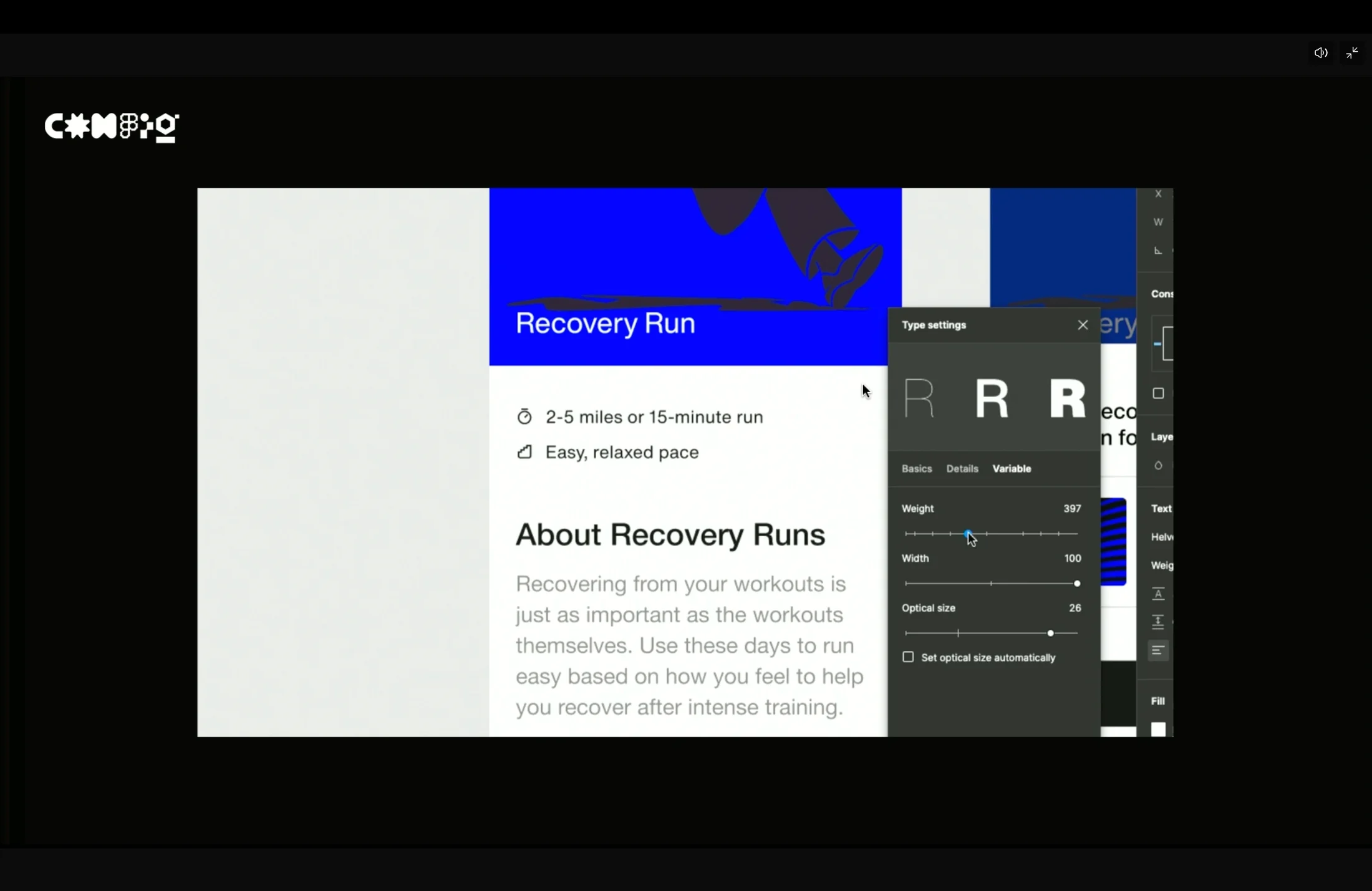
Figma now supports variable fonts
Pretendard supports variable fonts too, so this should make it possible to test and explore a wider range of font weights.
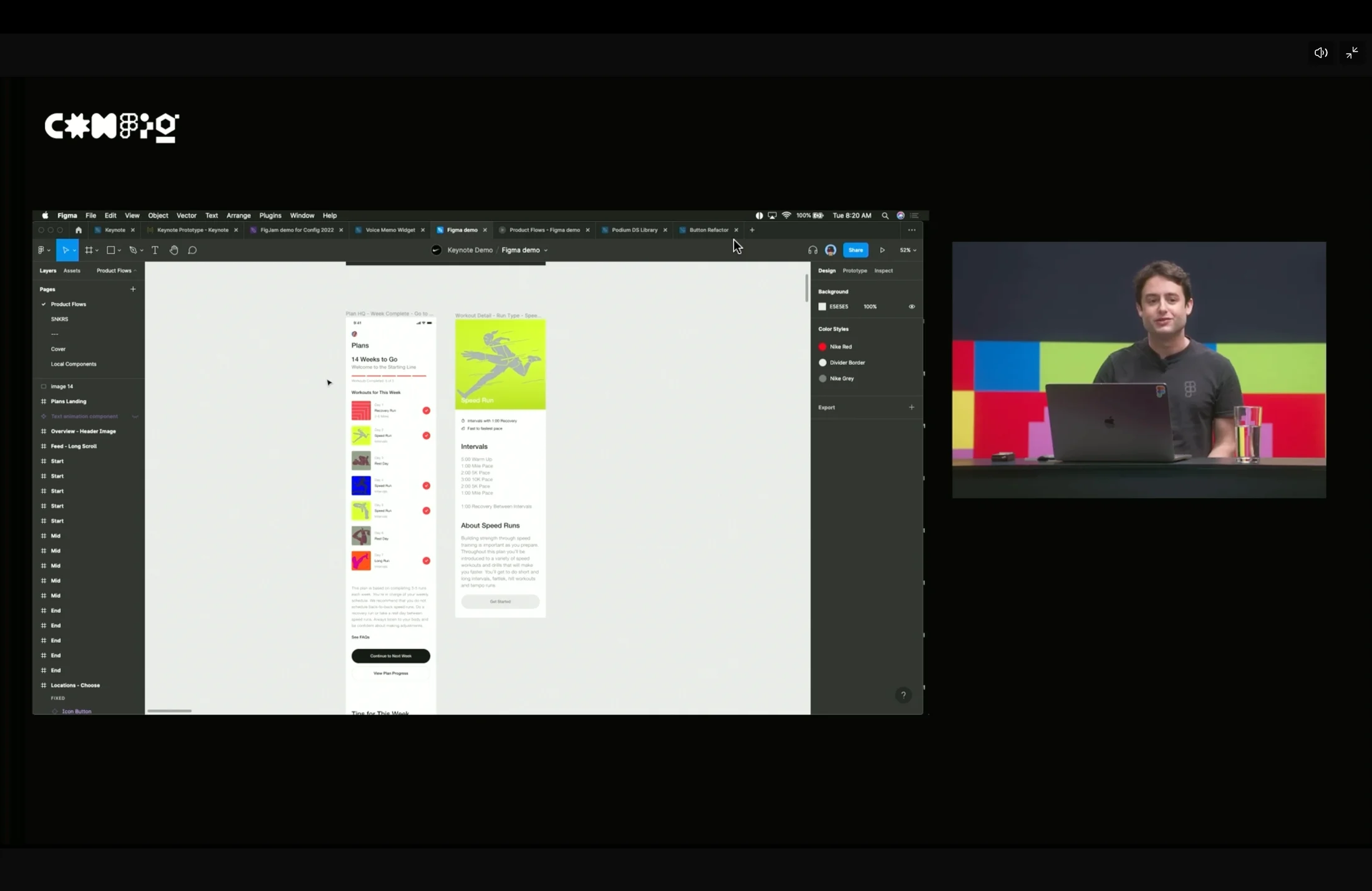
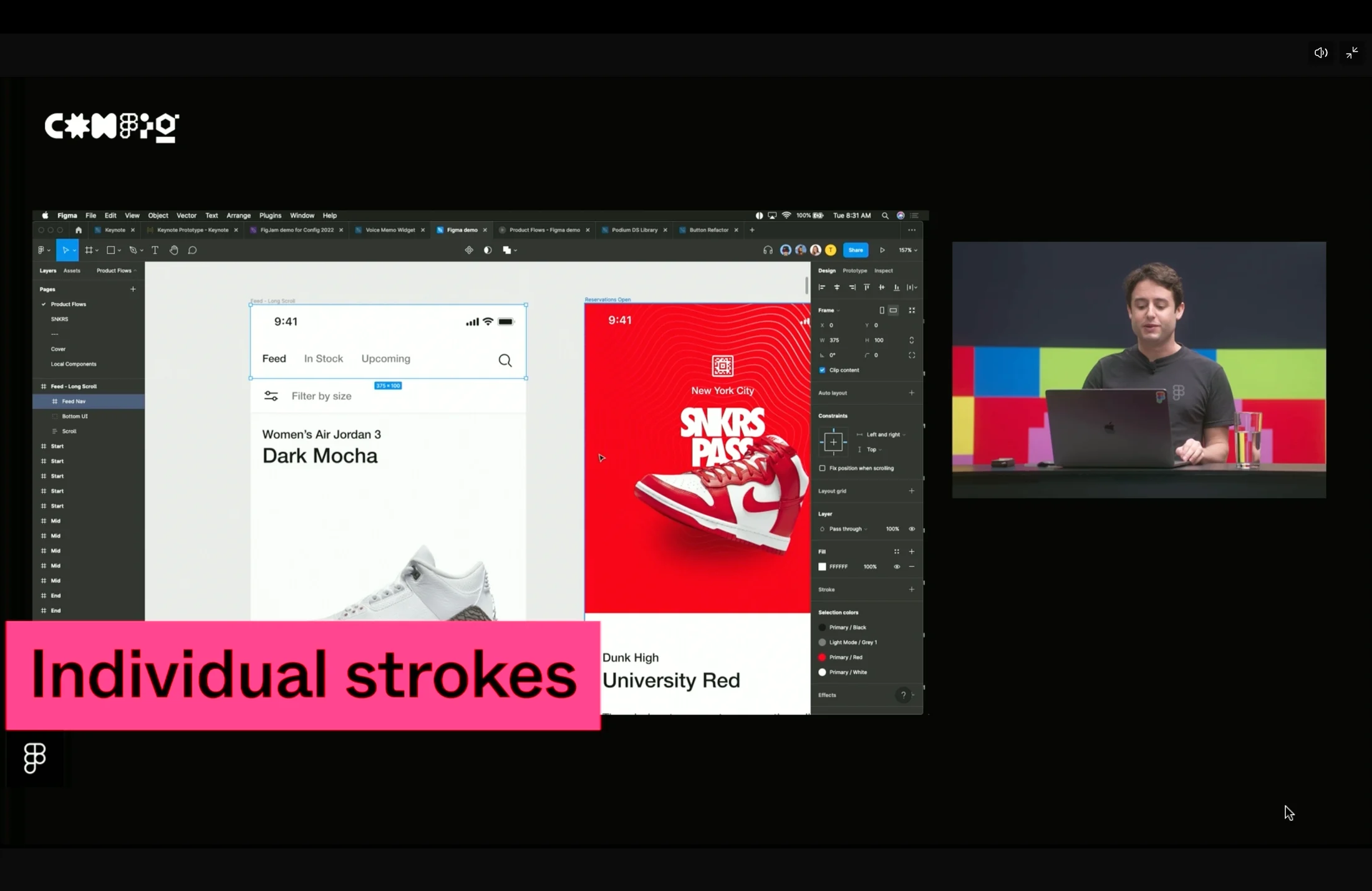
Apply strokes independently to each side
There is no longer a need to struggle when creating details such as the highlighted tab in a navigation bar. Existing top bars in a design system may need refactoring, but once that work is done, the feature should remain useful for a long time.
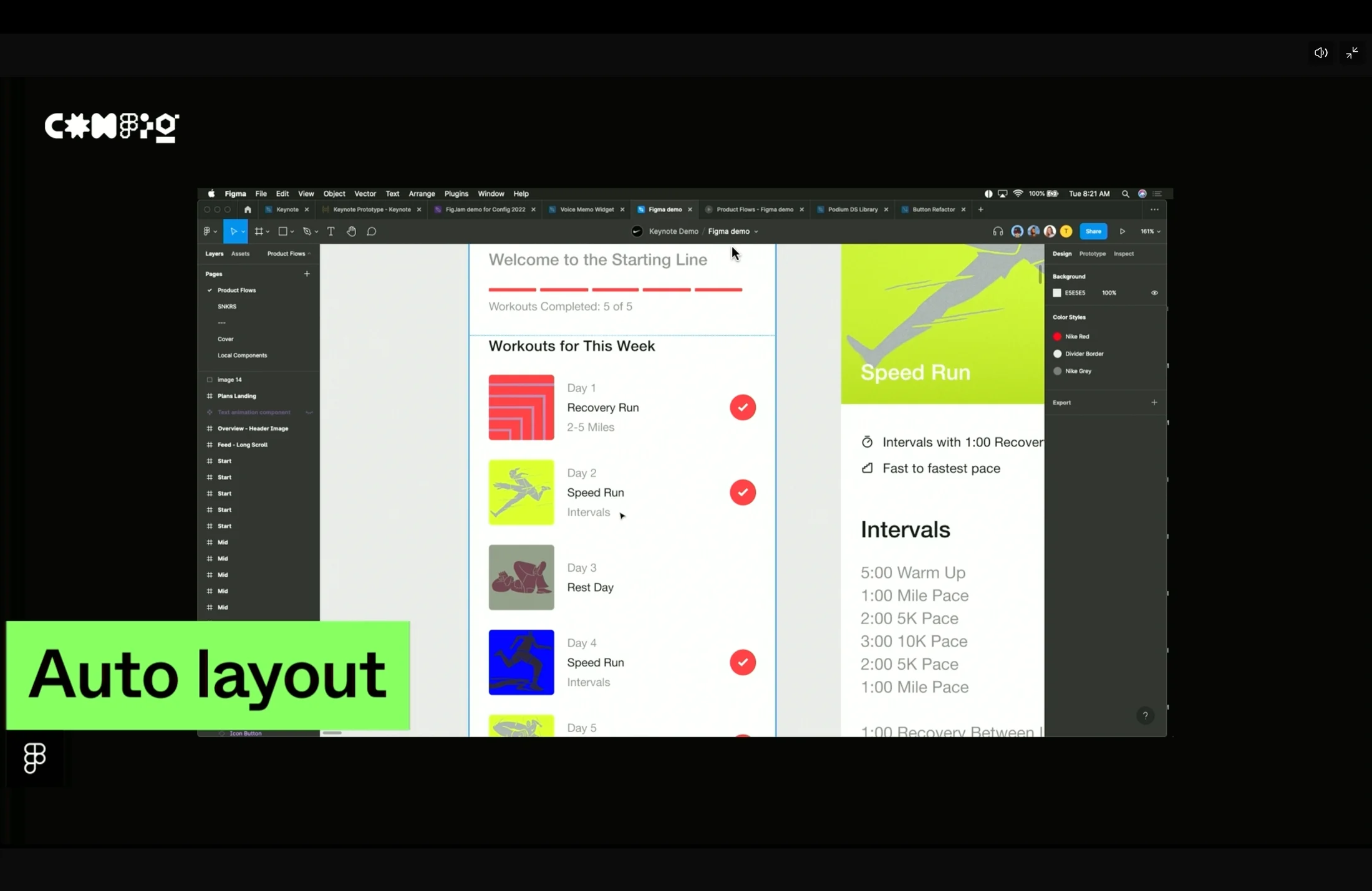
Auto Layout and Variants are much more powerful
They are more developer-friendly while supporting richer expression.
Variants can be created more quickly and intuitively.
Text labels can now be edited from the right-hand panel, as in Sketch, rather than by changing the text directly.
Spotlight for screen sharing
Previously, when presenting to everyone in a Figma file, you had to ask participants to click your profile in the upper-right corner. Spotlight lets everyone follow your current view in Figma or FigJam automatically.
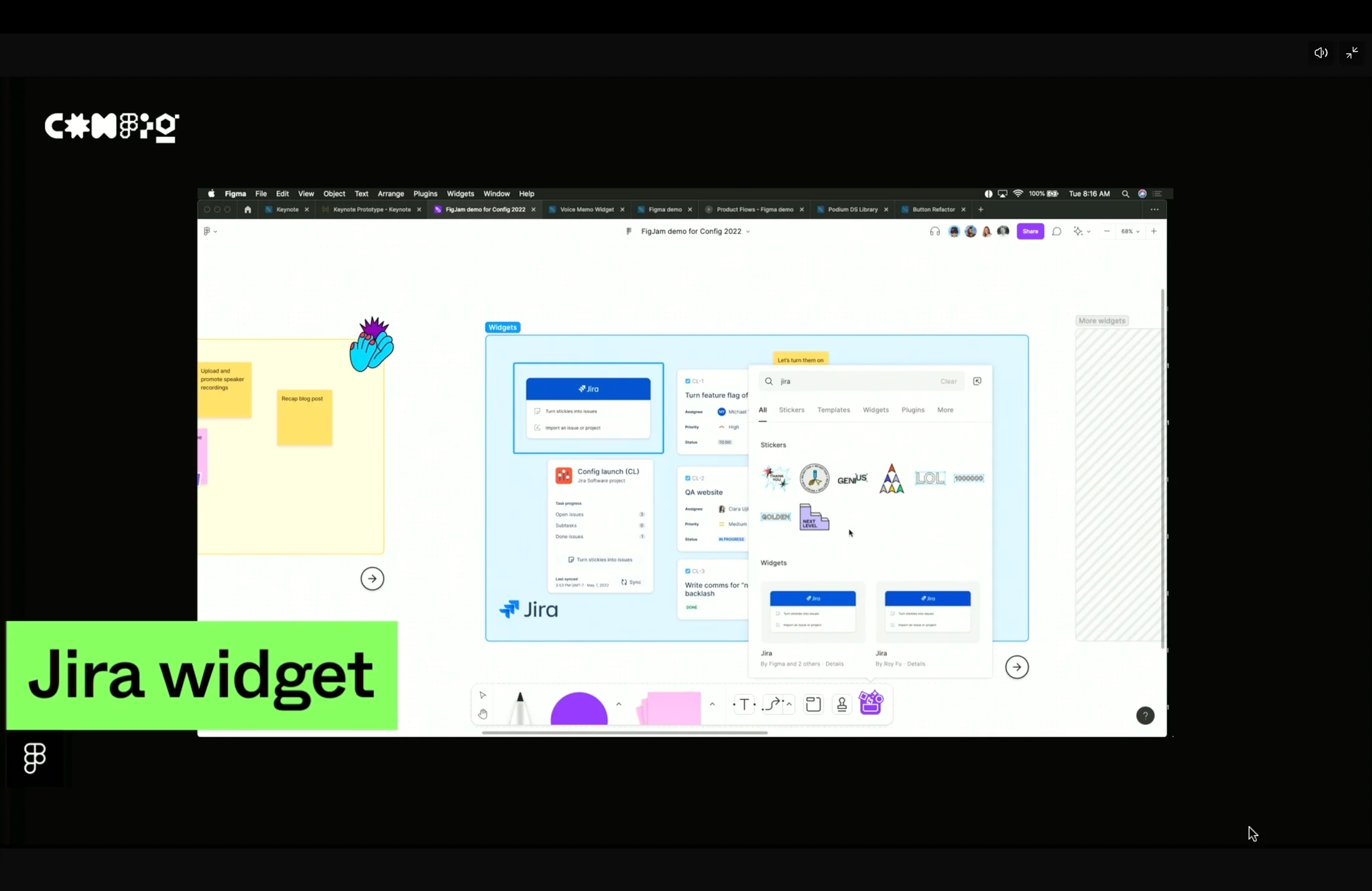
FigJam widgets make Jira, Asana, and other tools easier to inspect
The demo made it look useful to see ticket details directly during ideation. Being able to turn a collection of sticky-note ideas into Jira tickets all at once should save teams time.
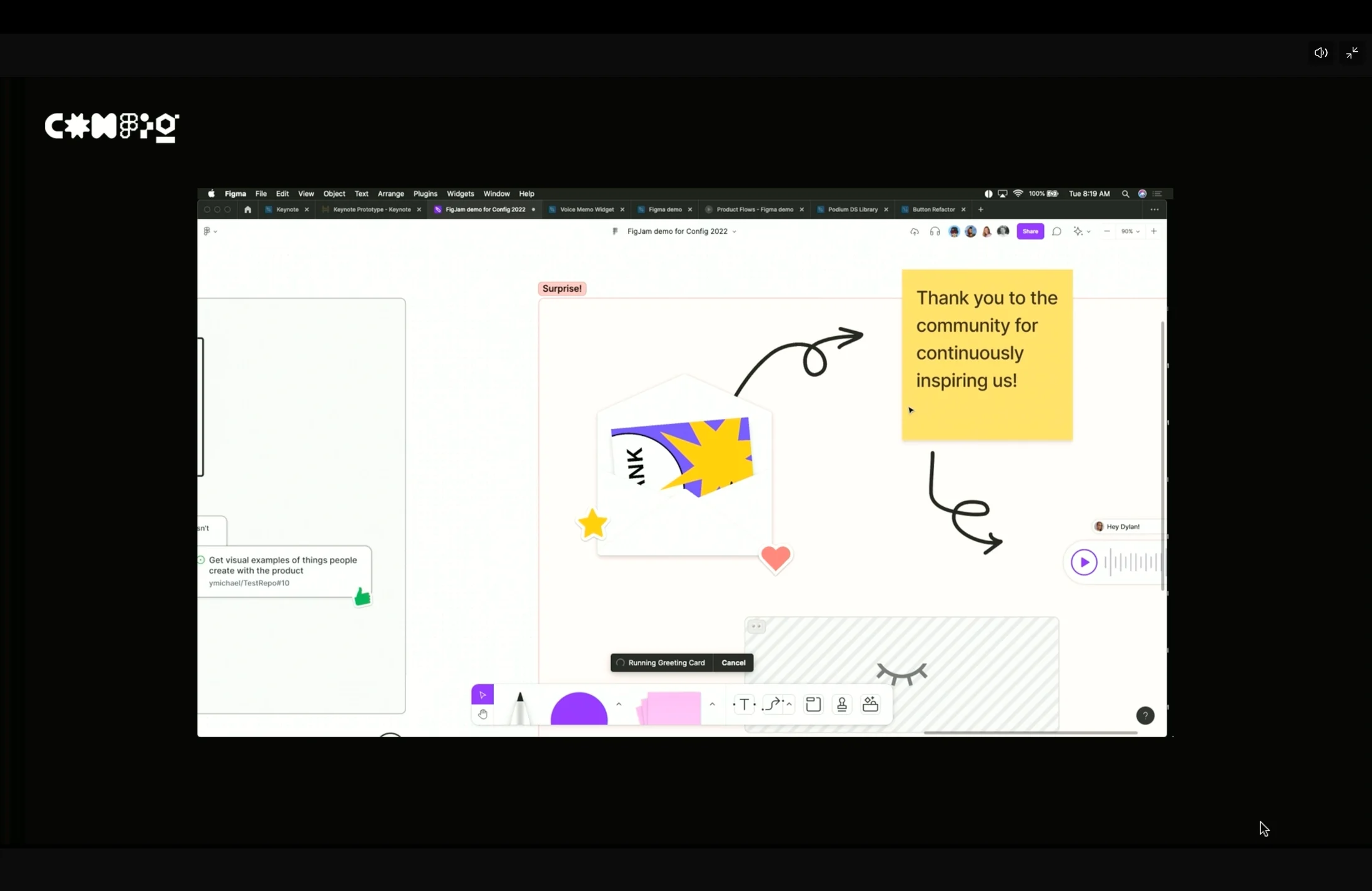
Playful team-bonding tools for sending letters, celebrating, and more
These should be fun additions to squad retrospectives and kickoffs. The celebration feature was especially memorable: FigJam faithfully recreates the interaction of writing a letter and having someone open it themselves.
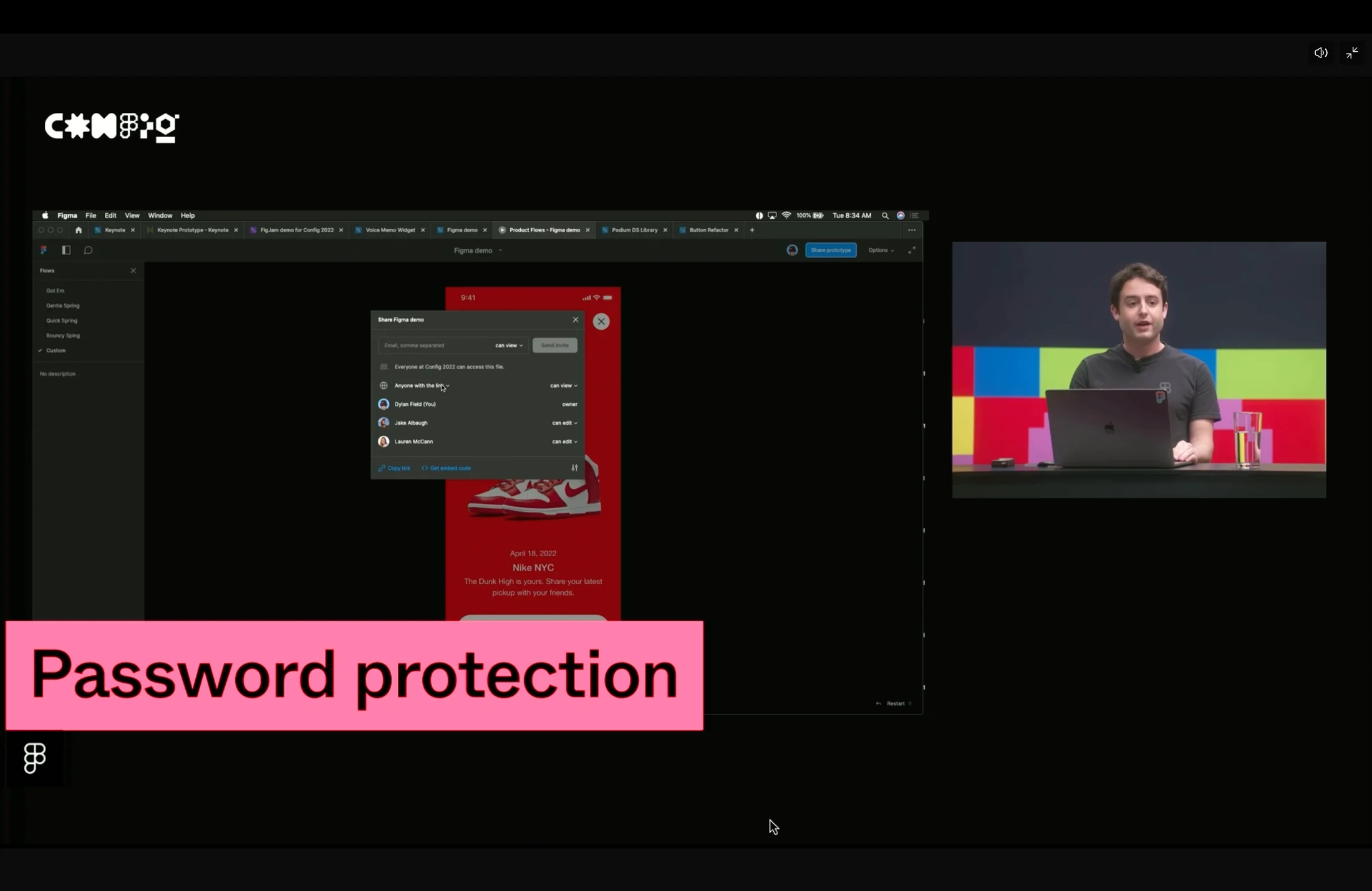
💡 Many other interesting features were introduced, including password settings, favorites, a widget code generator, and improvements to Outline mode.
Closing thoughts
There is a lot to learn from the way Figma builds a community around designers as its customers. The global experience had real shortcomings, but as a user and a designer, it is still exciting to see the scale of shared design cases and product conversations grow through this event every year. I hope Figma continues to host conferences this interesting.
ⓒ 2022. SangHyo Yee, All Rights Reserved.