A concise recap of Figma's Config 2023 keynote, including Variables, advanced prototyping, Auto Layout, Dev Mode, browsing improvements, and generative AI.
Intro
From midnight to 6:00 a.m., we held a watch party in Seoul for Config, Figma's annual conference. I will write about the watch party itself later. For now, here is a keynote summary for everyone about to meet the newly changed Figma.
If you are short on time, watch this motion-graphic summary.
If You Have One Minute, Read This
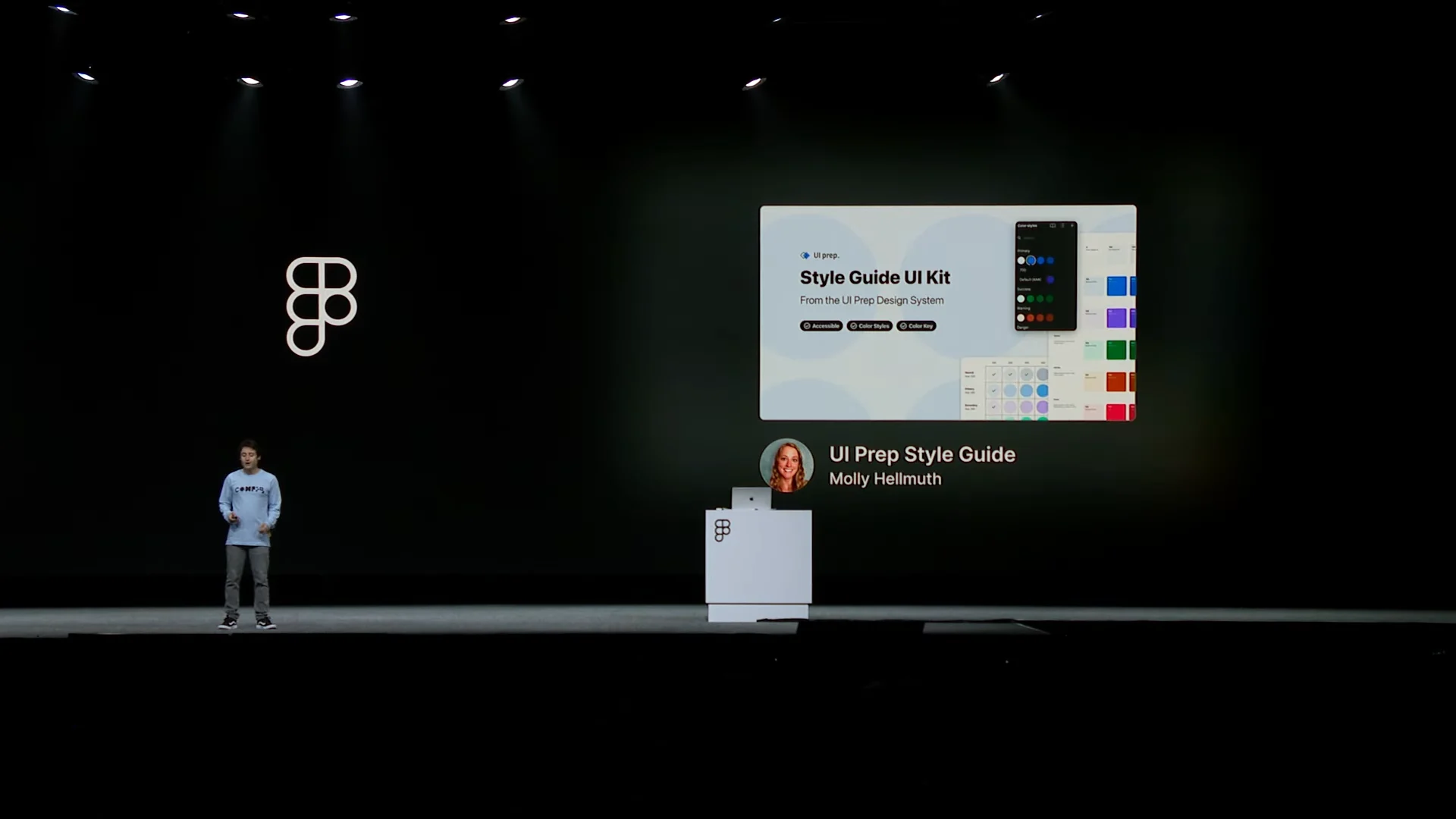
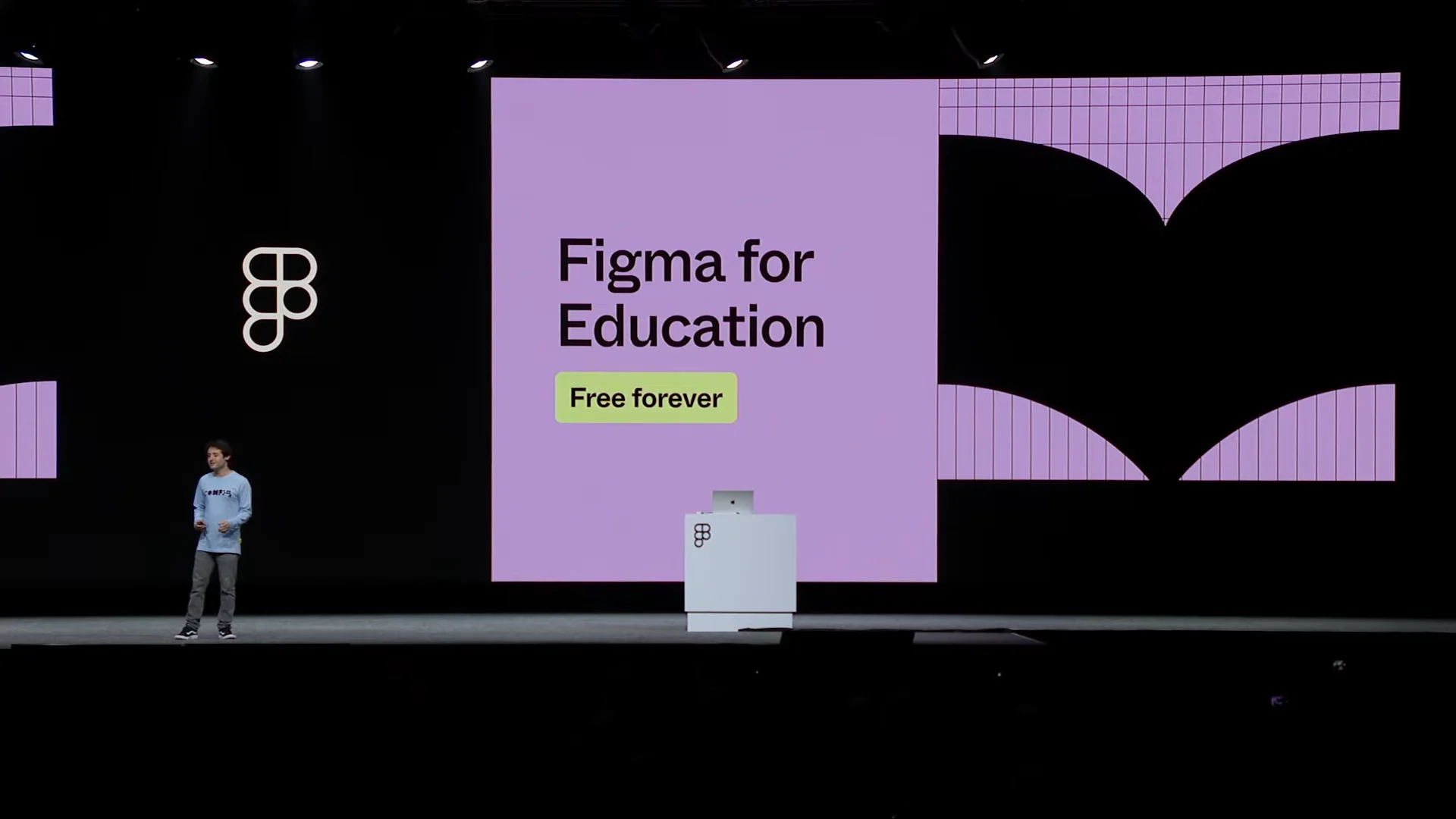
Figma reported major growth in community and education. Apple began publishing design resources directly to Figma, Figma arrived on Google Chromebooks, and partner schools in the United States gained free access to the Enterprise plan.
Screenshots
- This year brought an especially large number of updates connecting design and development. There is plenty here for developers, not just designers, to explore.
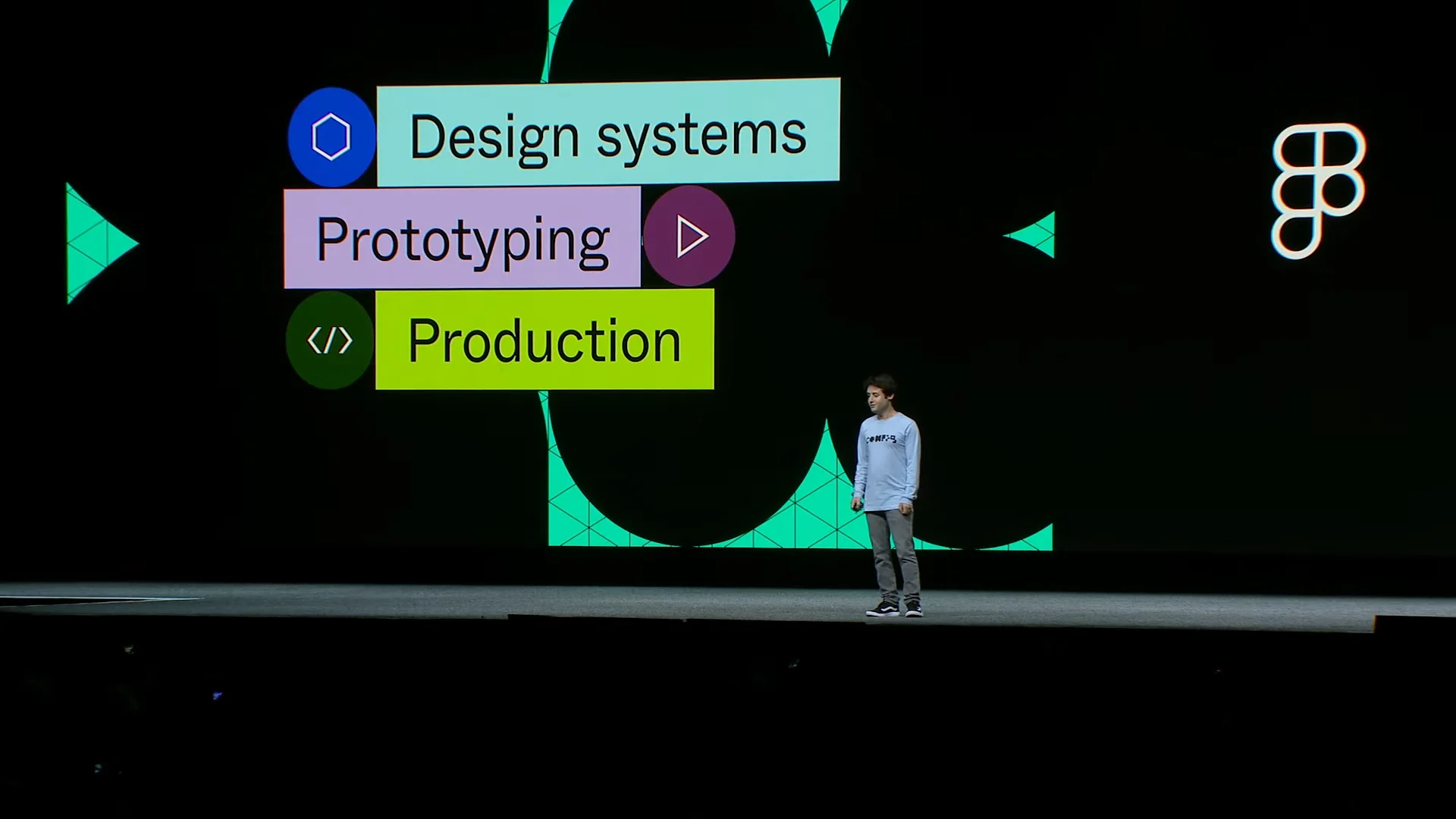
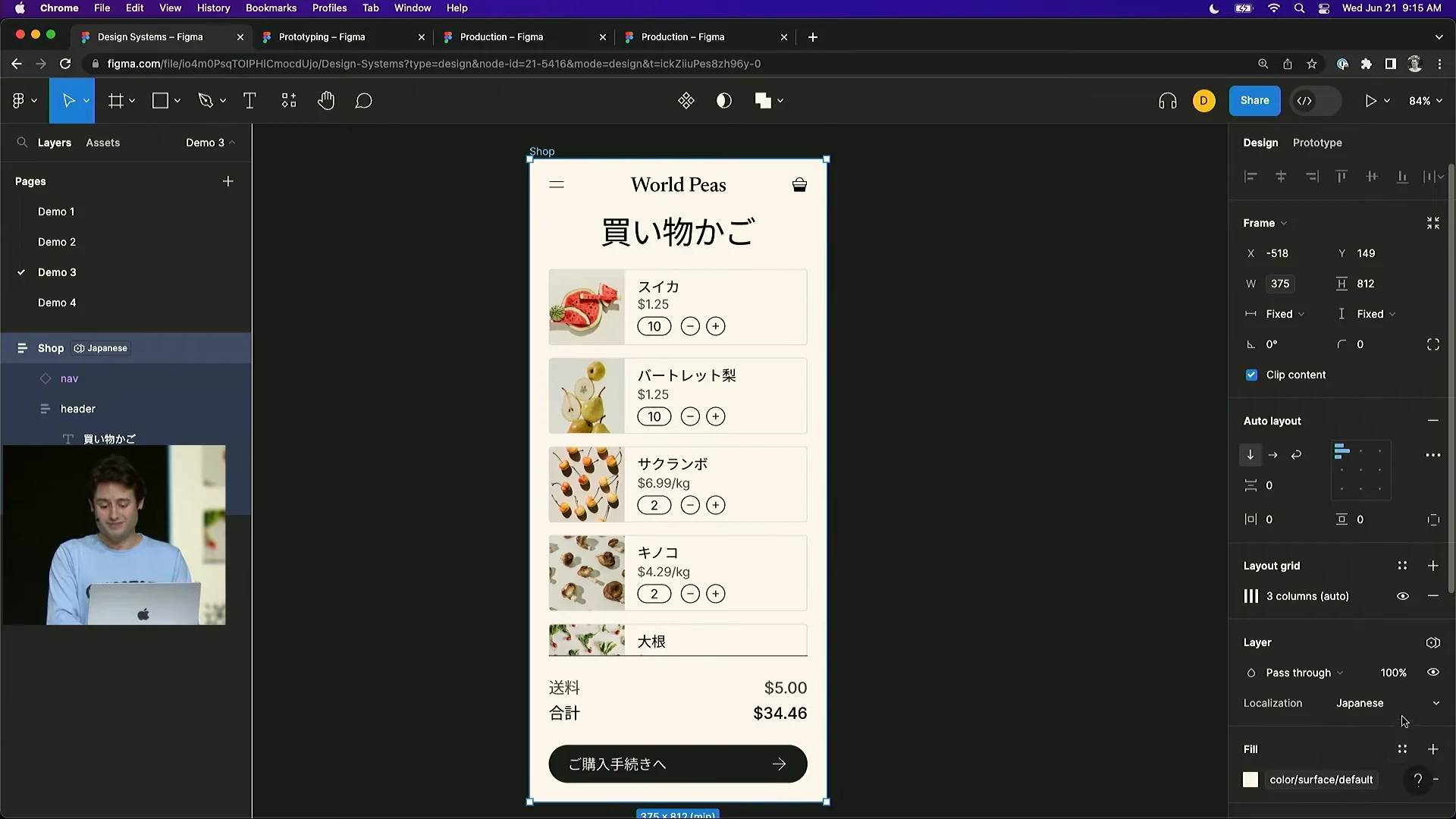
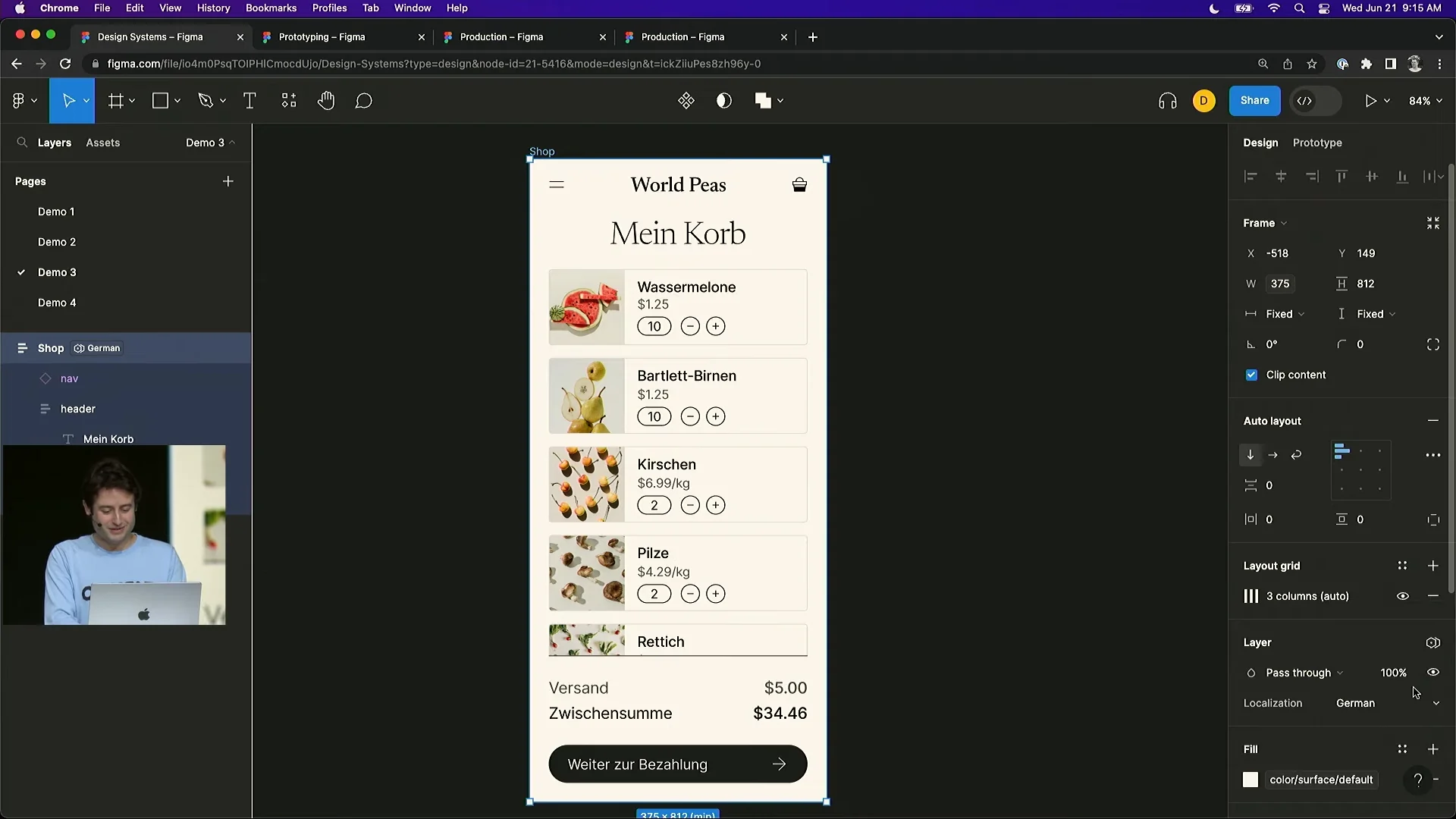
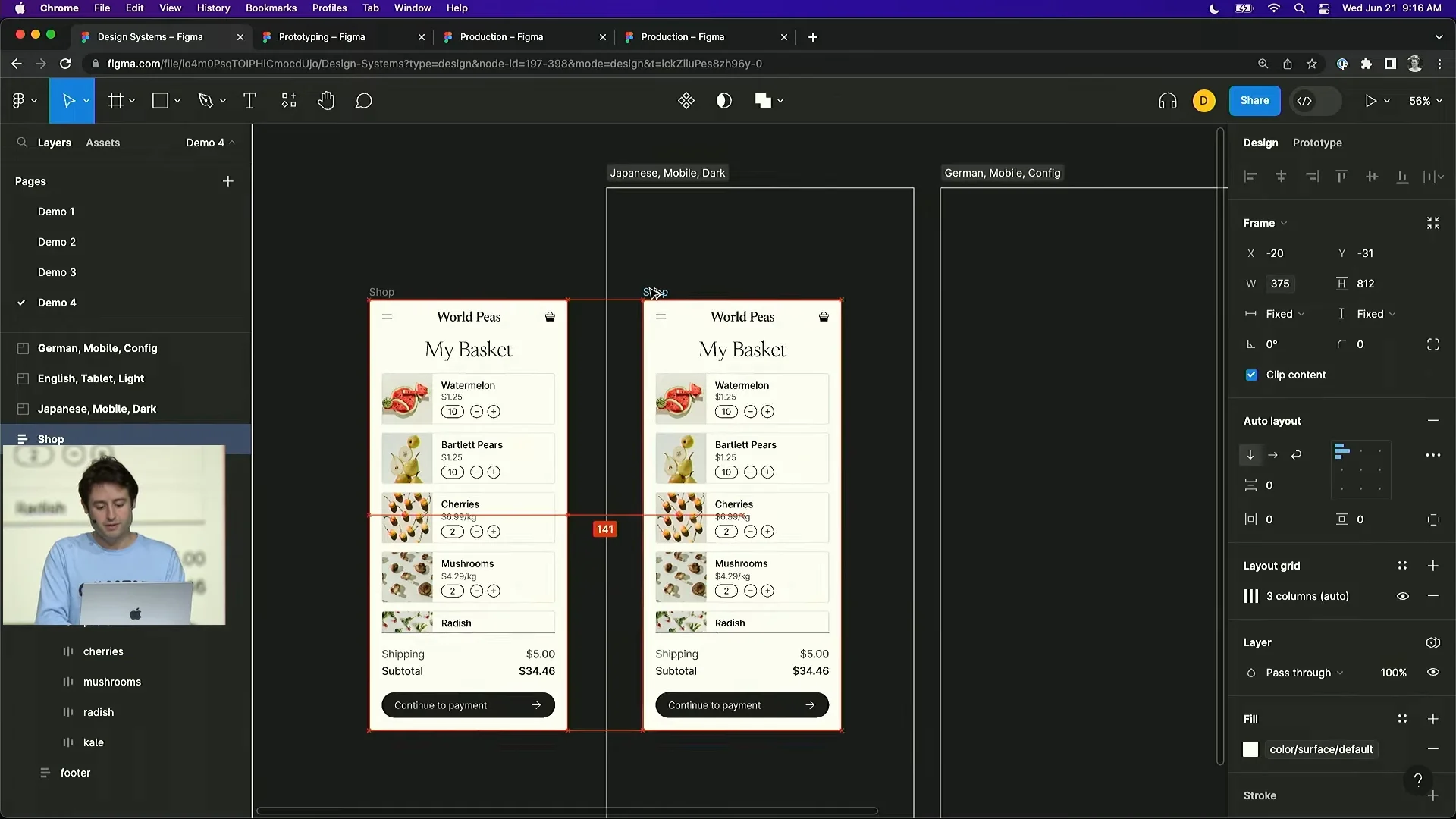
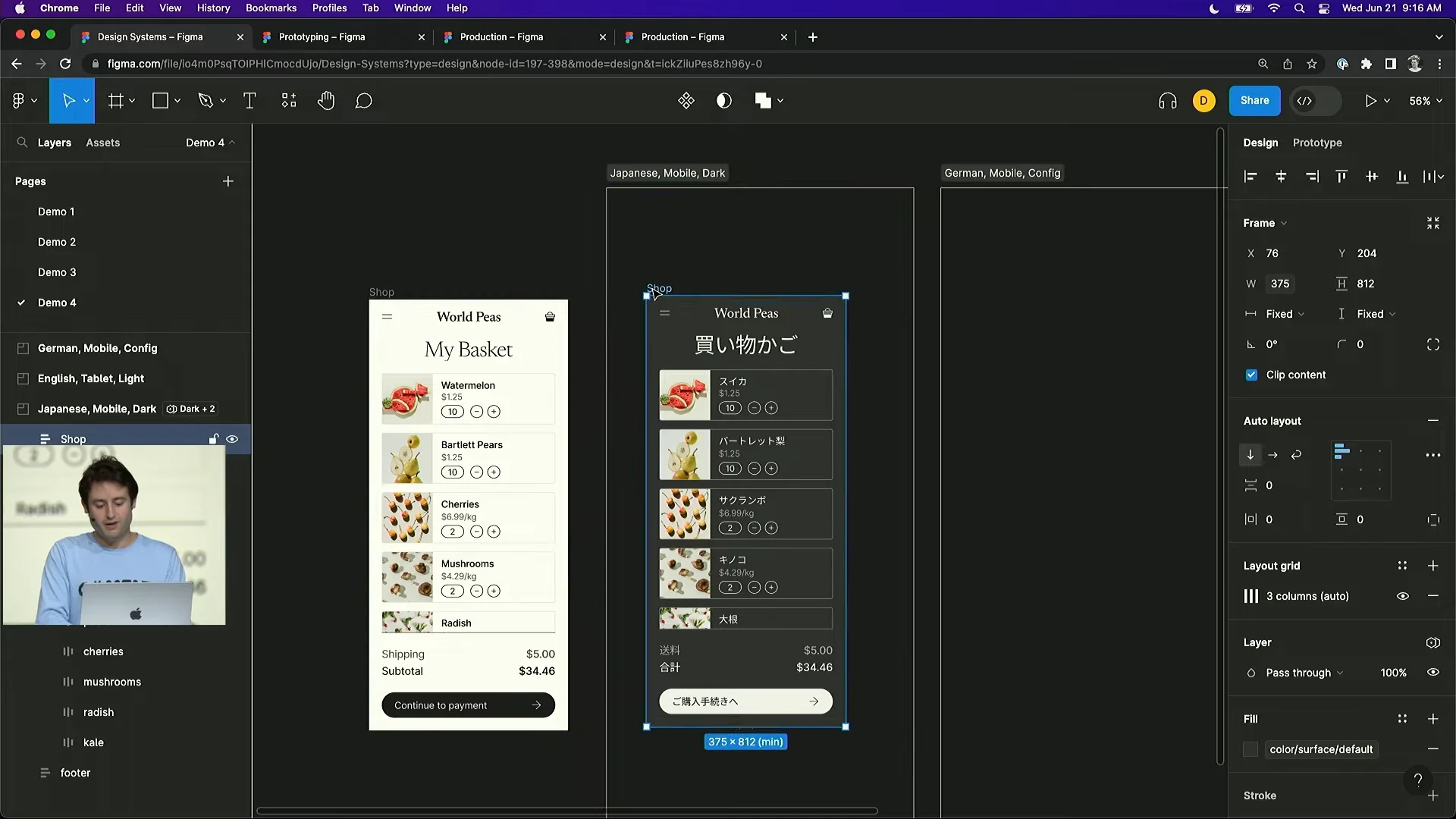
- Variables enable dark mode and global localization.
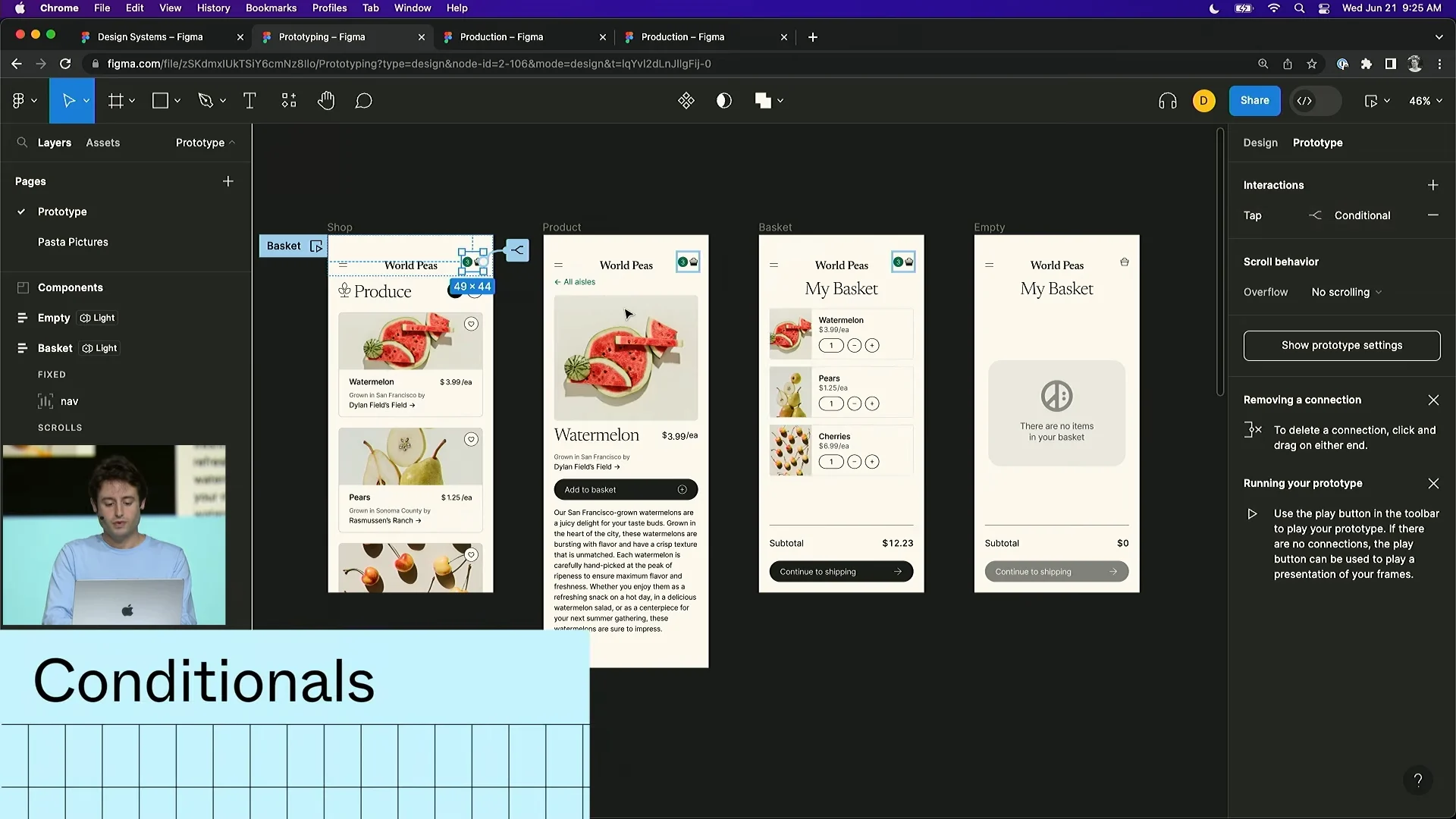
- Prototypes can now include conditions.
- Dev Mode takes handoff much further.
- AI can generate Figma designs.
Keep Reading for the Detailed Updates
Variables
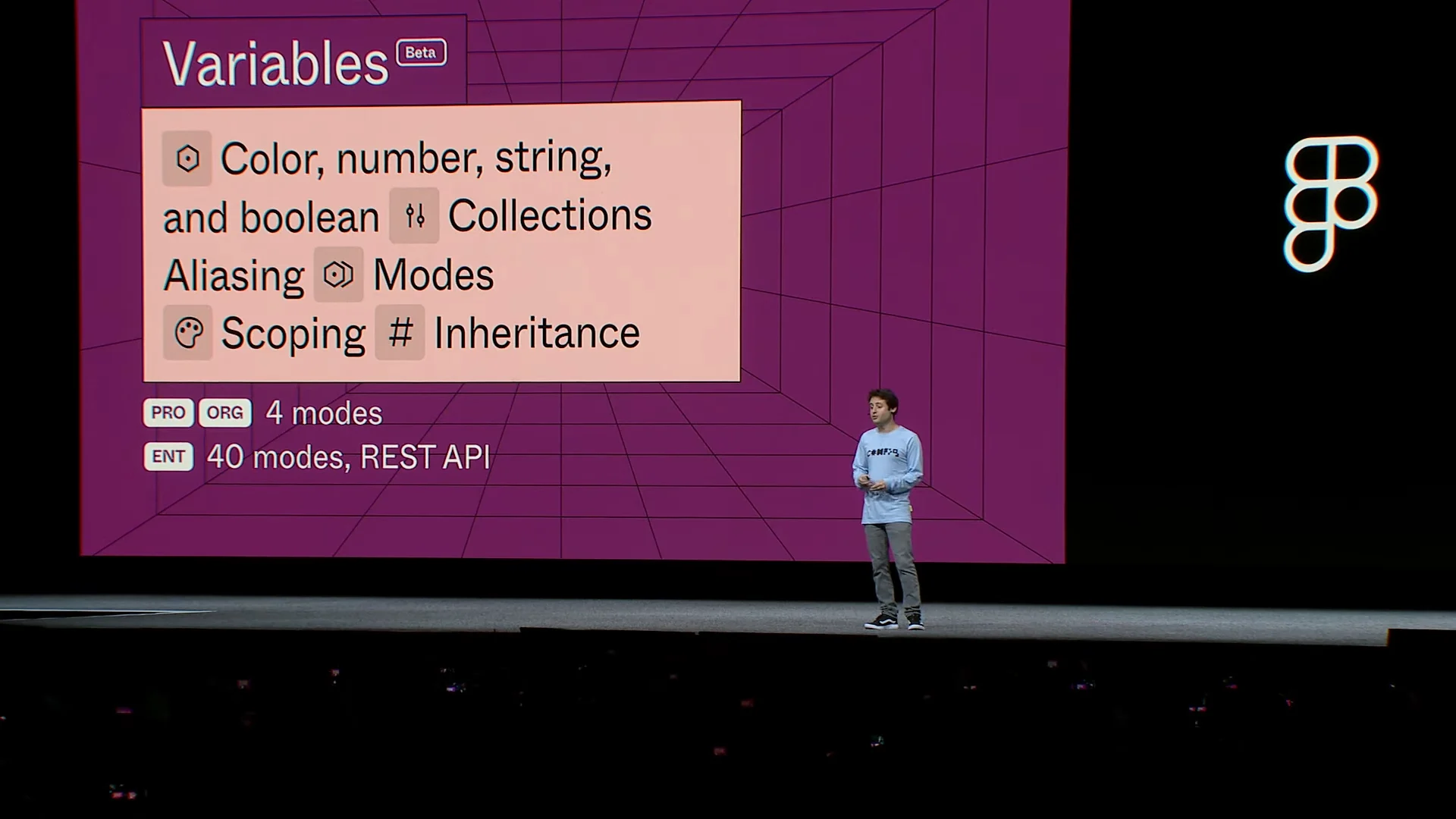
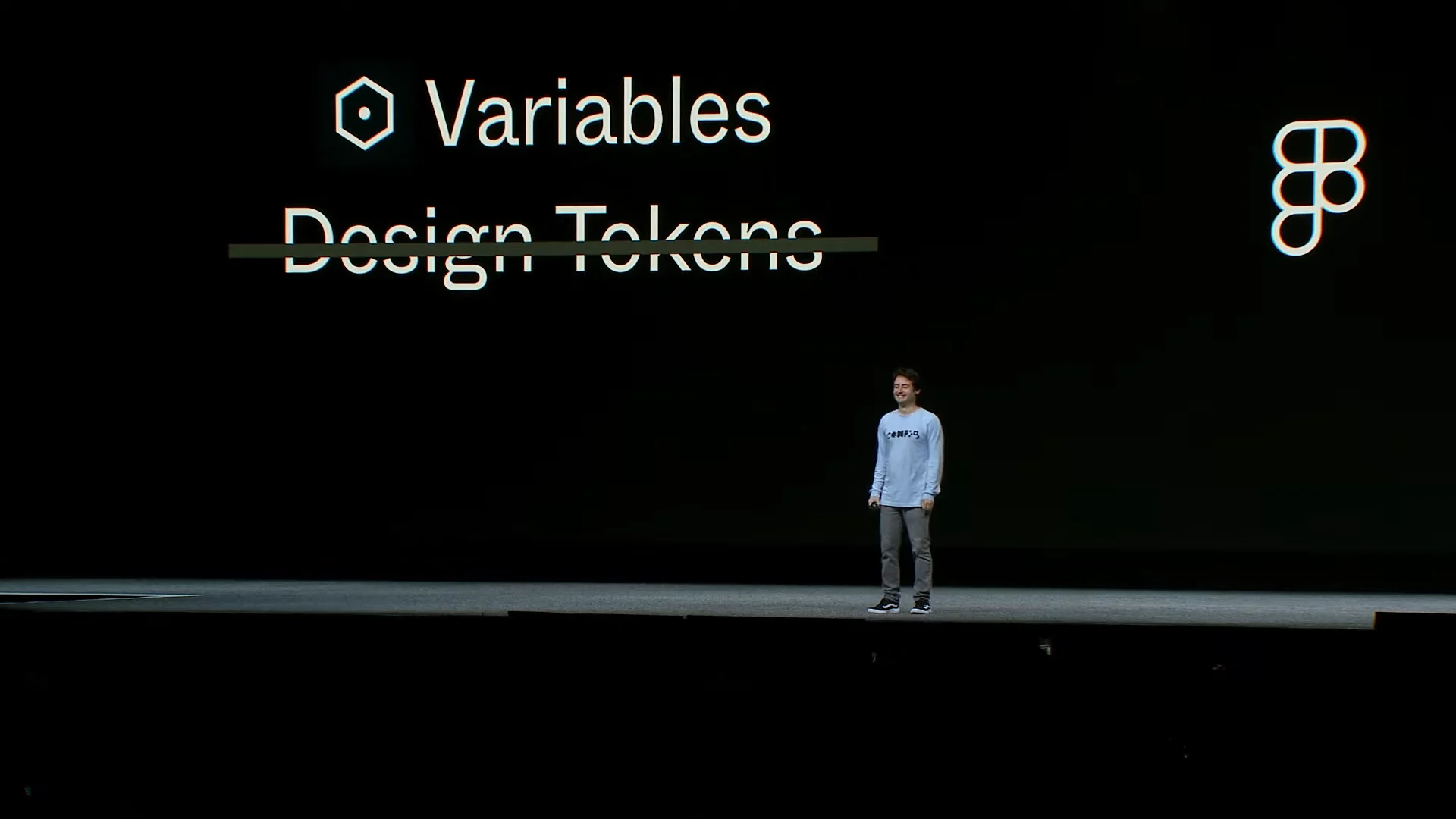
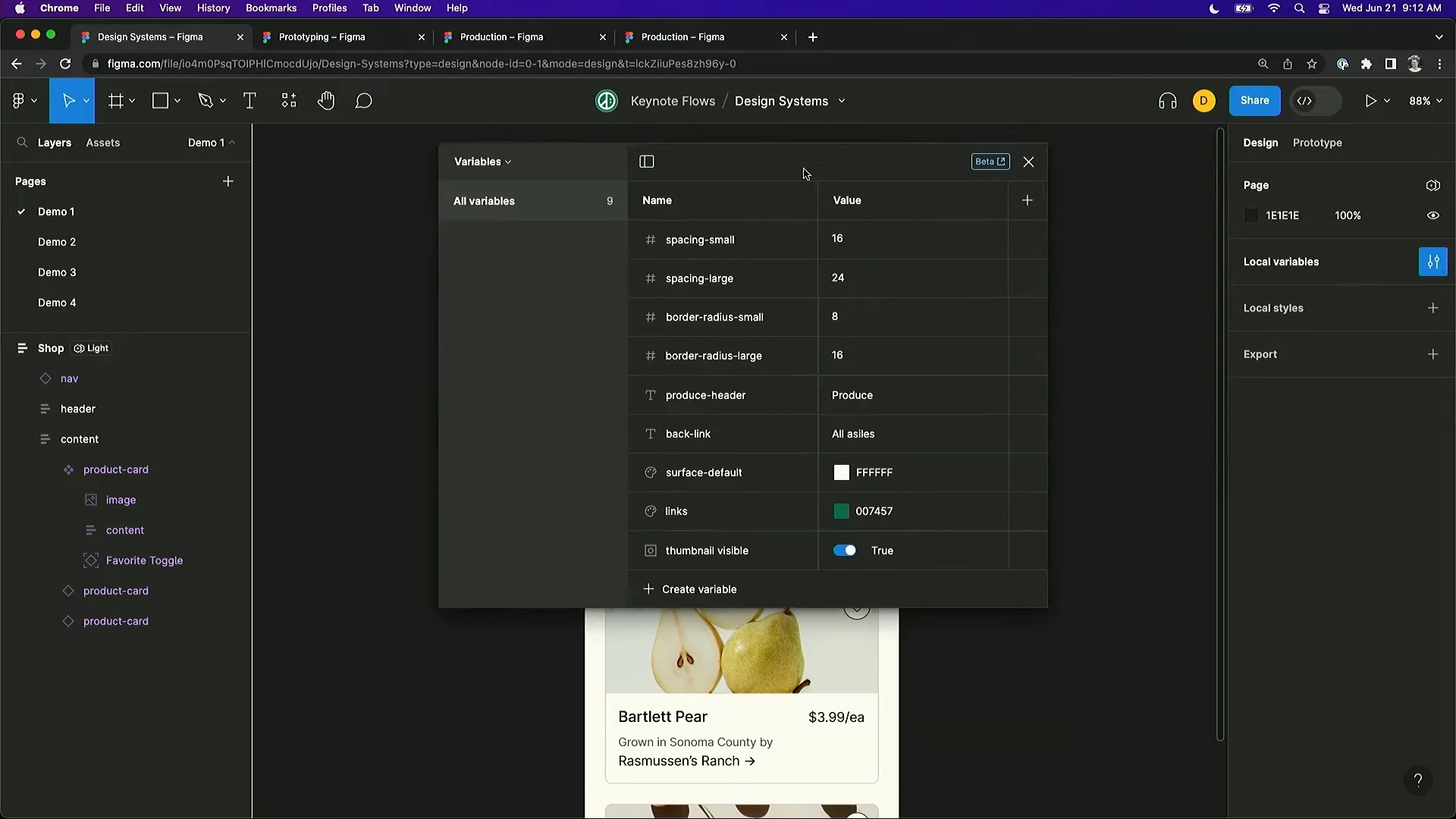
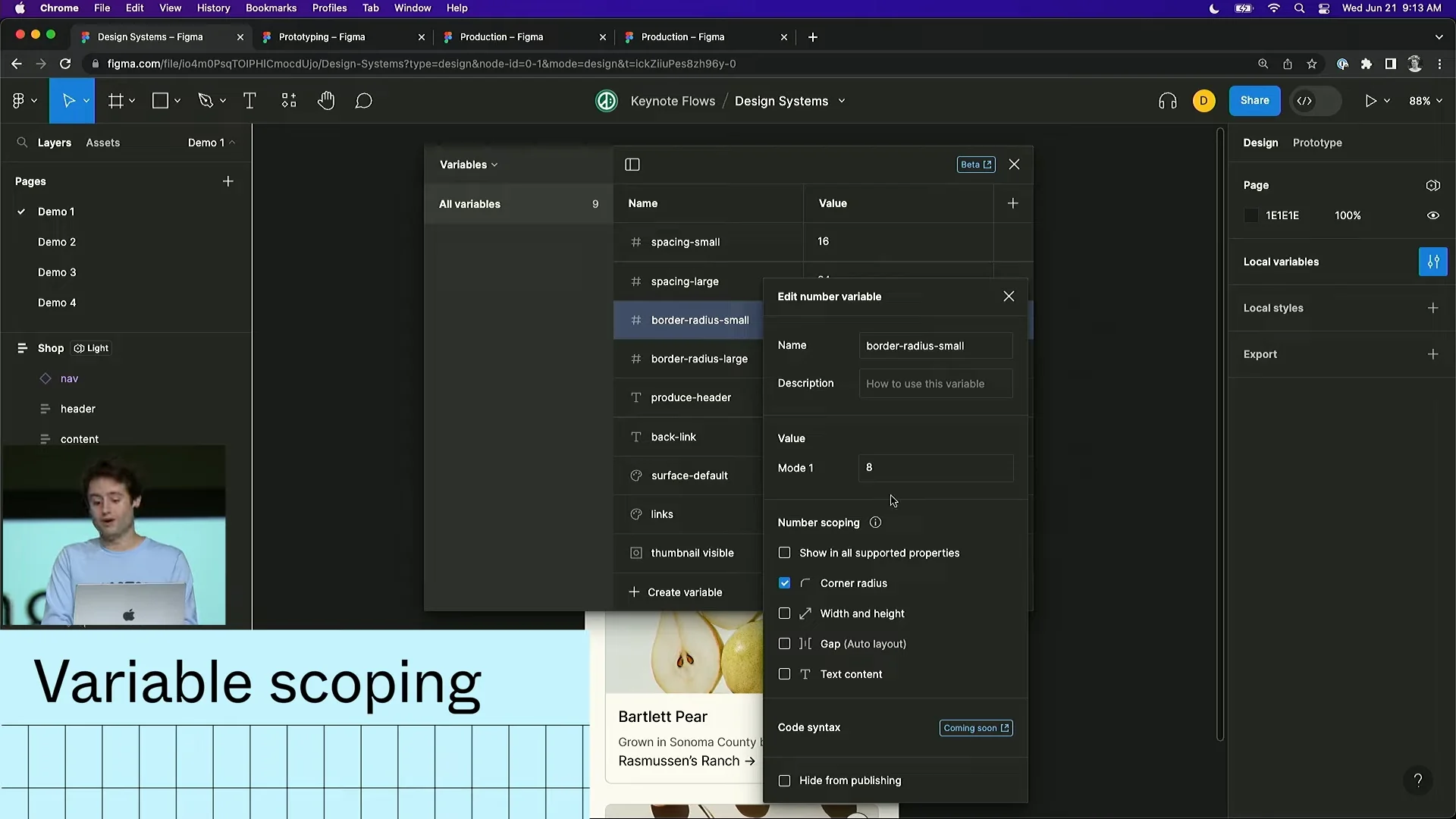
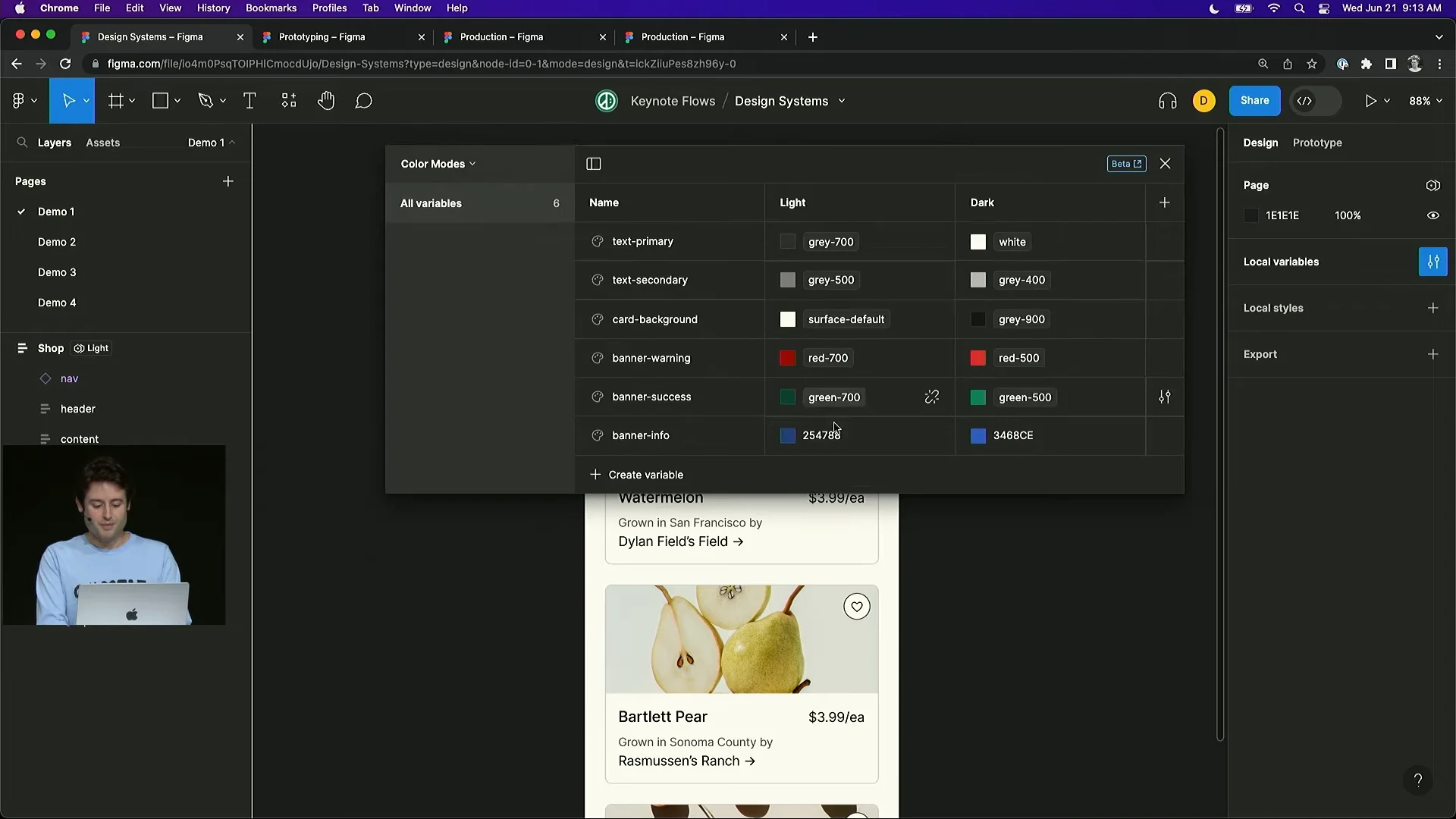
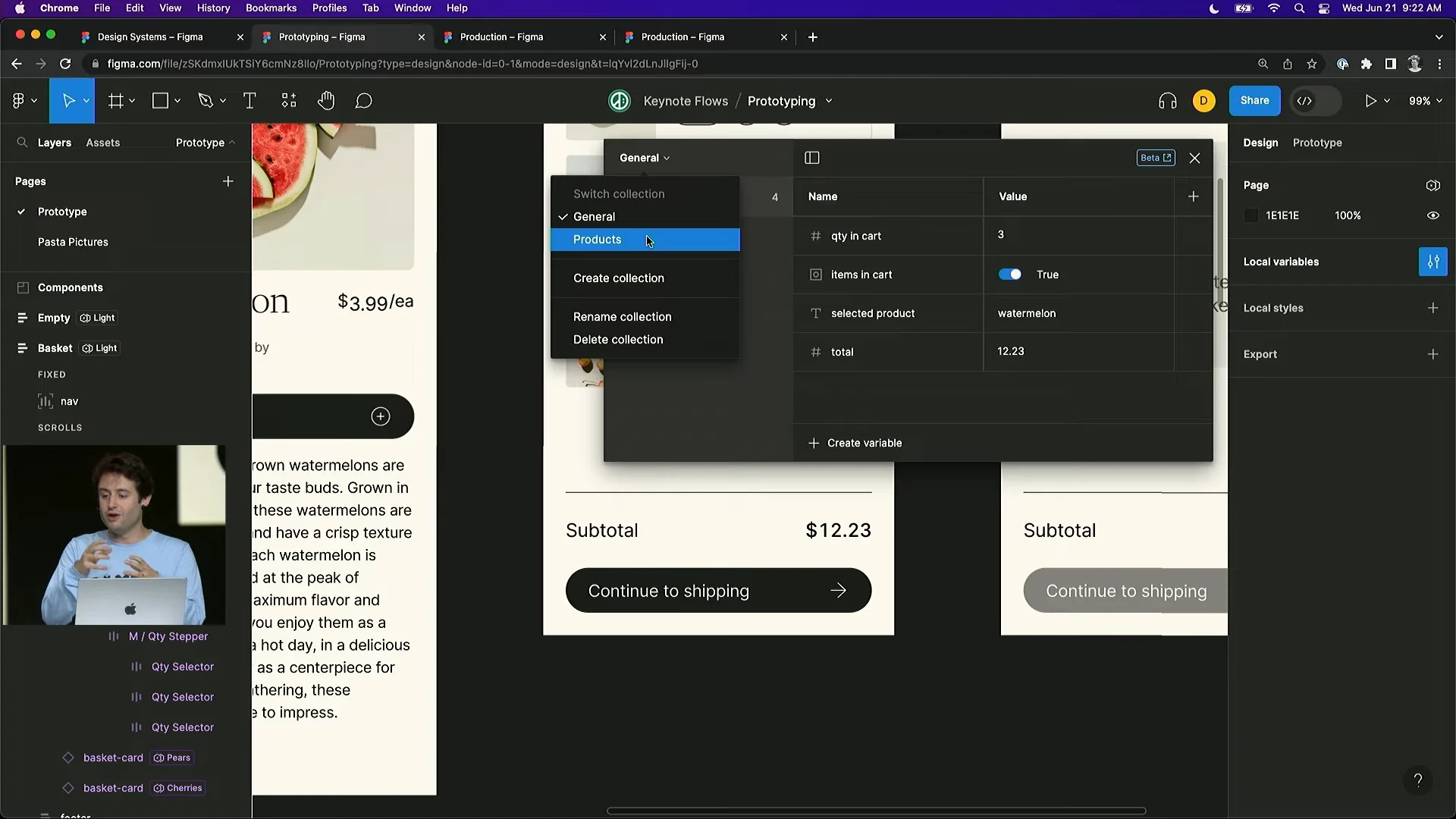
Figma introduced Variables, a more powerful extension of tokens. Colors, languages, booleans, numbers, corner radii, and other fundamentals can be defined in modes and swapped easily. Separate plugins are no longer required for dark mode or global localization.
Screenshots
Prototyping with Variables
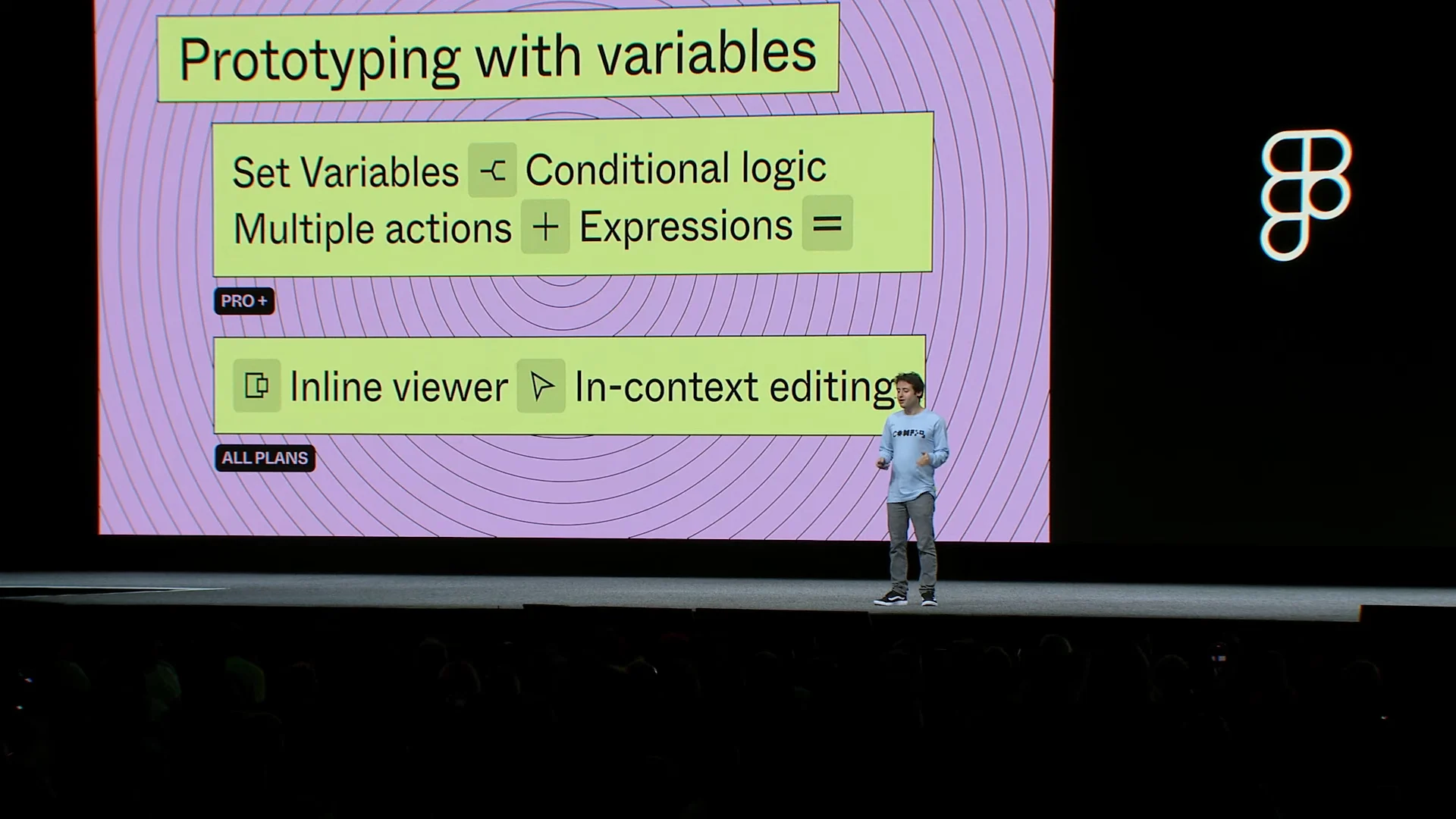
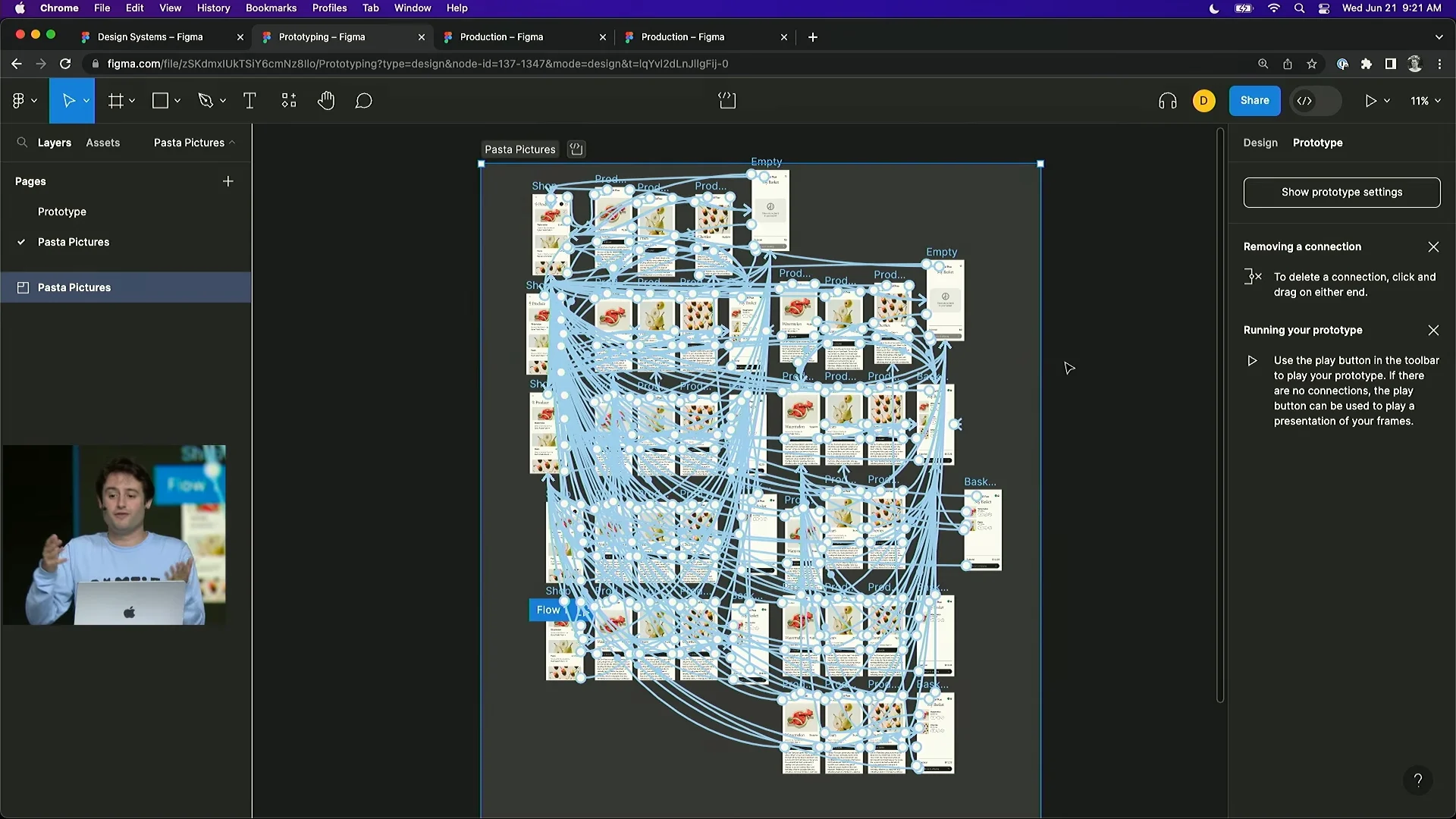
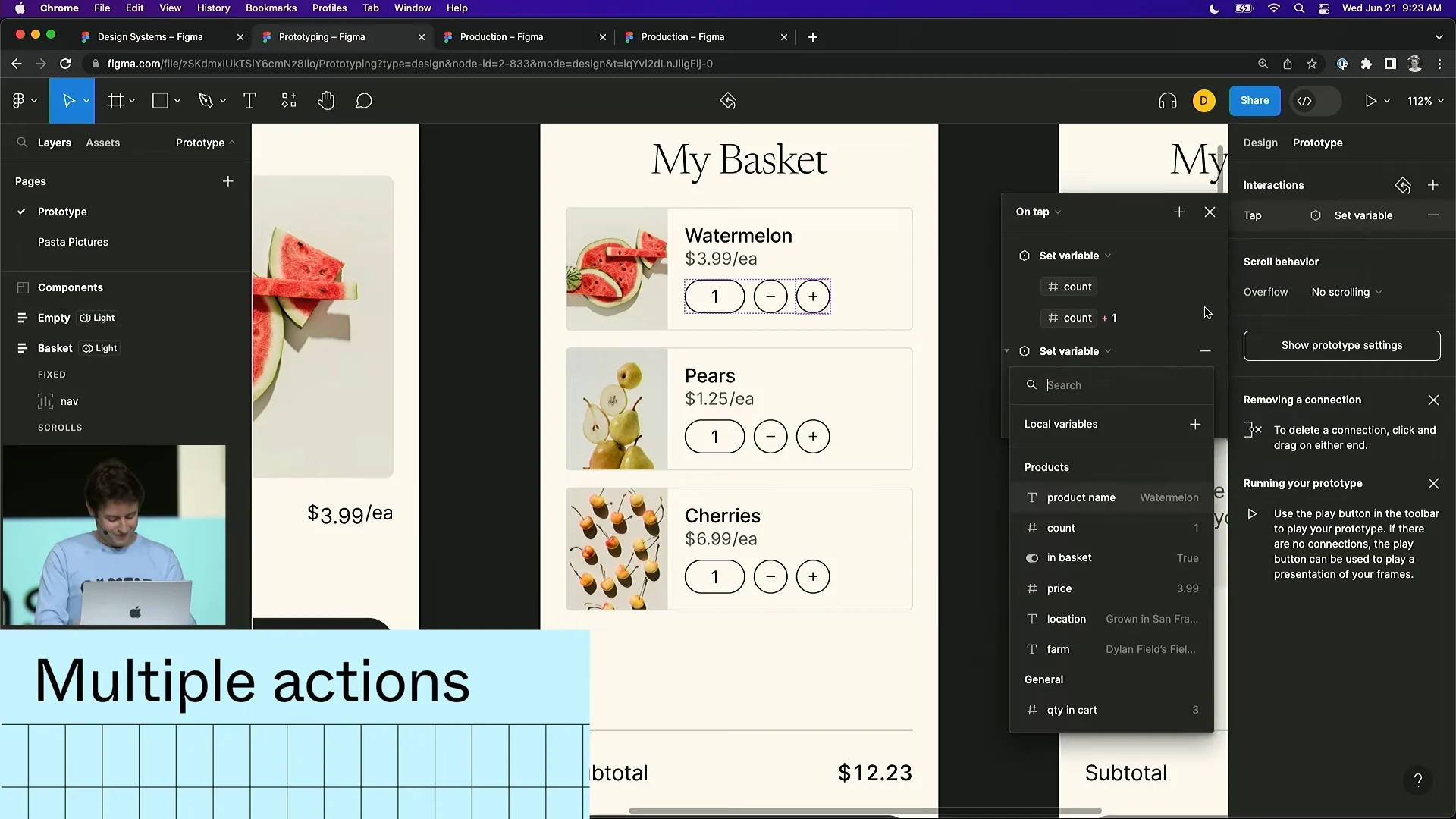
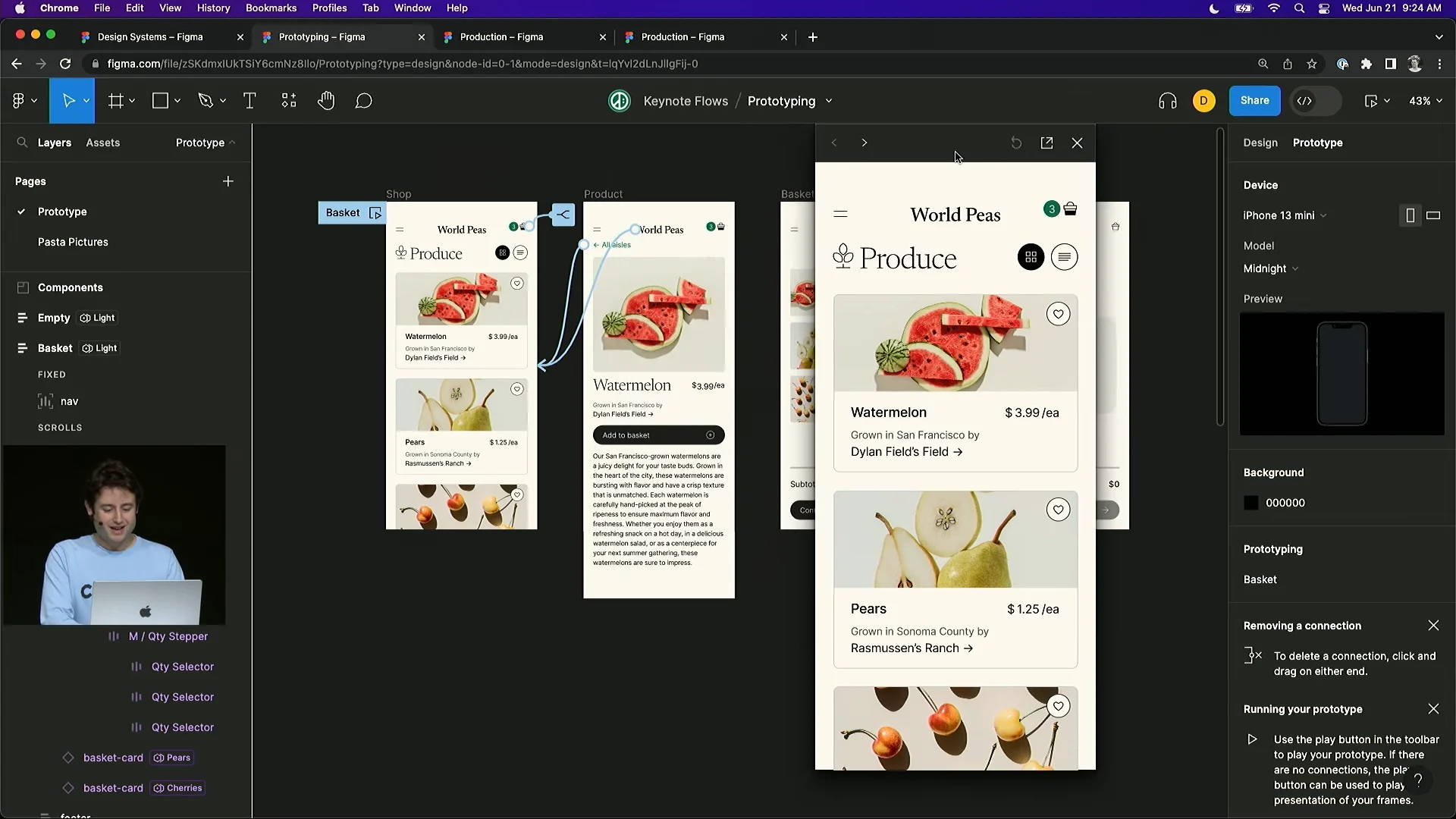
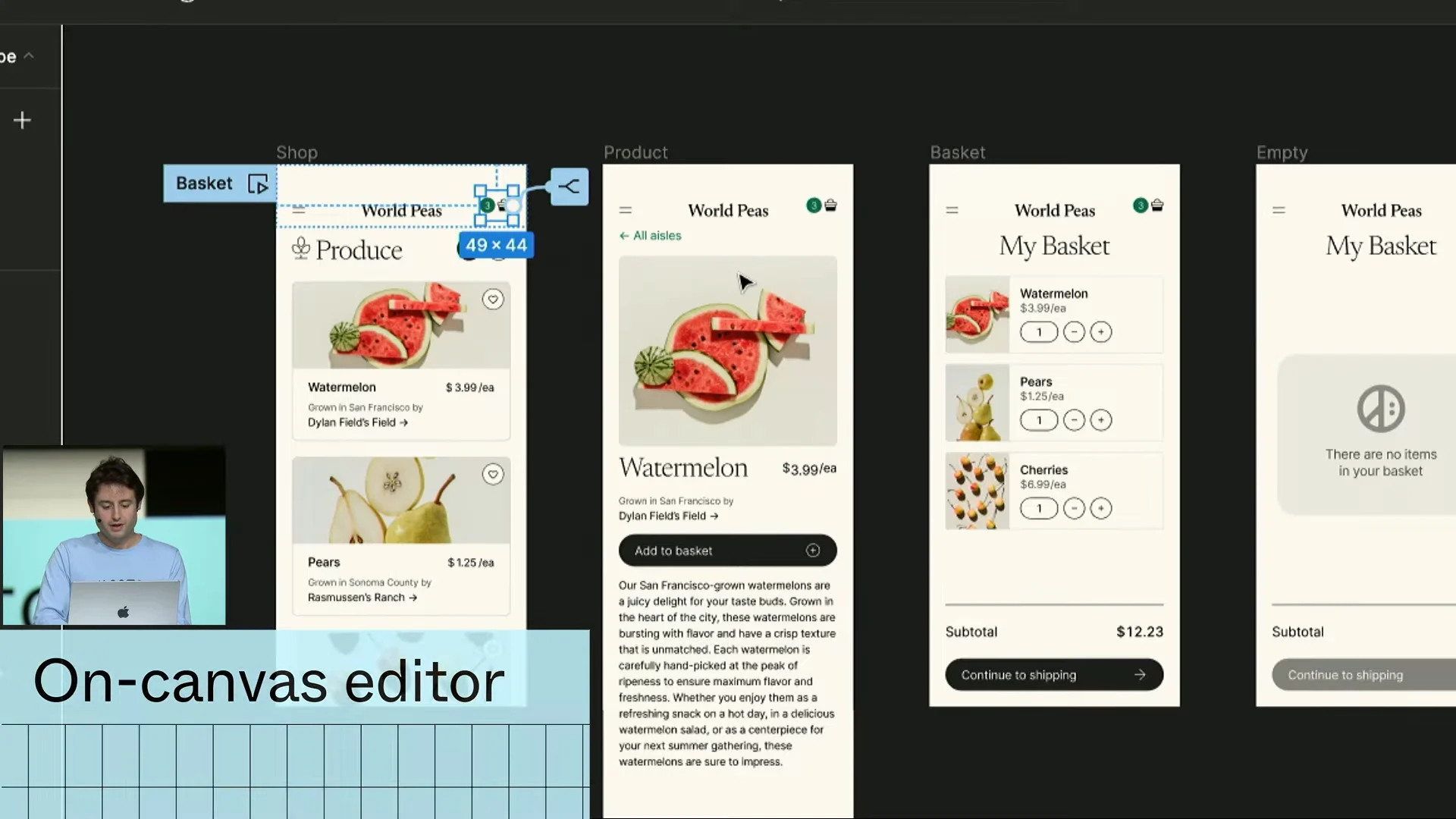
Variables also work powerfully with the new prototyping features. You can add conditions almost like functions to carefully built variables and create prototypes that behave like real products. With enough Figma fluency, it now seems possible to build a simple app entirely in Figma. You can also play a prototype without opening a separate prototype window.
Screenshots
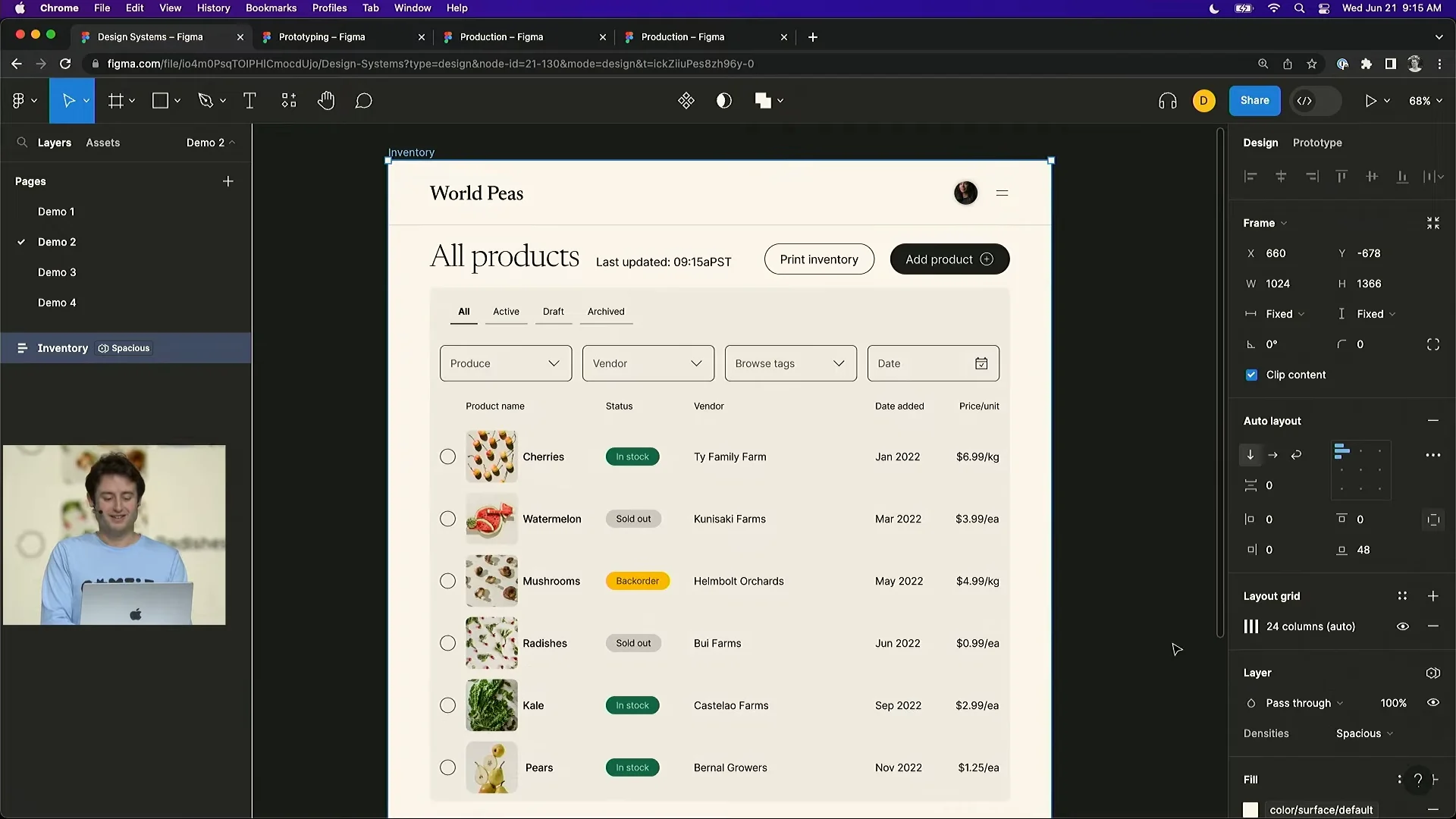
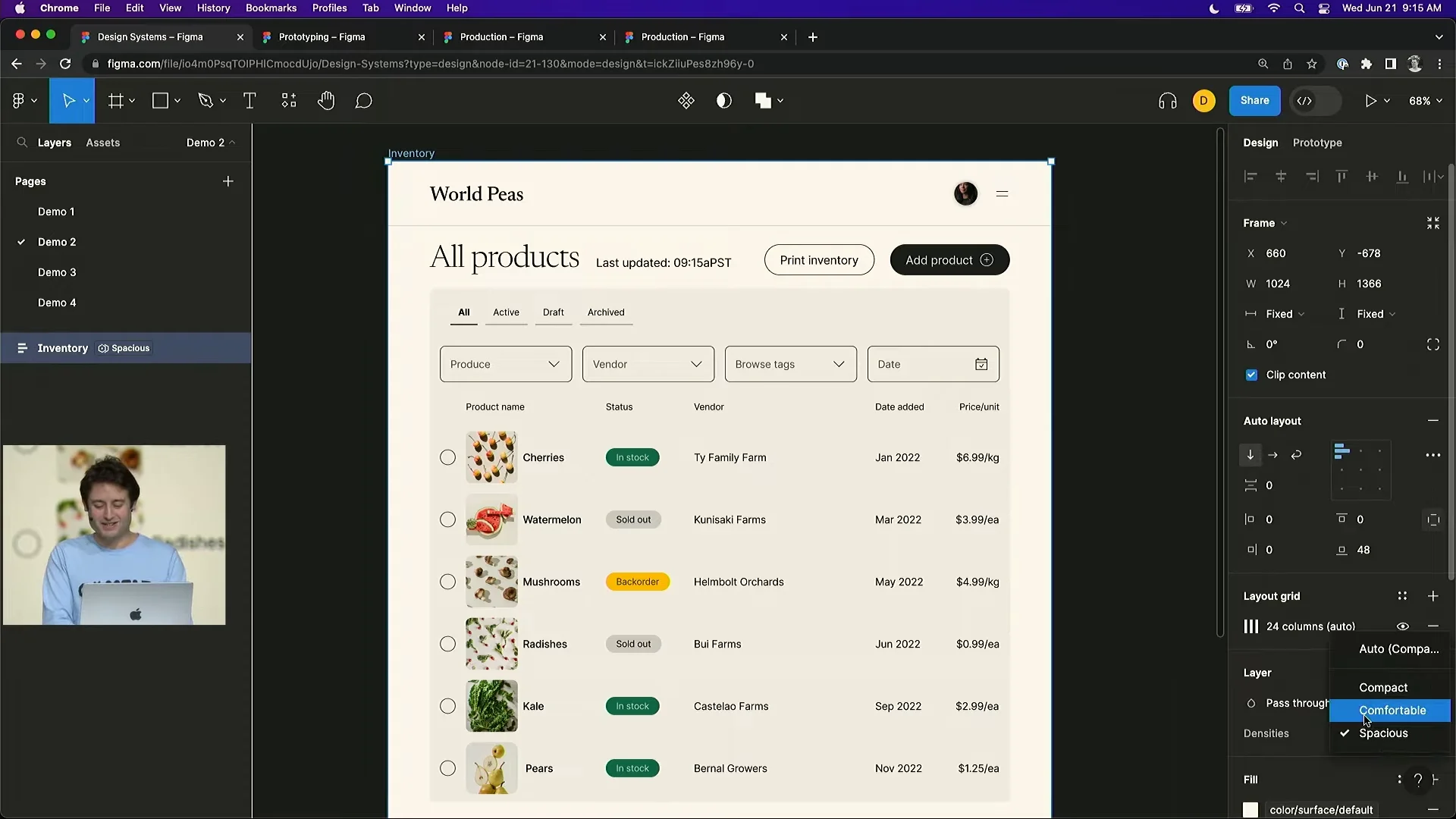
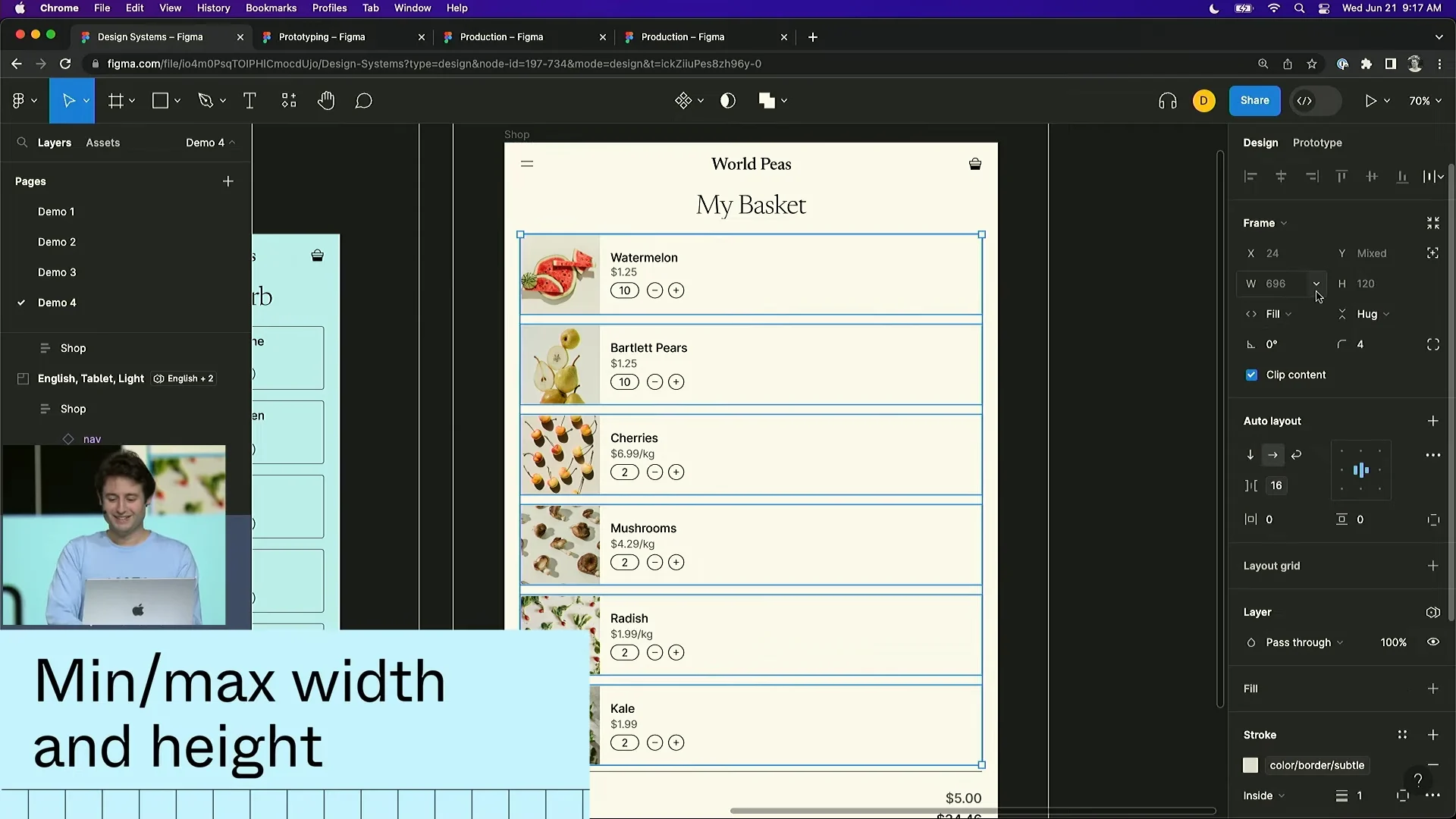
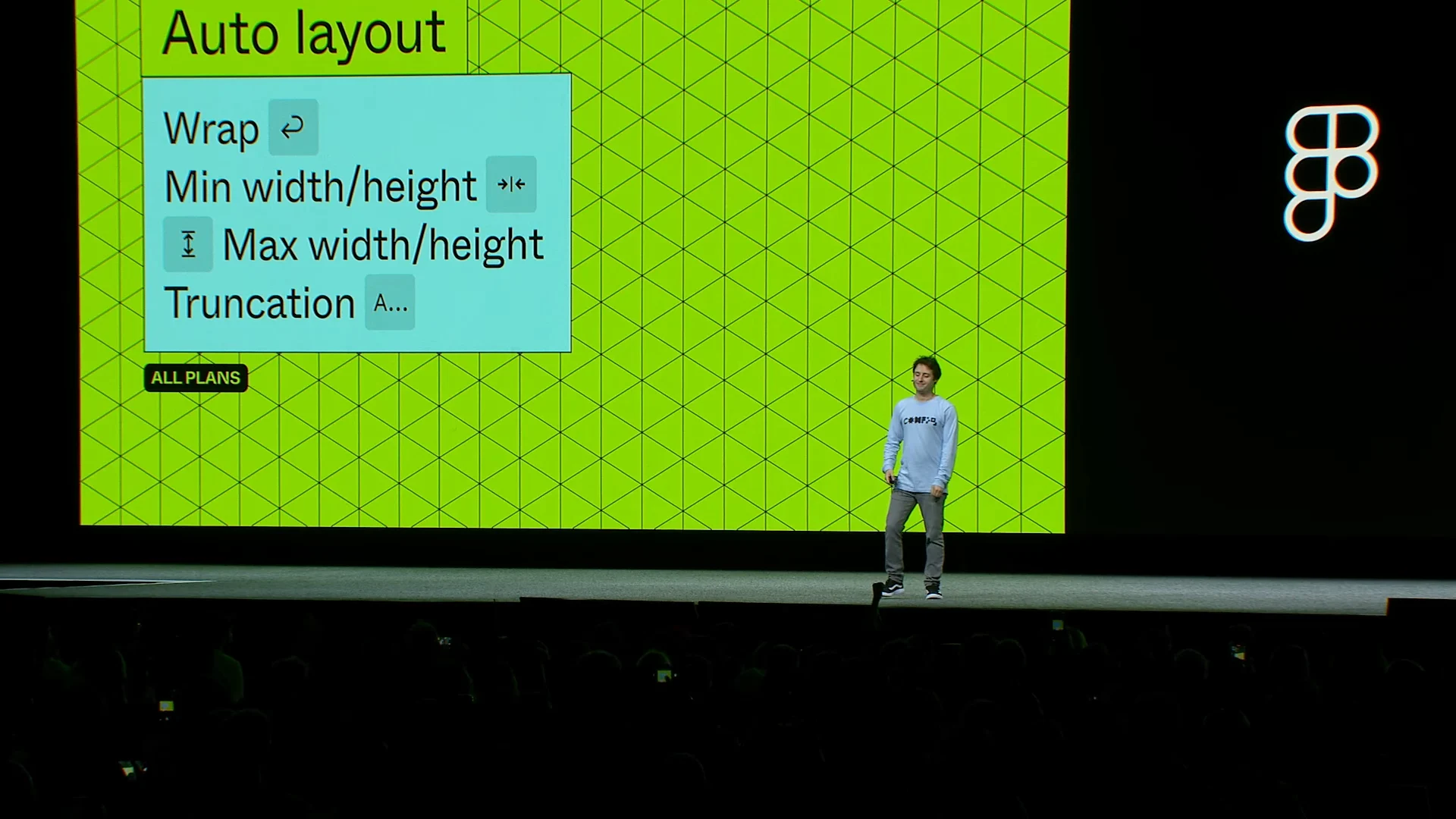
Auto Layout changed substantially too. It gained Wrap, which automatically moves UI elements to a new line as the layout changes, along with minimum and maximum width and height. Instead of writing long instructions about how a component should change at each breakpoint, designers can now build that behavior directly into Figma.
Screenshots
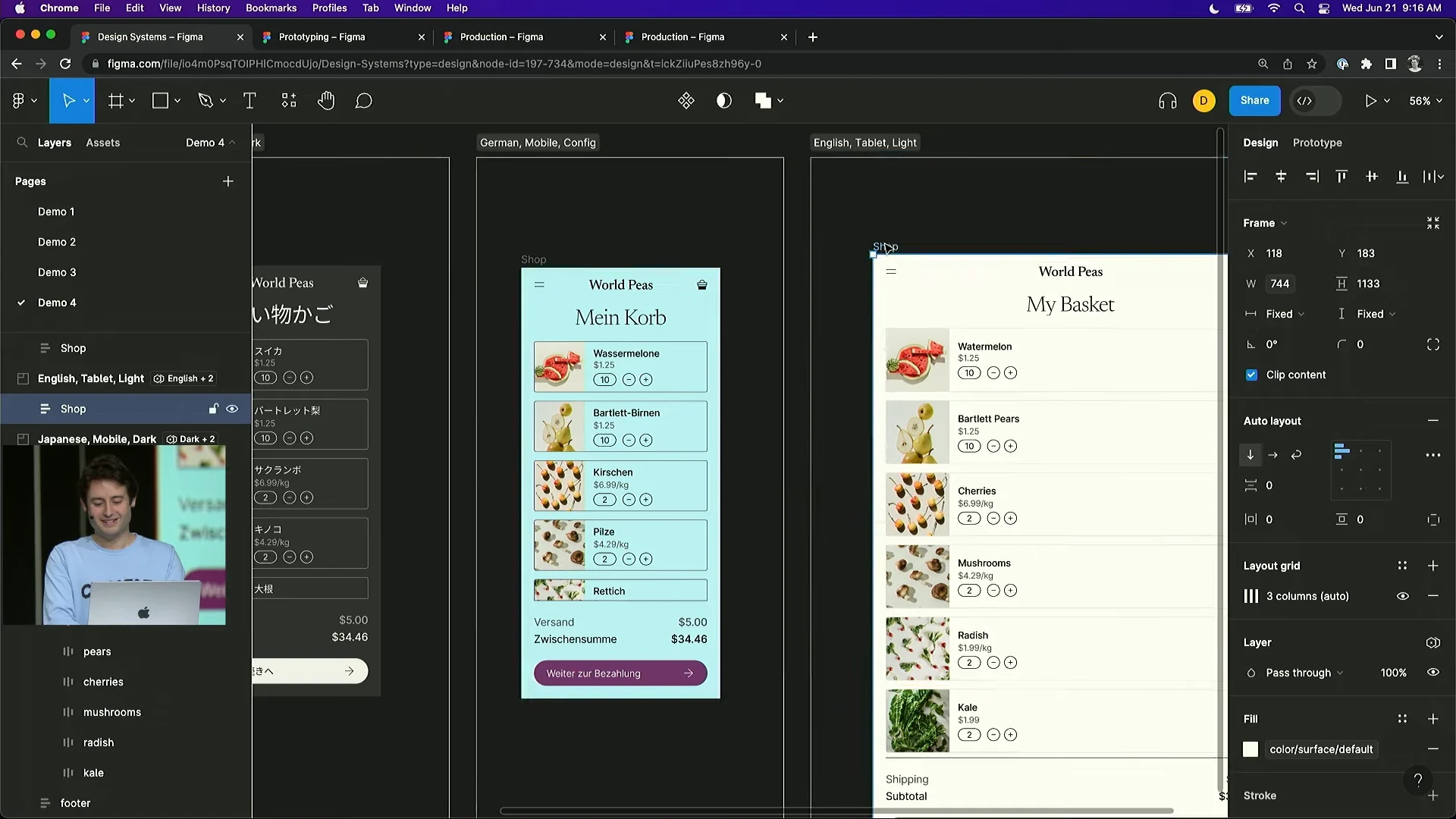
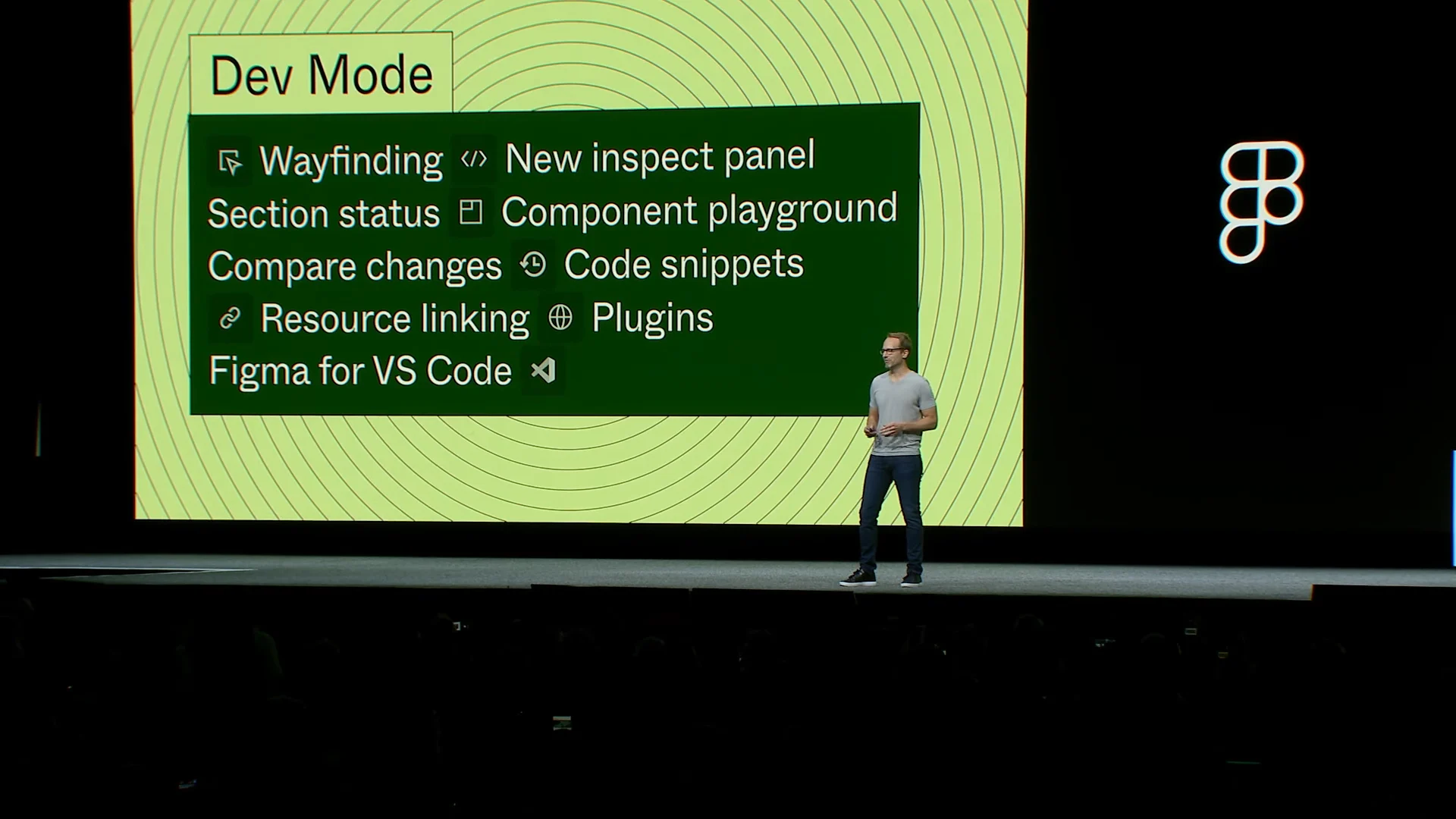
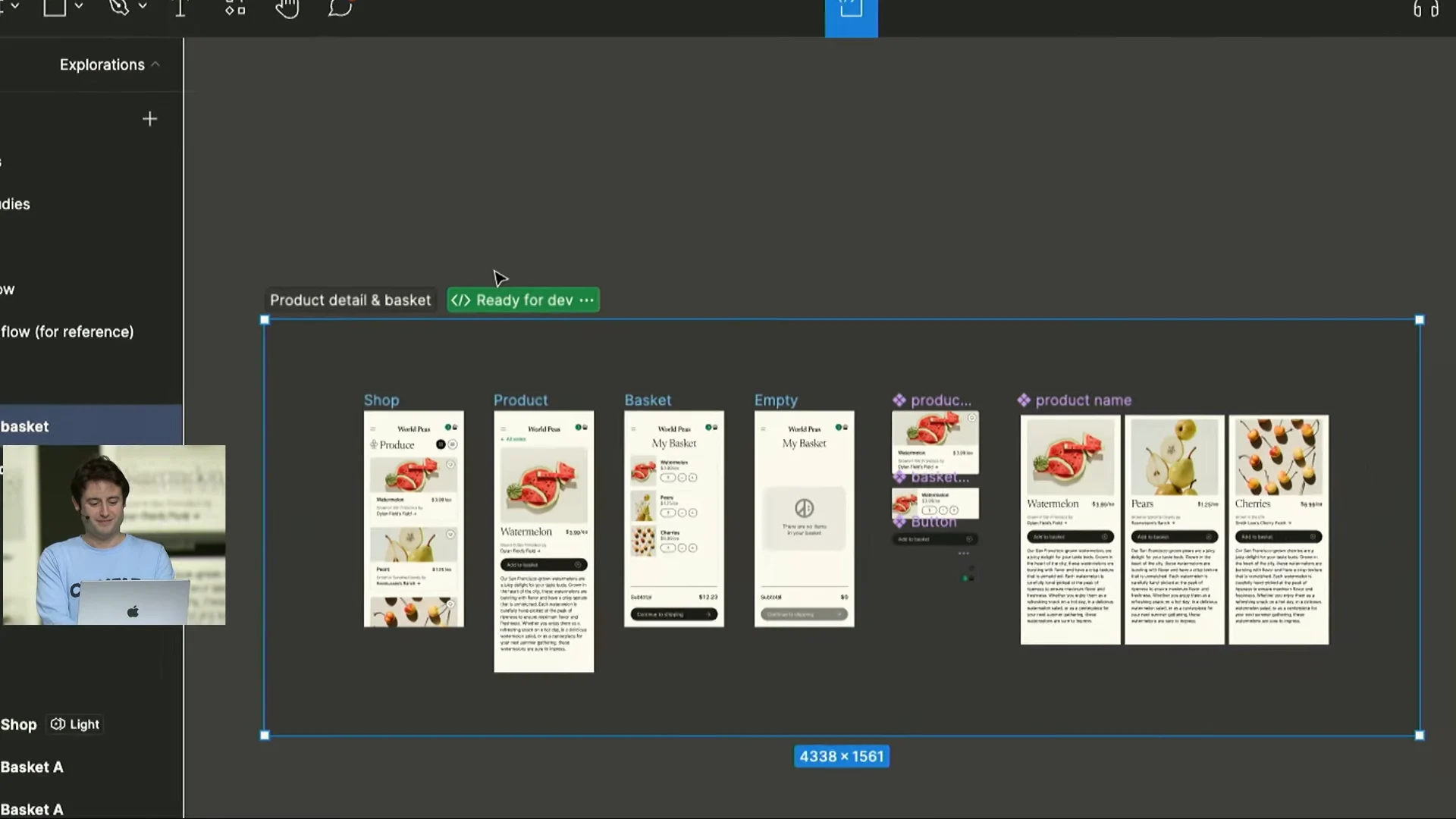
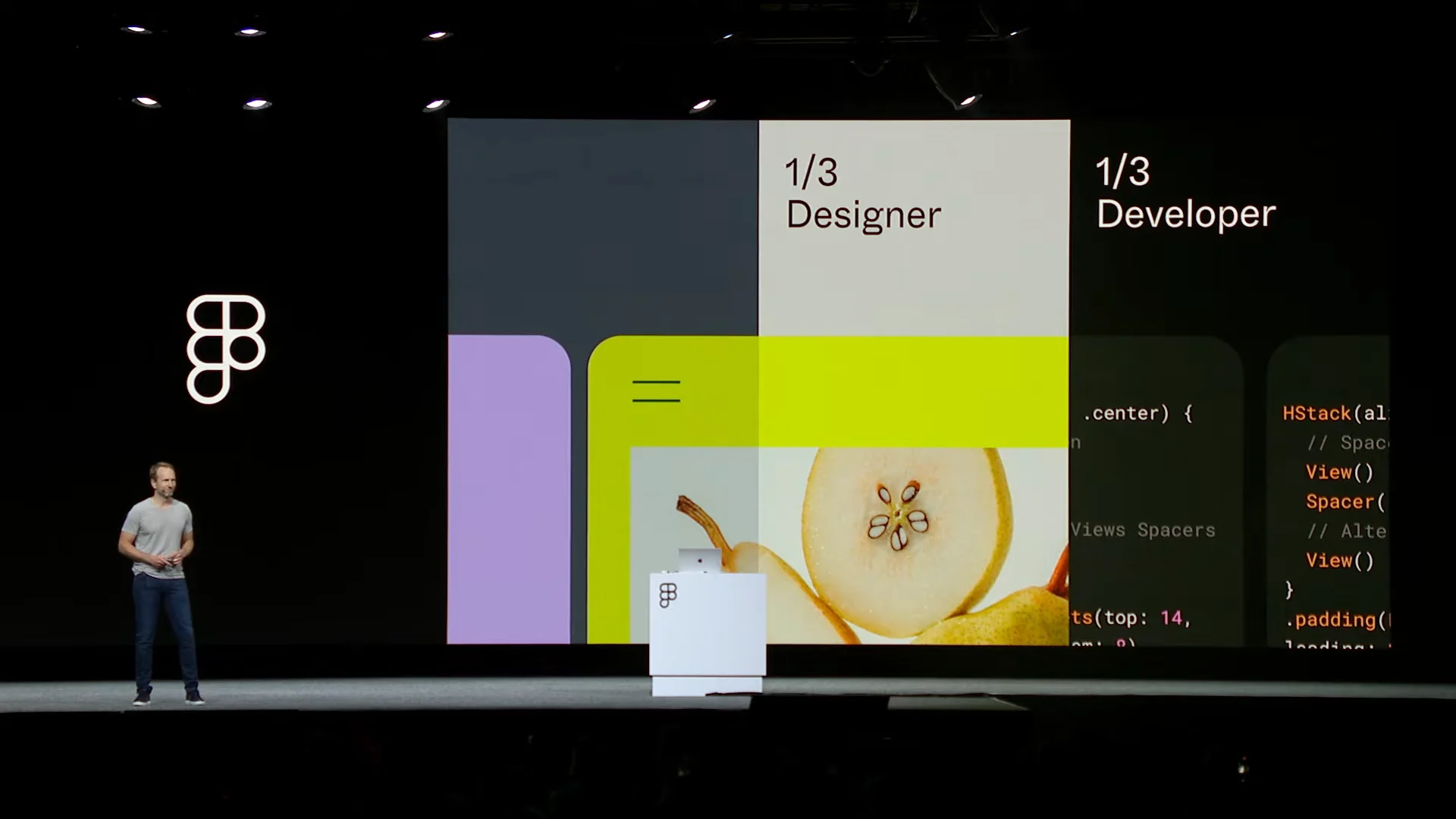
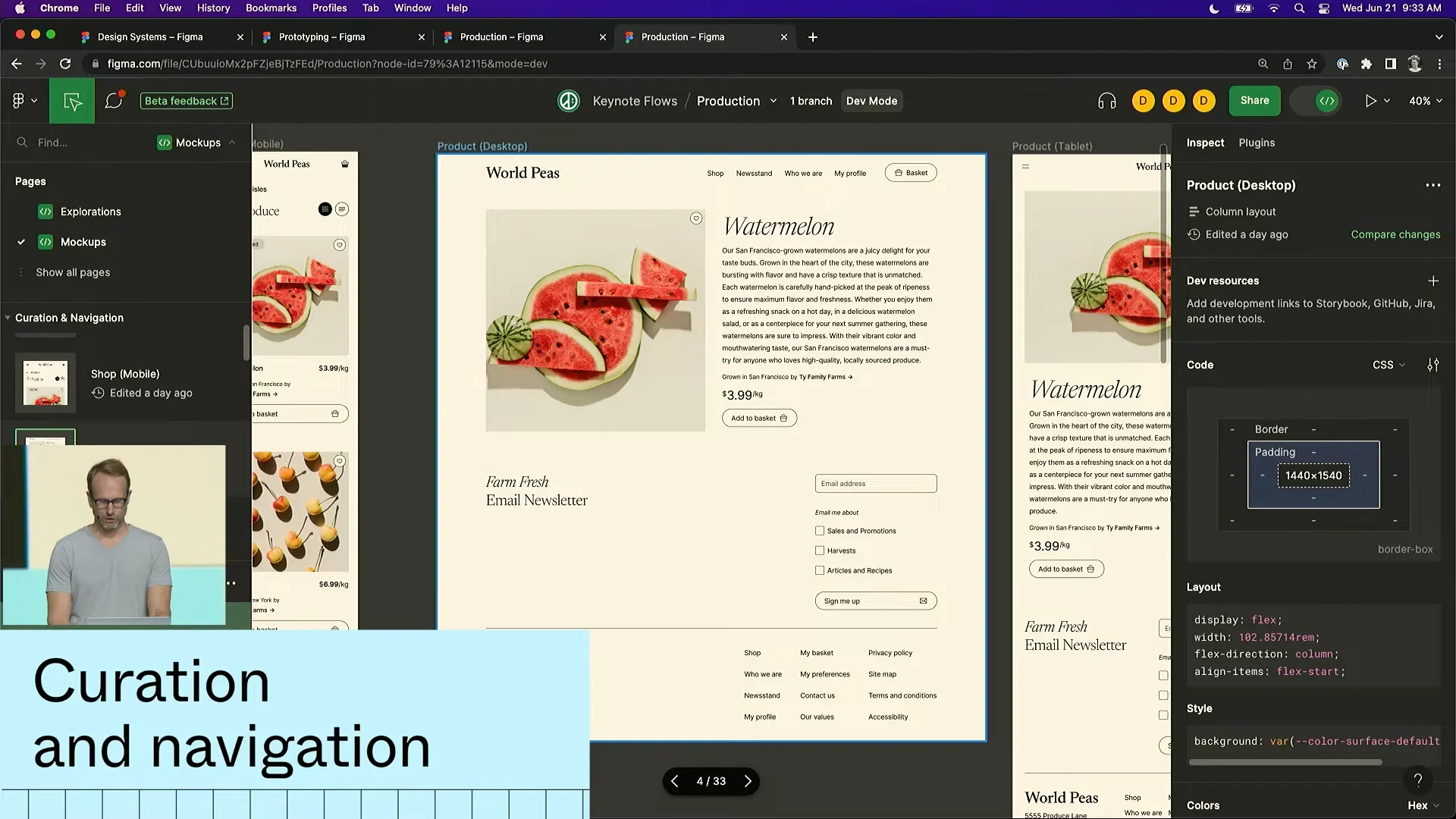
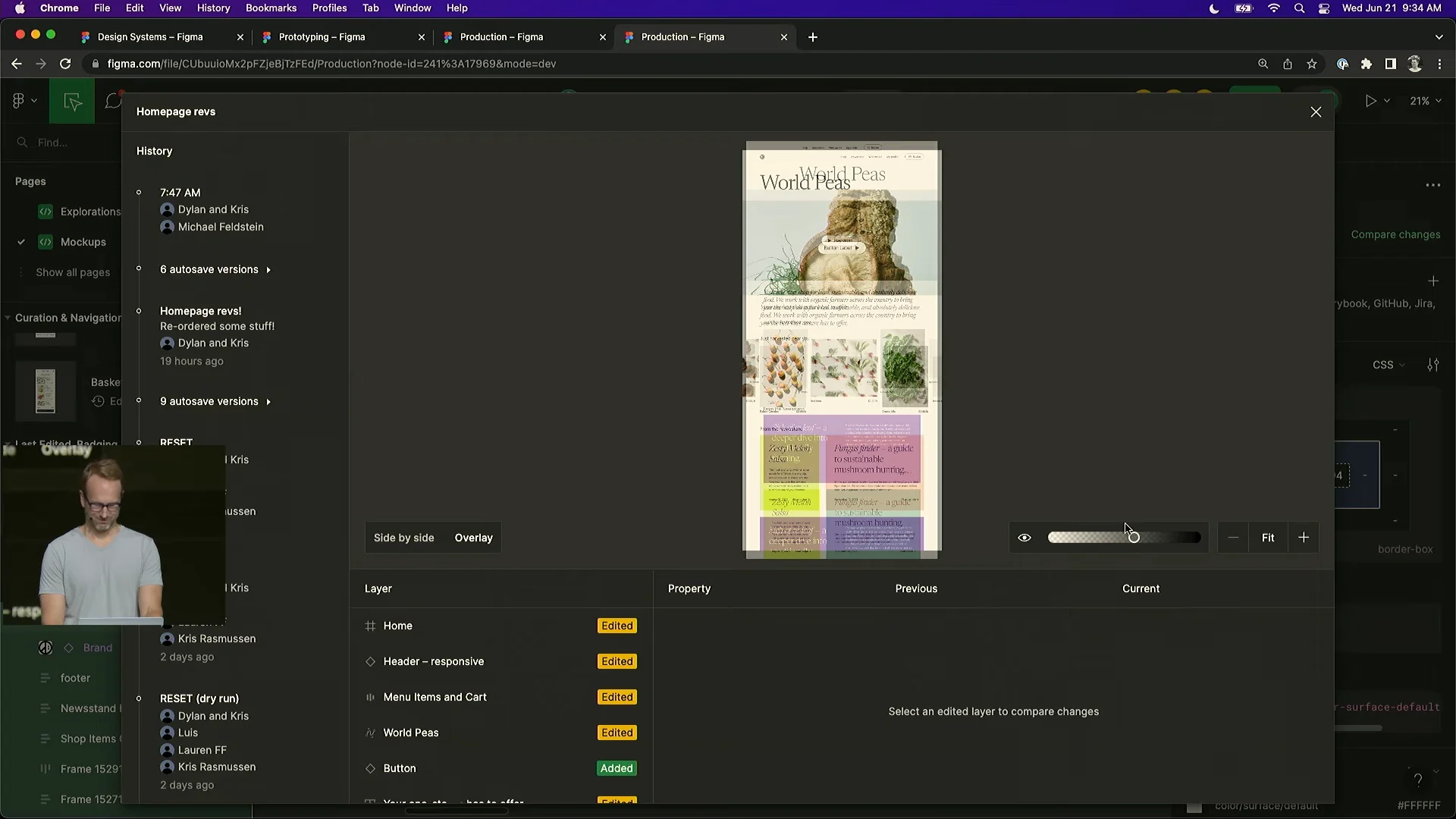
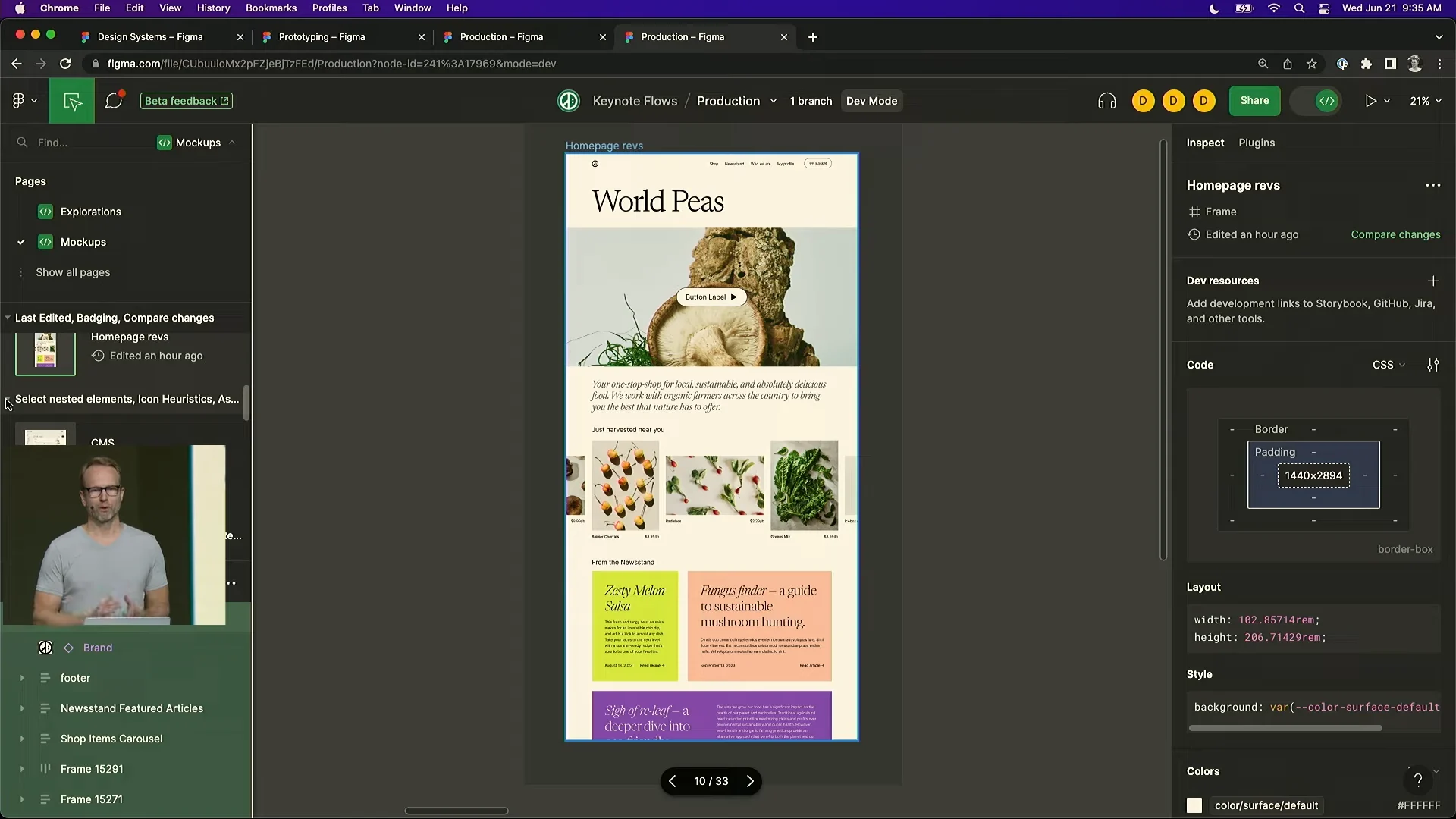
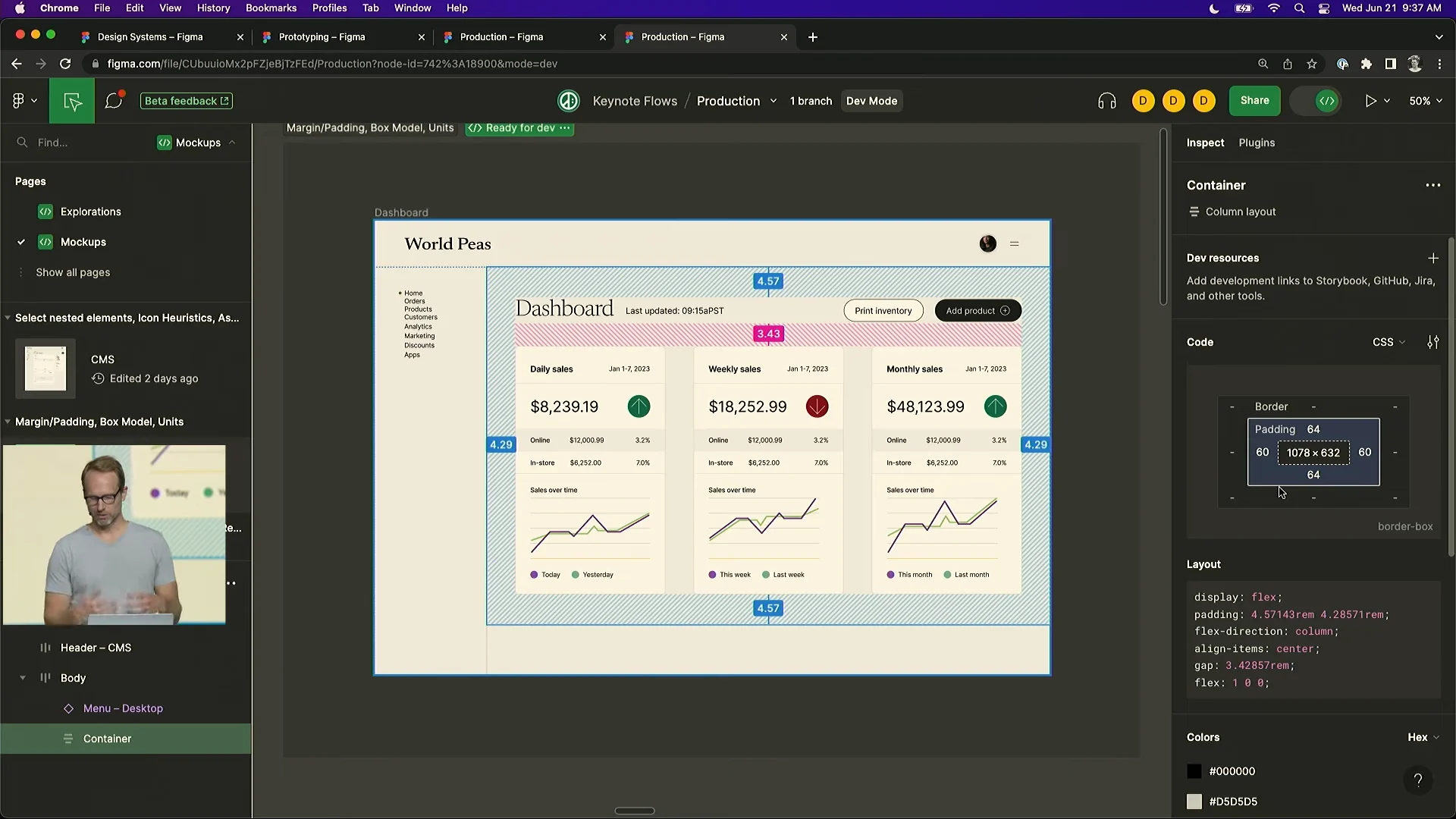
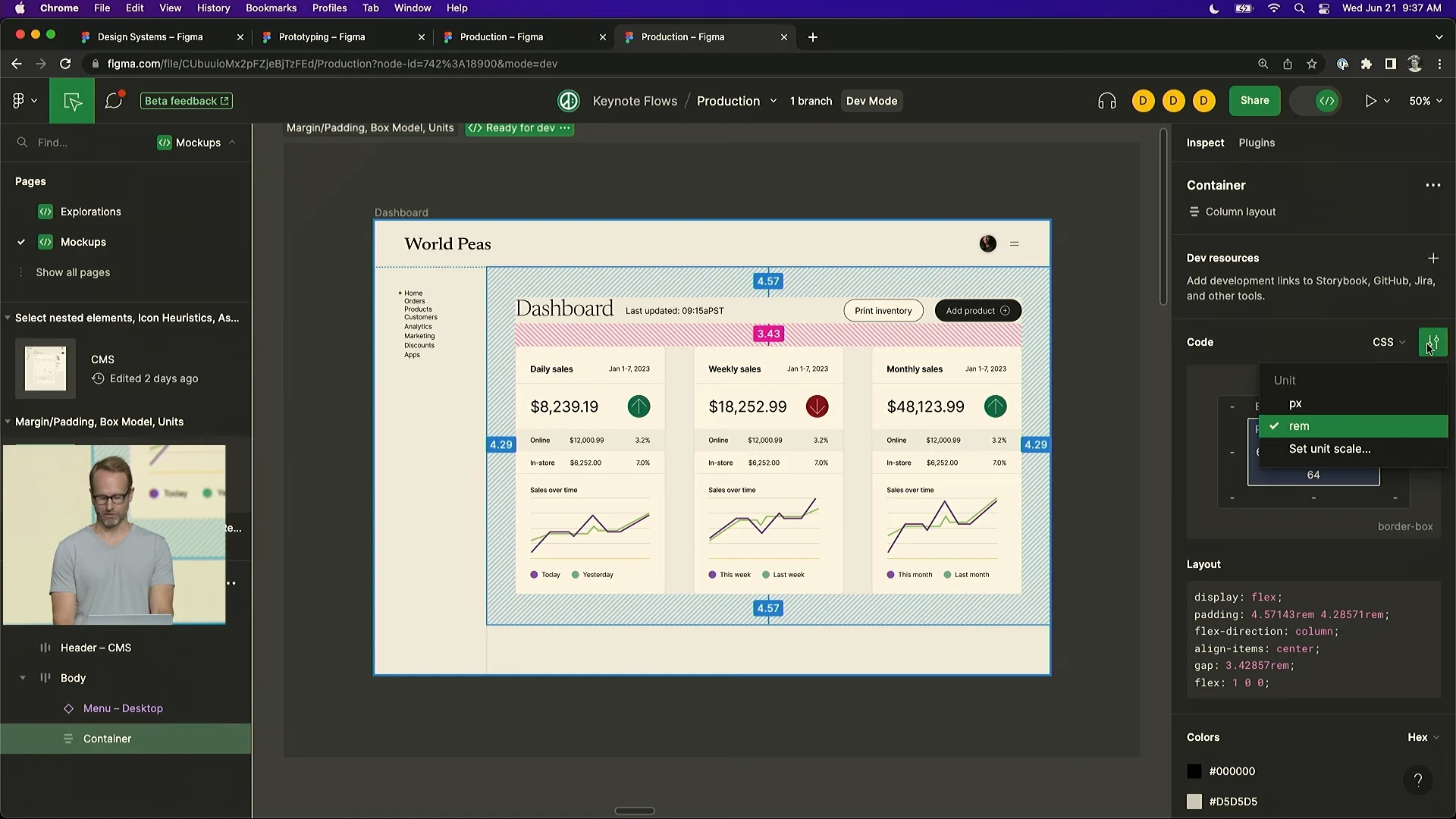
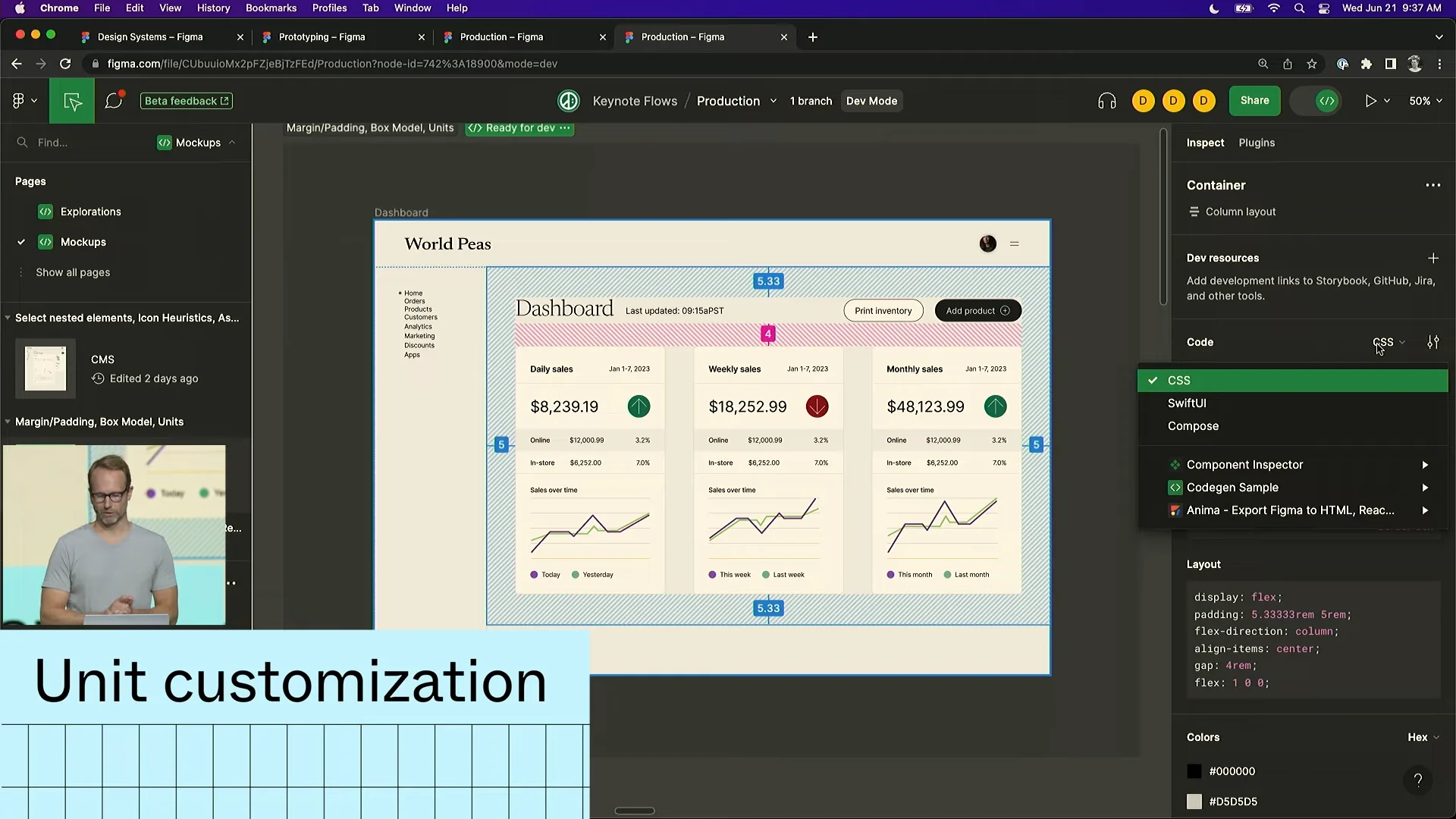
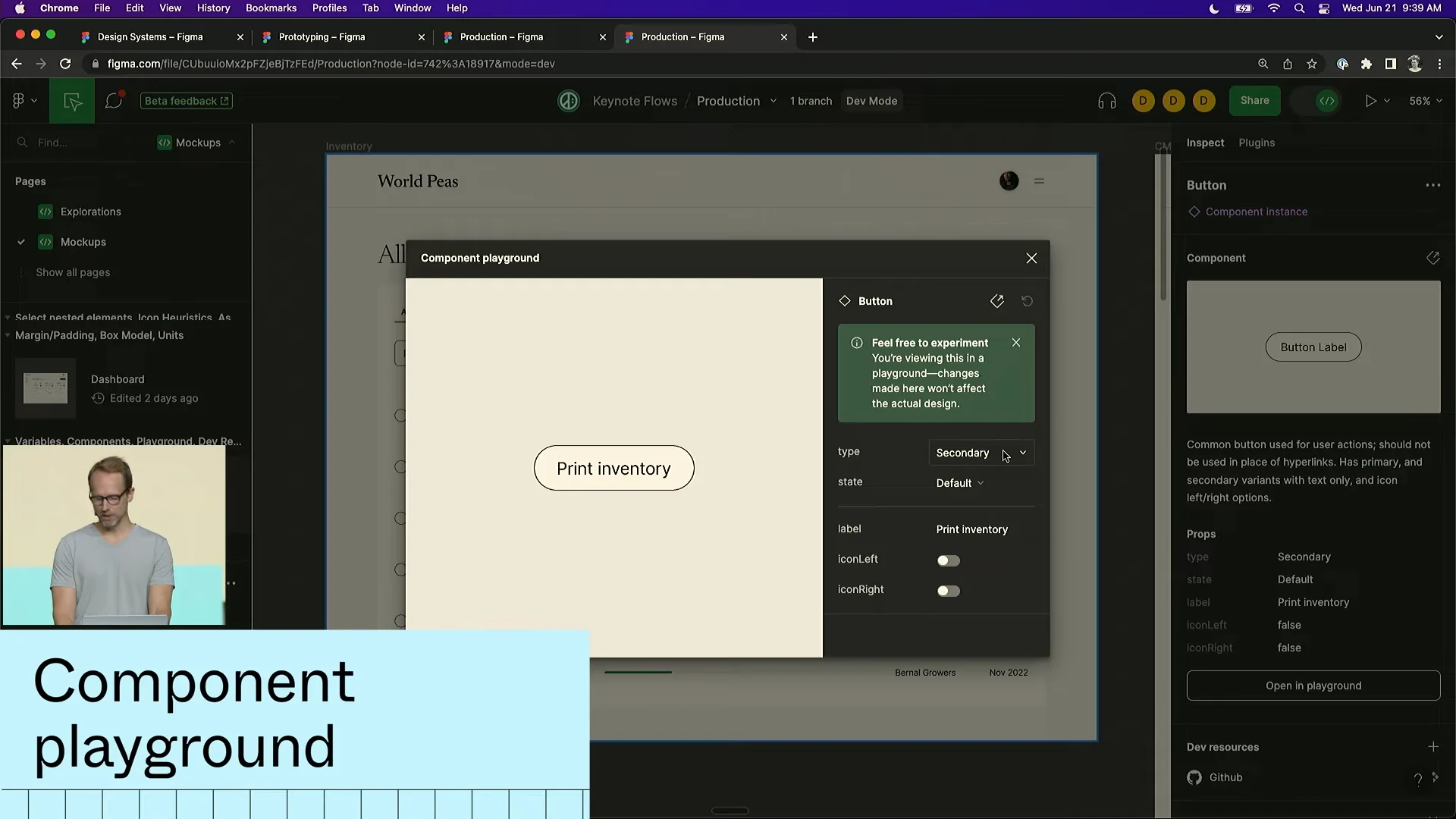
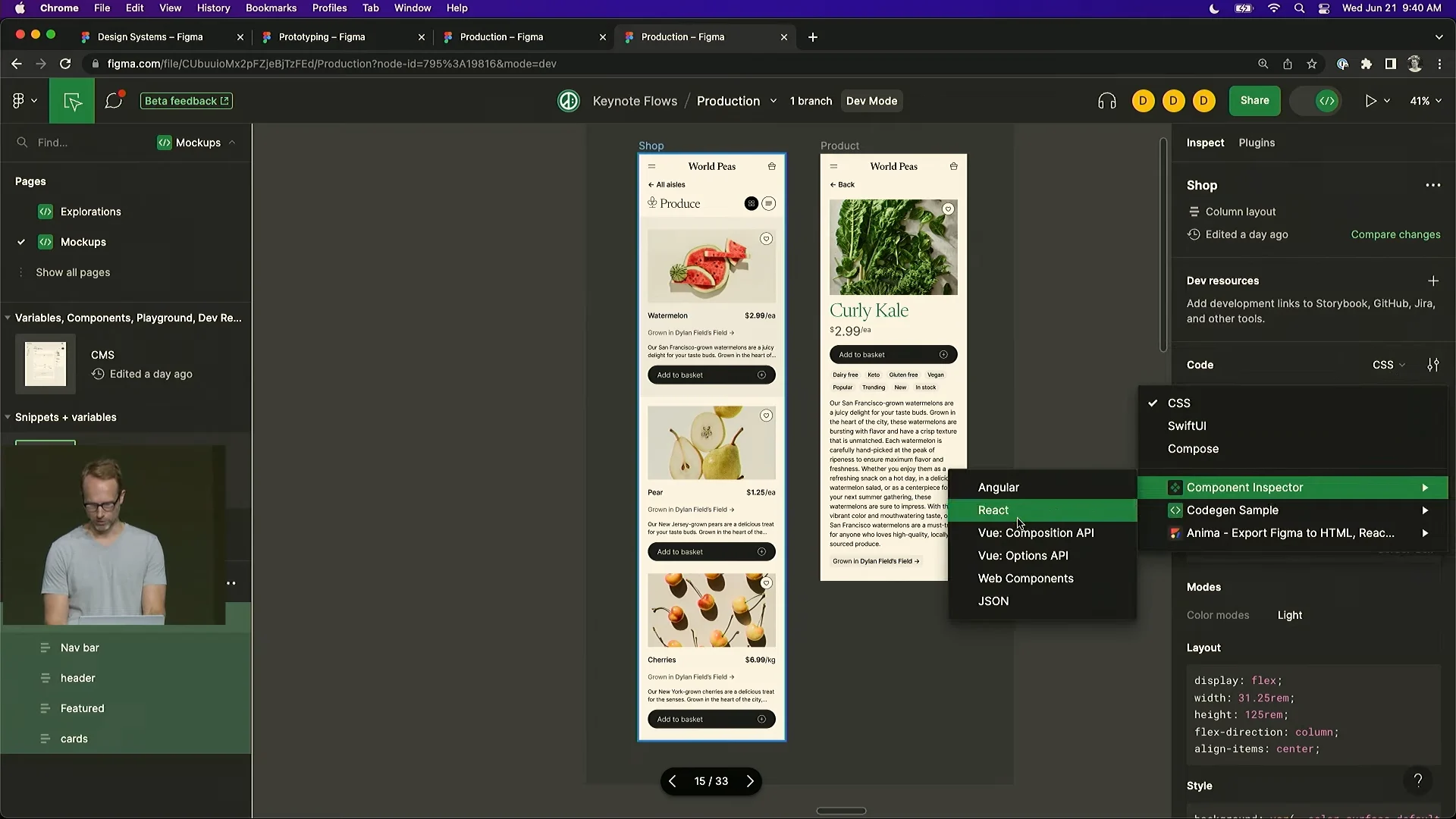
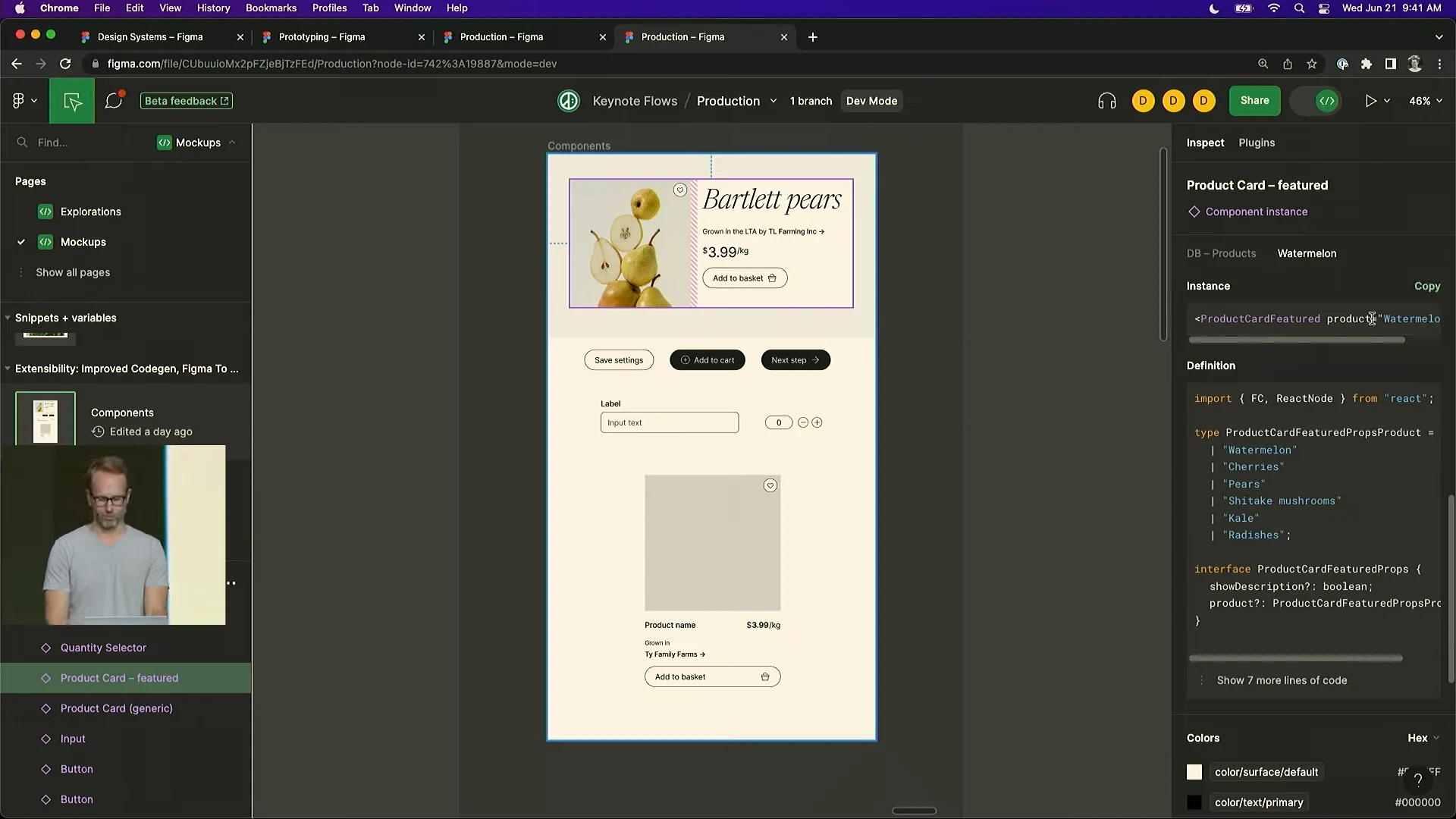
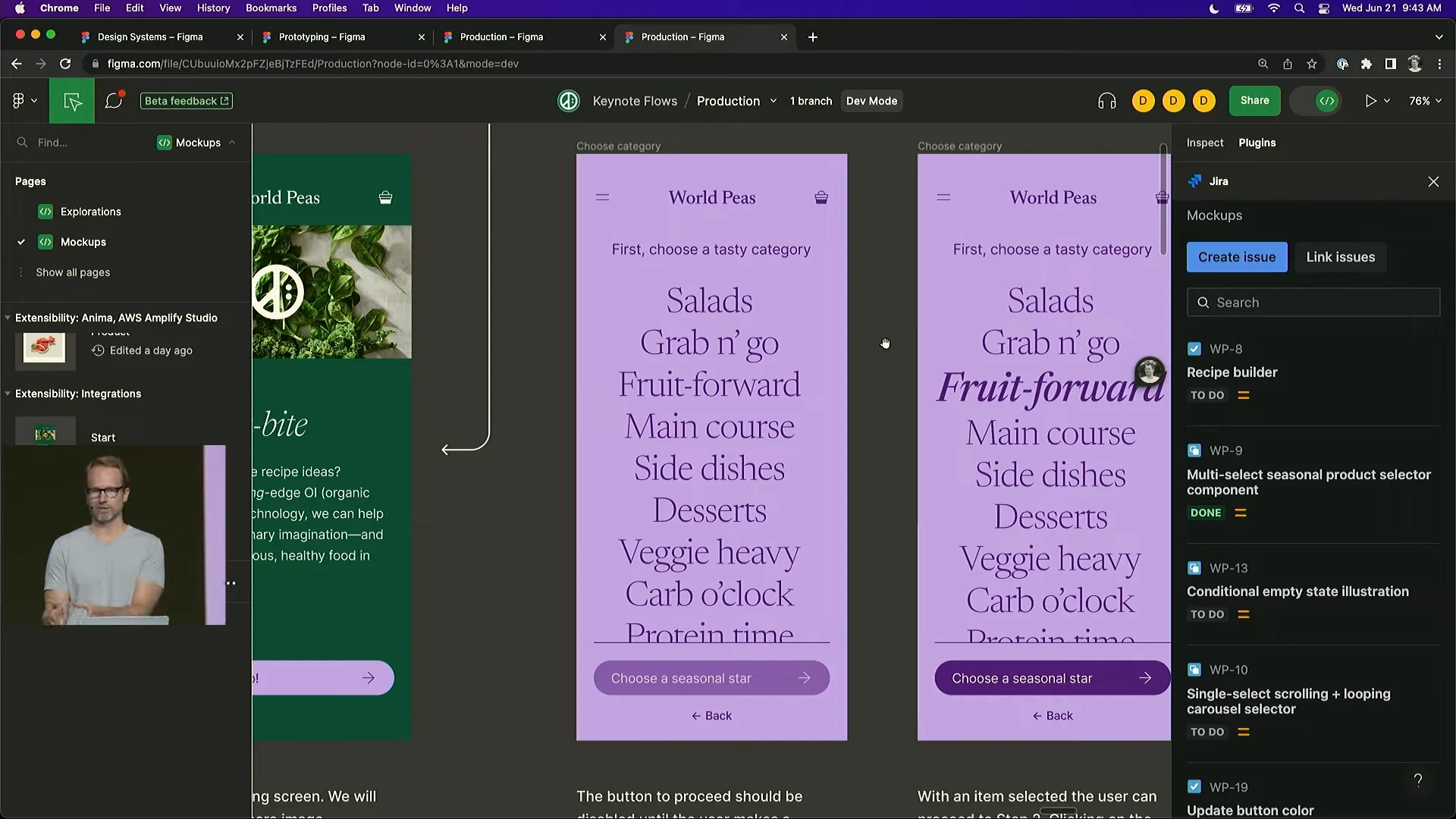
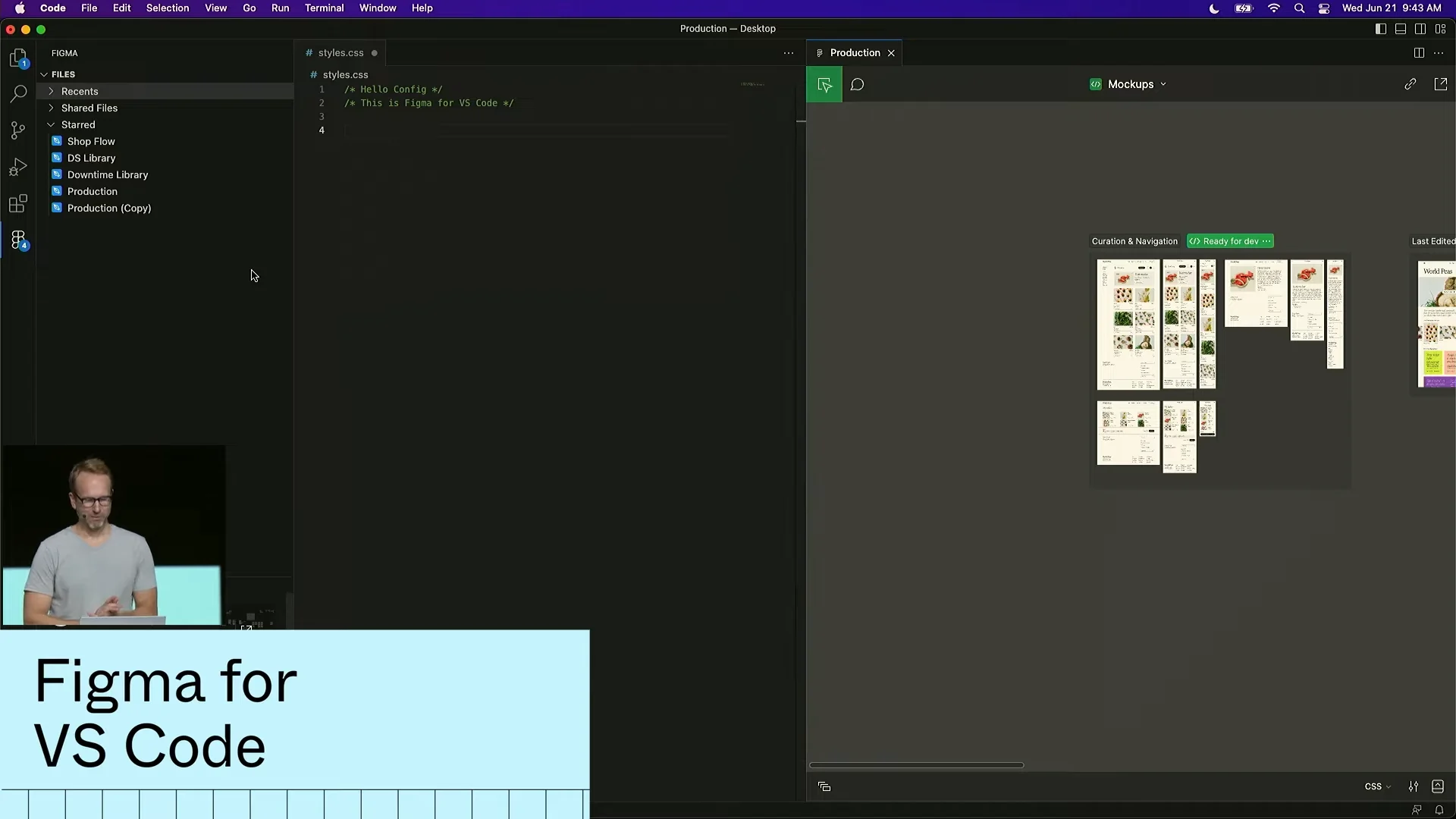
Dev Mode was also impressive. Figma's CTO said developers now account for one-third of Figma users, equal to the share of designers, who have long been its core audience.
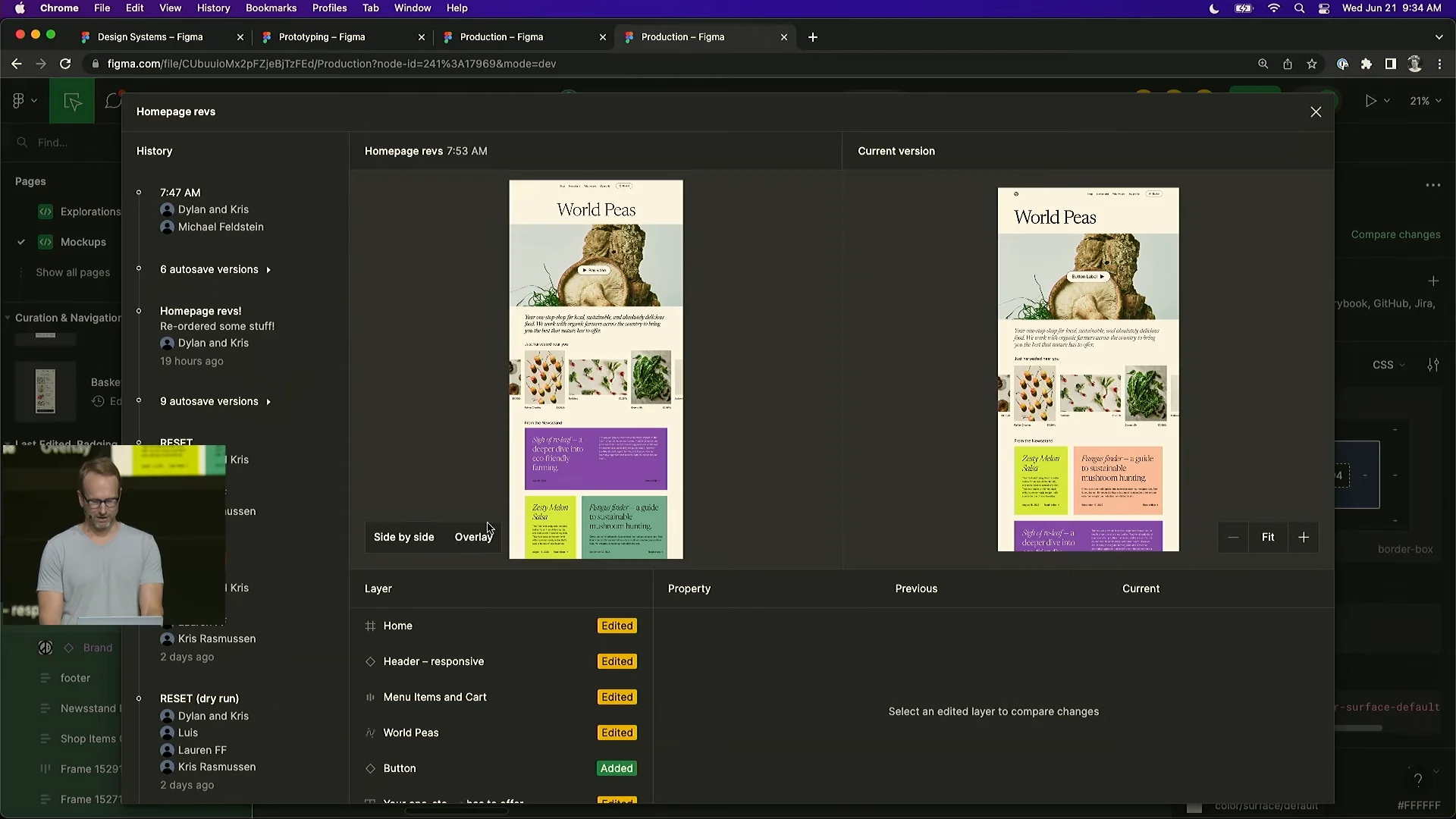
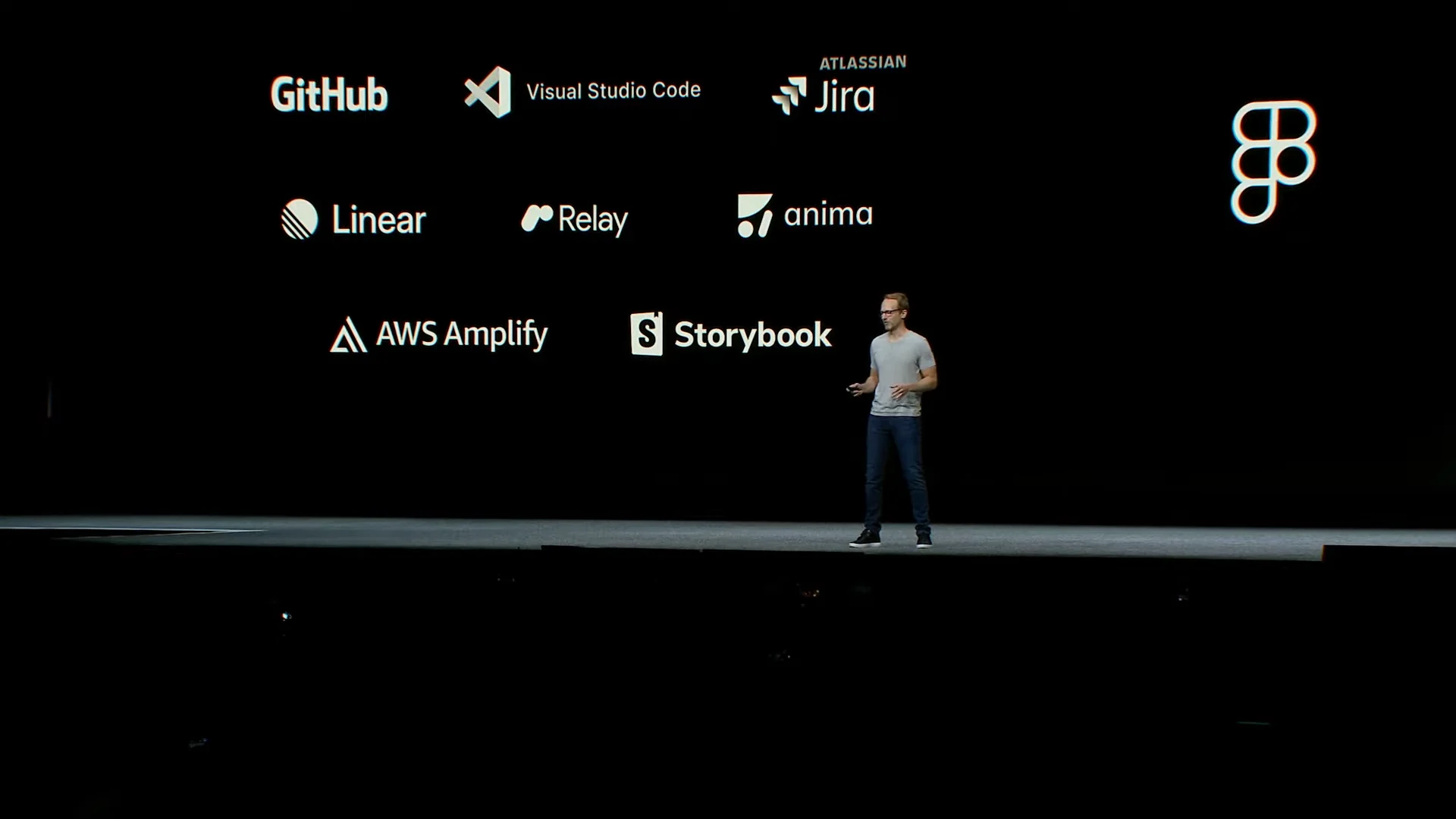
The experience is clearly better than the old Inspect mode and feels reminiscent of Zeplin. Developers can focus on the screens that are ready to build and review concrete updates screen by screen. They can also try component options such as variants themselves and use significantly improved code snippets. The ability to view Figma designs directly inside VS Code through a plugin was especially striking, and more programming languages are supported. Developers should take a look.
Screenshots
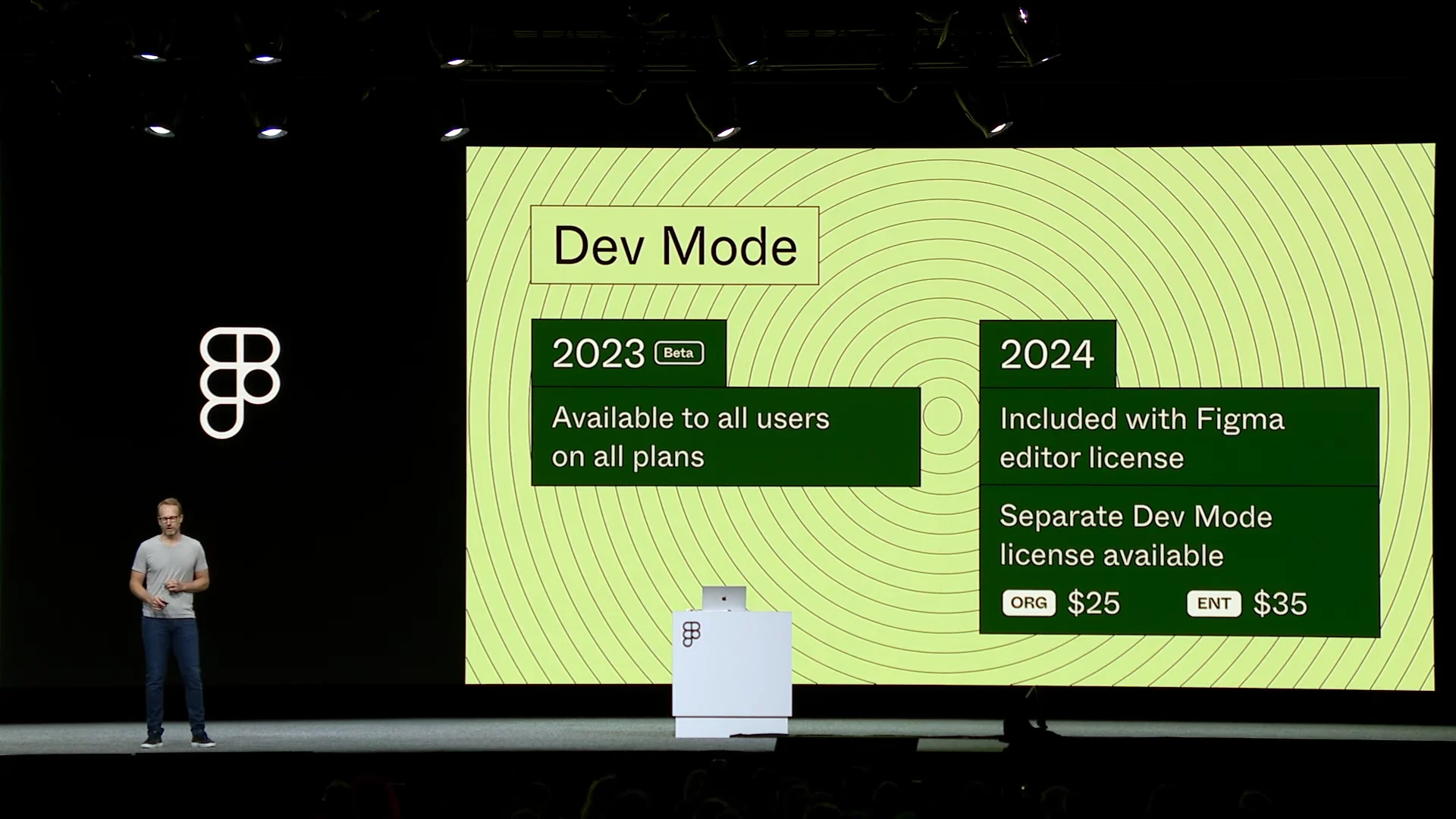
The catch is that Dev Mode will remain free only through this year and will become paid next year 😇
Font and File Indexes
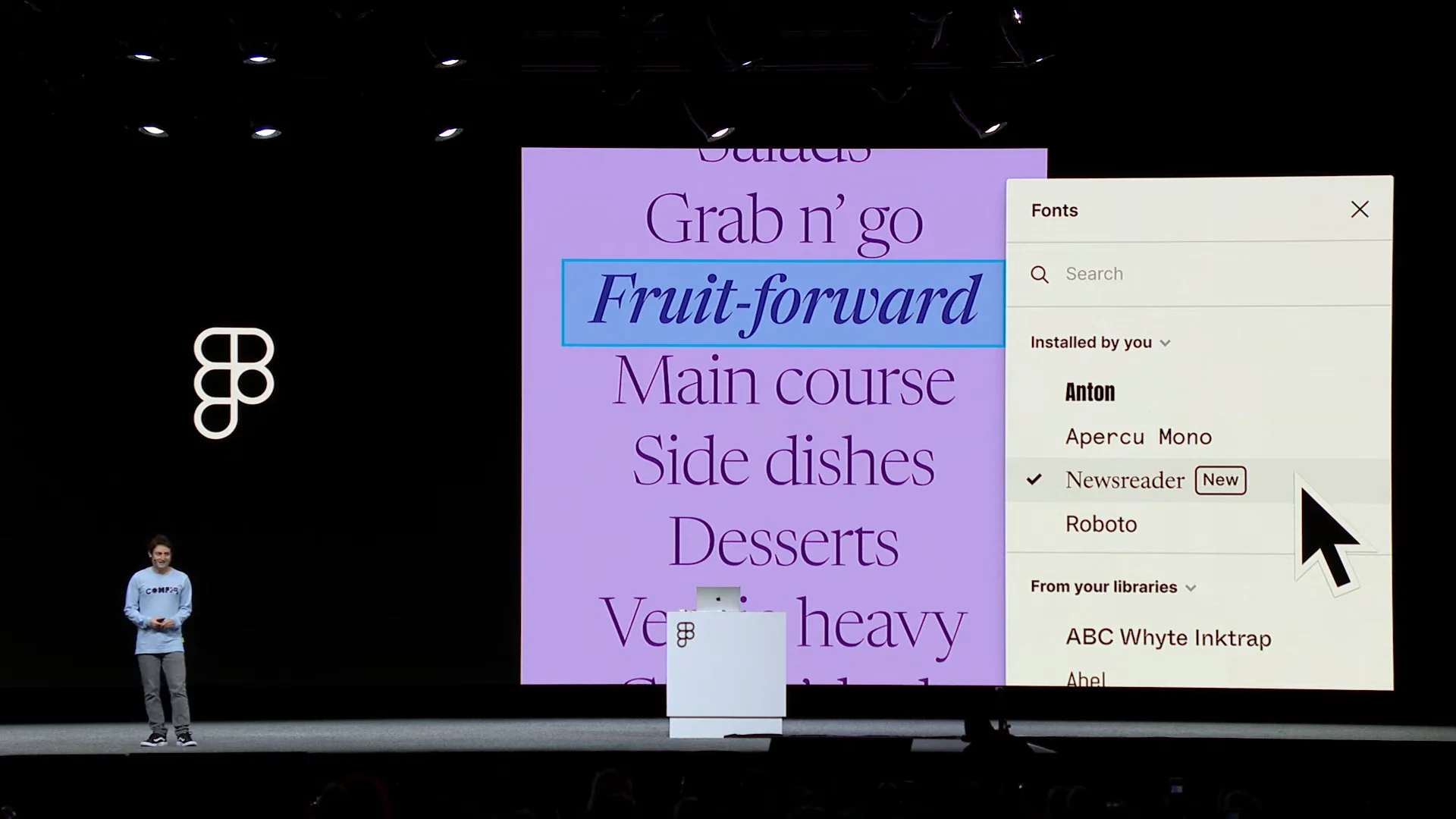
Font and file browsing have improved. New filters make it much easier to find and apply the font you want.
Generative AI
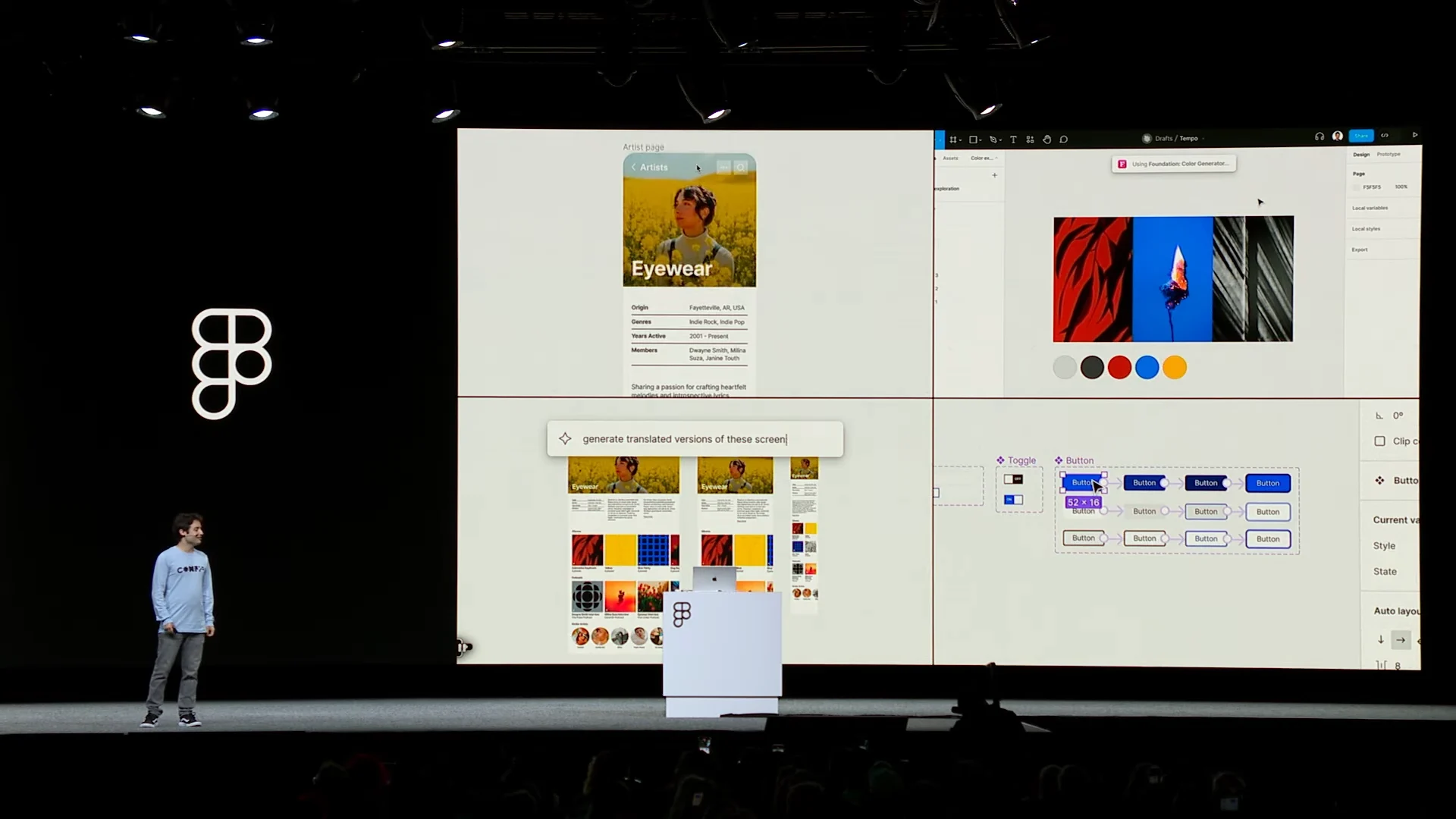
The demo was startling: with a prompt, Figma generated not only a range of visuals but also variants with complex interactions in a single click.
Outro
There were many releases that were shocking in the best sense. As always, I expect a period of struggling to learn them and researching how to use them well. I am sleepy, so I will stop here. I hope this helped, and I hope to return with a watch-party recap.
Figma asked us to use it often when we design. Watching through the night was difficult by the end, but I was glad to experience it with everyone at the watch party 😊