Intro
Hello, I'm designer Sanghyo Yee. Config has grown into a world-class Figma conference, and this article reviews both the event and the major product updates announced in the opening keynote.
This year I was invited as a Friends of Figma Seoul leader. I had always wanted to experience Config in person, so I traveled to San Francisco and wrote this summary around the announcements made on the day.
If you are short on time, watch the motion-graphic summary. If you have more time, the full YouTube video is available. If you have five to ten minutes, this article should sit nicely in between.
Keynote: the major updates
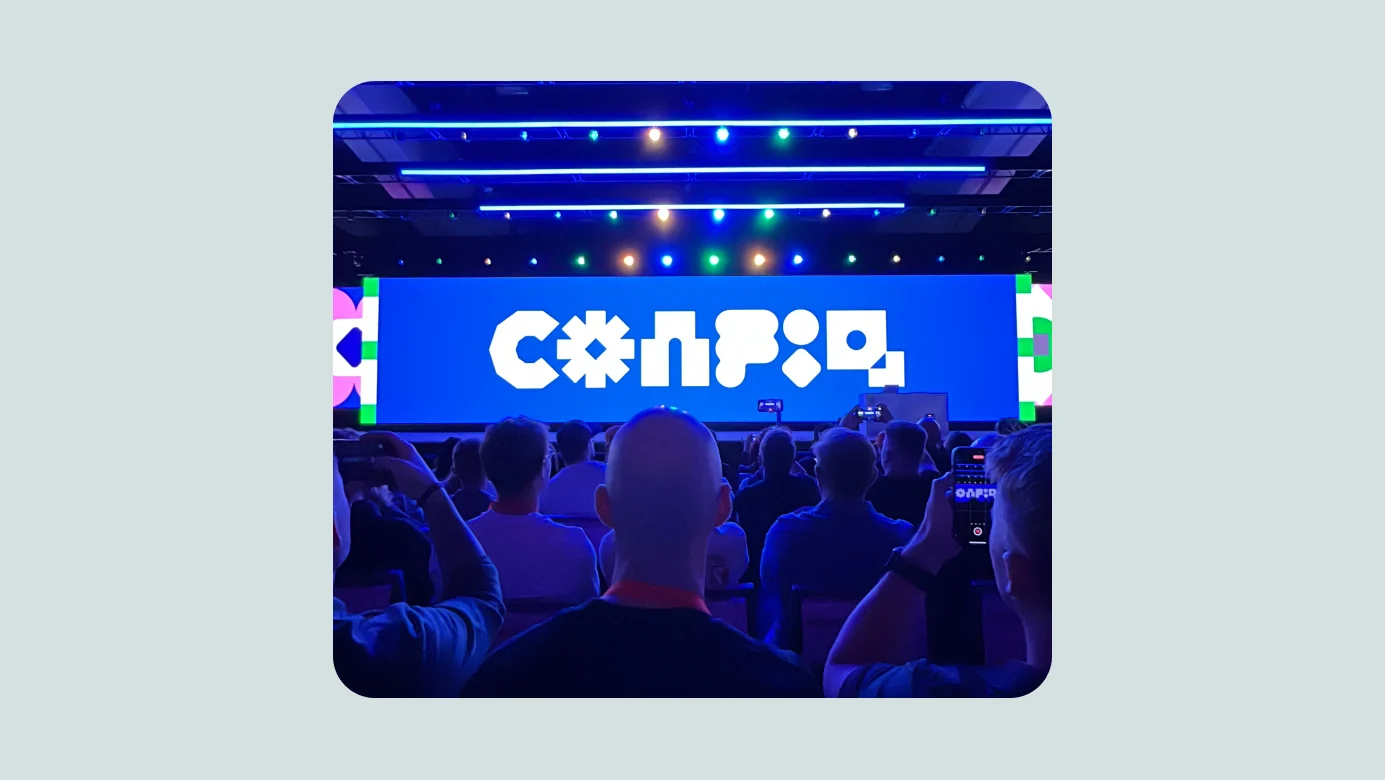
Figma described three themes for the year's updates. It turned out there were four:
- Reducing complexity
- Improving the developer experience
- AI for designing
- Slides
In one sentence: it was impressive.
Reducing complexity
Figma contains far more functionality than it did eight years ago. The team said it had been exploring a new design capable of containing all of that complexity, which led to a broad redesign.
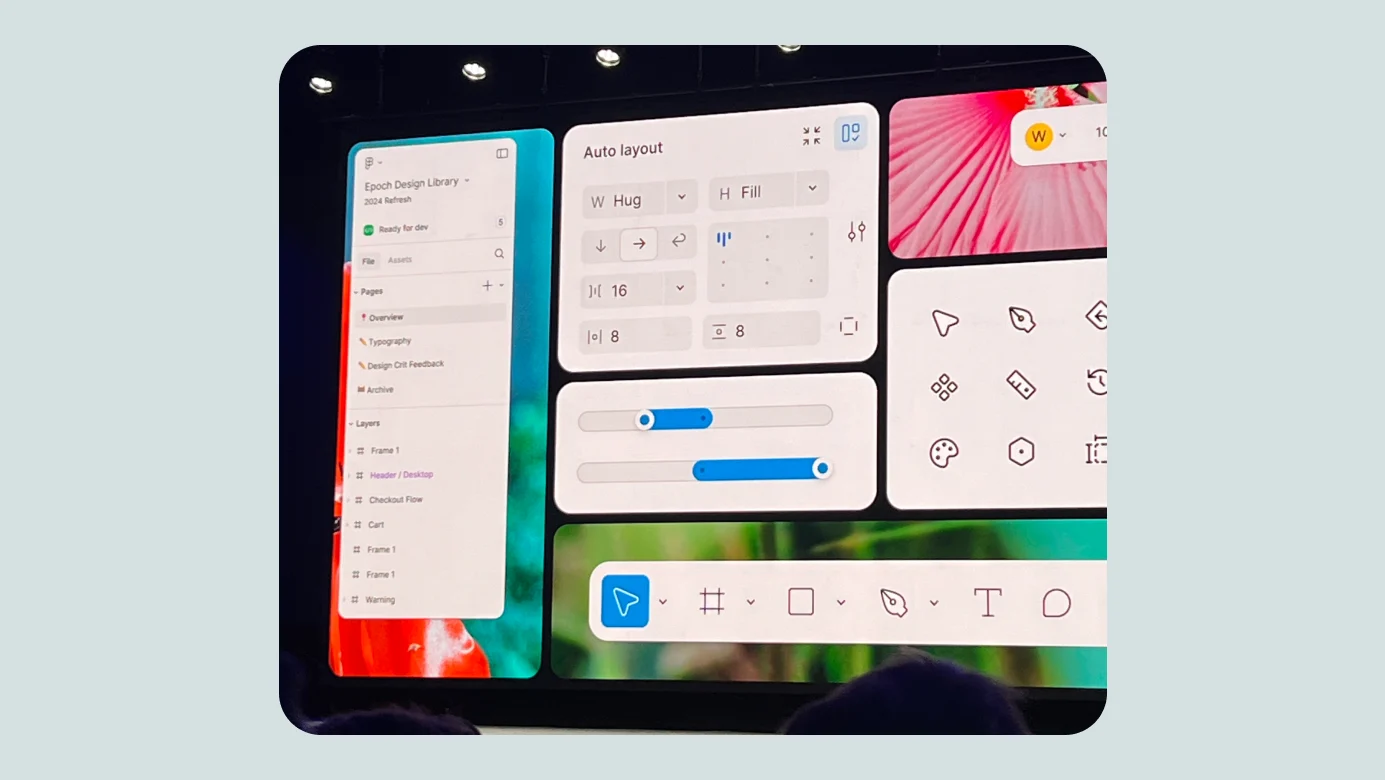
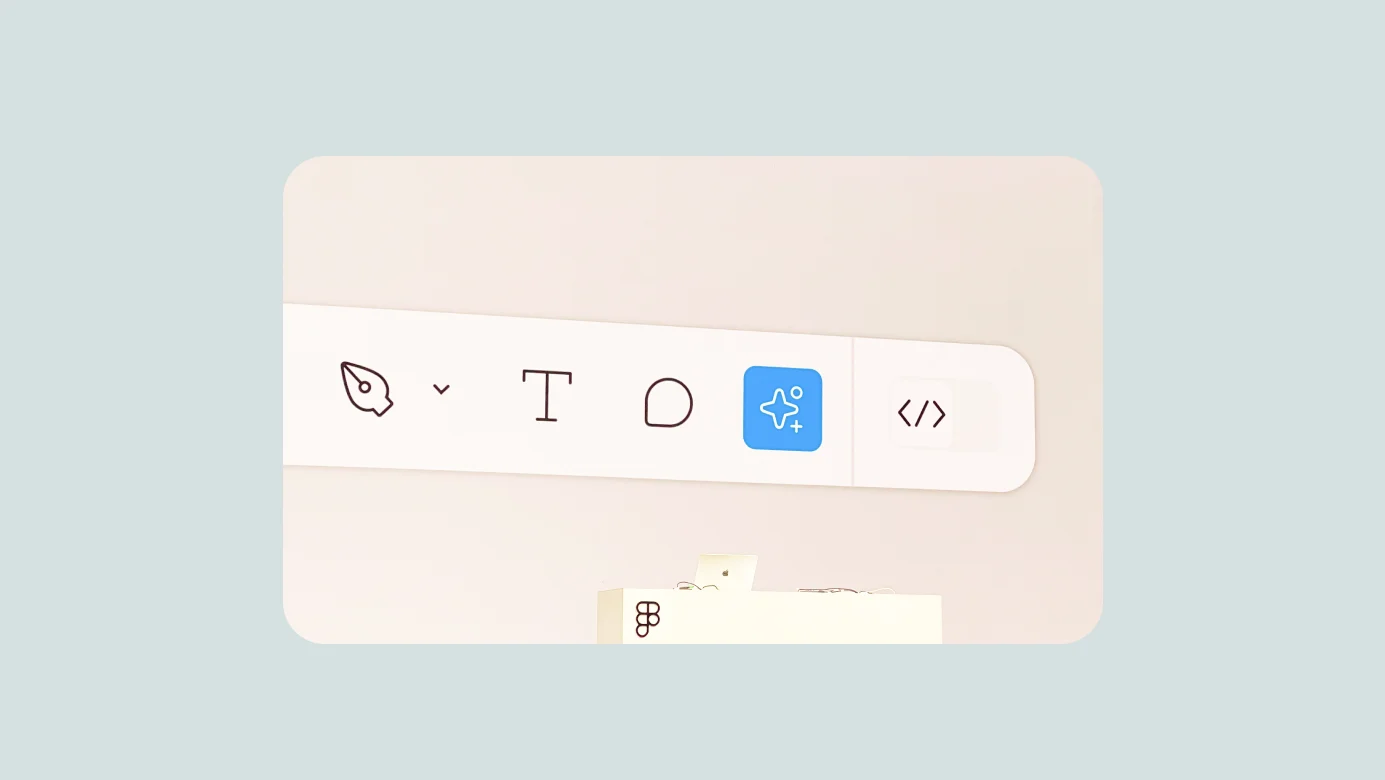
The most important announcement was the redesigned Figma interface, UI3. It preserves the logic of the existing workspace while trying to organize a growing number of features more efficiently. From a designer's point of view, the relocation of the core tools and AI actions from the top left to a cluster at the bottom center was especially noticeable. It will take time to learn, but the beta period should give Figma room to improve it further.
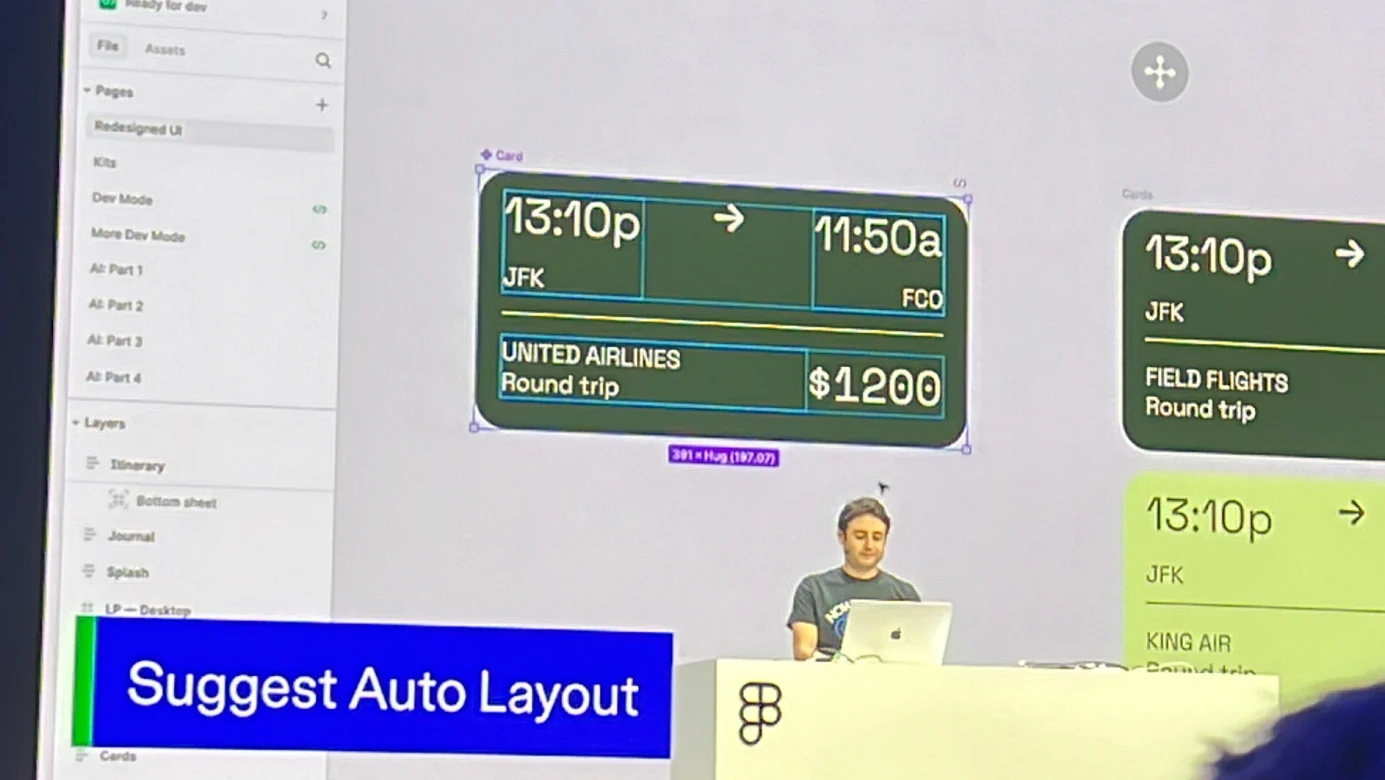
A simpler Auto Layout experience
Auto Layout lets designers describe responsive behavior in a logical form that can also be handed off to development. The problem is the gap between the learning cost of Auto Layout and the freedom needed while exploring early design ideas.
Figma AI can now suggest responsive Auto Layout structures, while holding Command or Control immediately enables absolute positioning inside an Auto Layout frame. Together, these changes make it easier to move between structured responsive design and free visual exploration.
Other notable updates and photos
Default UI kits from Apple, Google, and Figma
Figma has played a major role in making design systems more accessible. It now provides major OS design systems and Figma UI kits by default. New users can encounter atomic design and design-system concepts more naturally, while experienced designers and developers gain more convenient access to basic components and improved code snippets.
A preview of Figma Connect
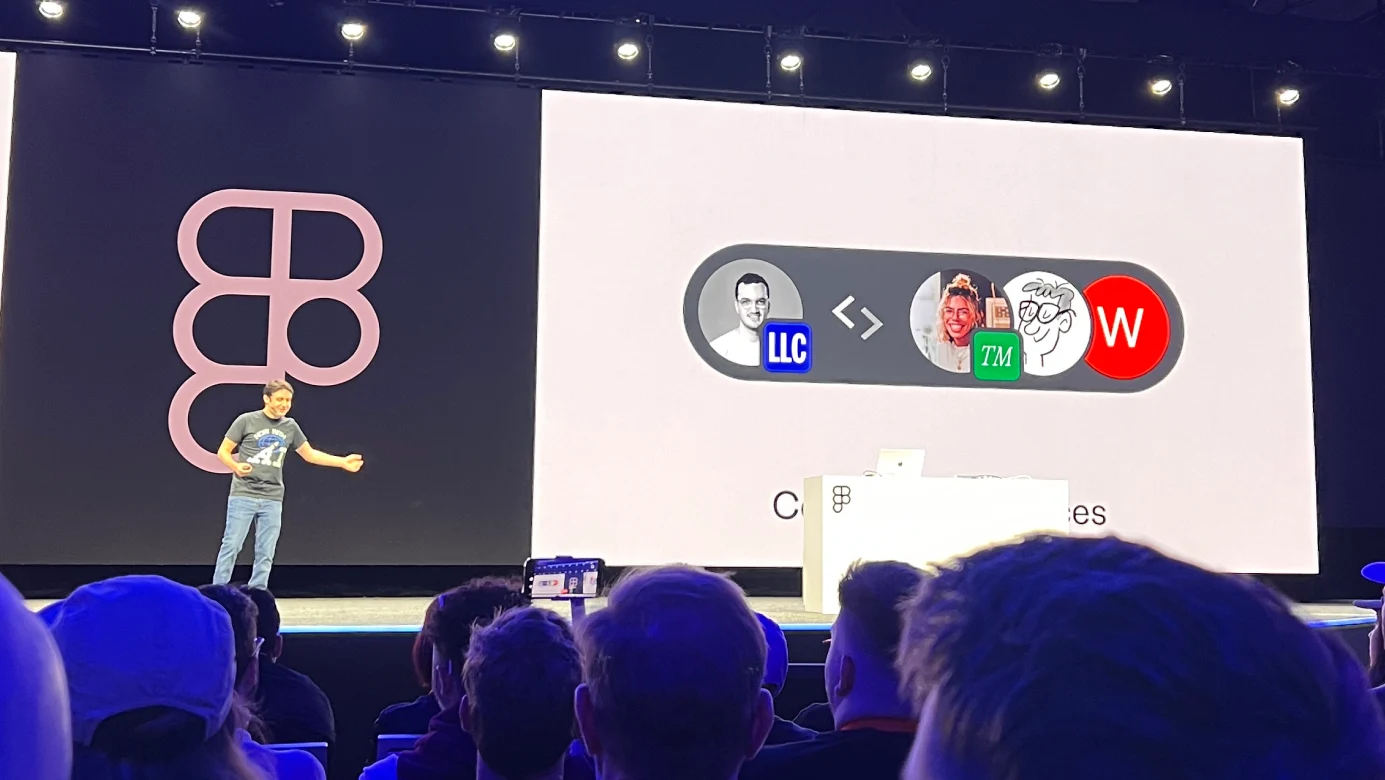
Figma is used by individuals, agencies, startups, and large enterprises, so collaboration increasingly happens across organizational boundaries. Current permissions do not cover every real-world case well. An agency delivering a design system, for example, may have to work around inefficient account and permission constraints.
Figma plans to introduce organization-to-organization connection features similar in spirit to Slack Connect. The goal is to make temporary viewer or editor access easier to grant and revoke, and to support more flexible sharing of organizational assets and files.
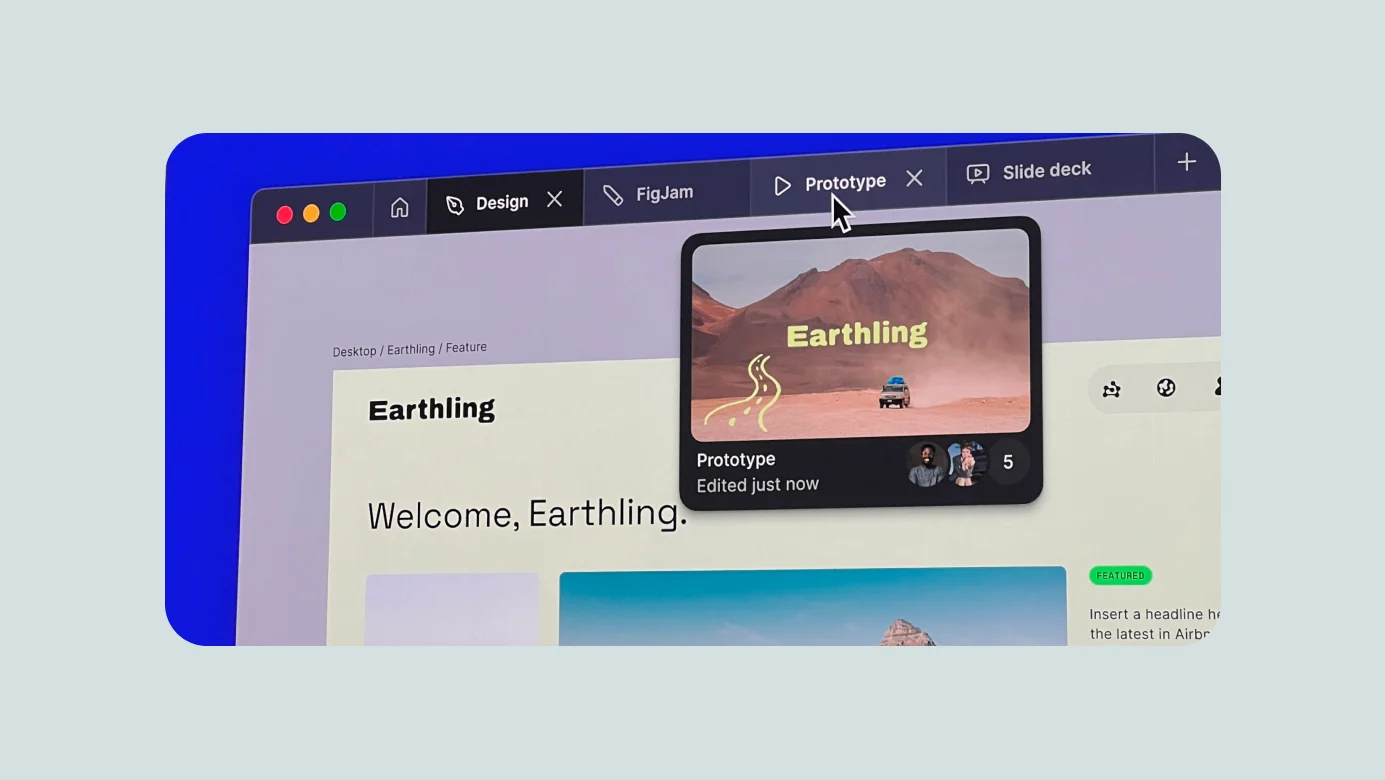
- A better tab experience in the Figma desktop app
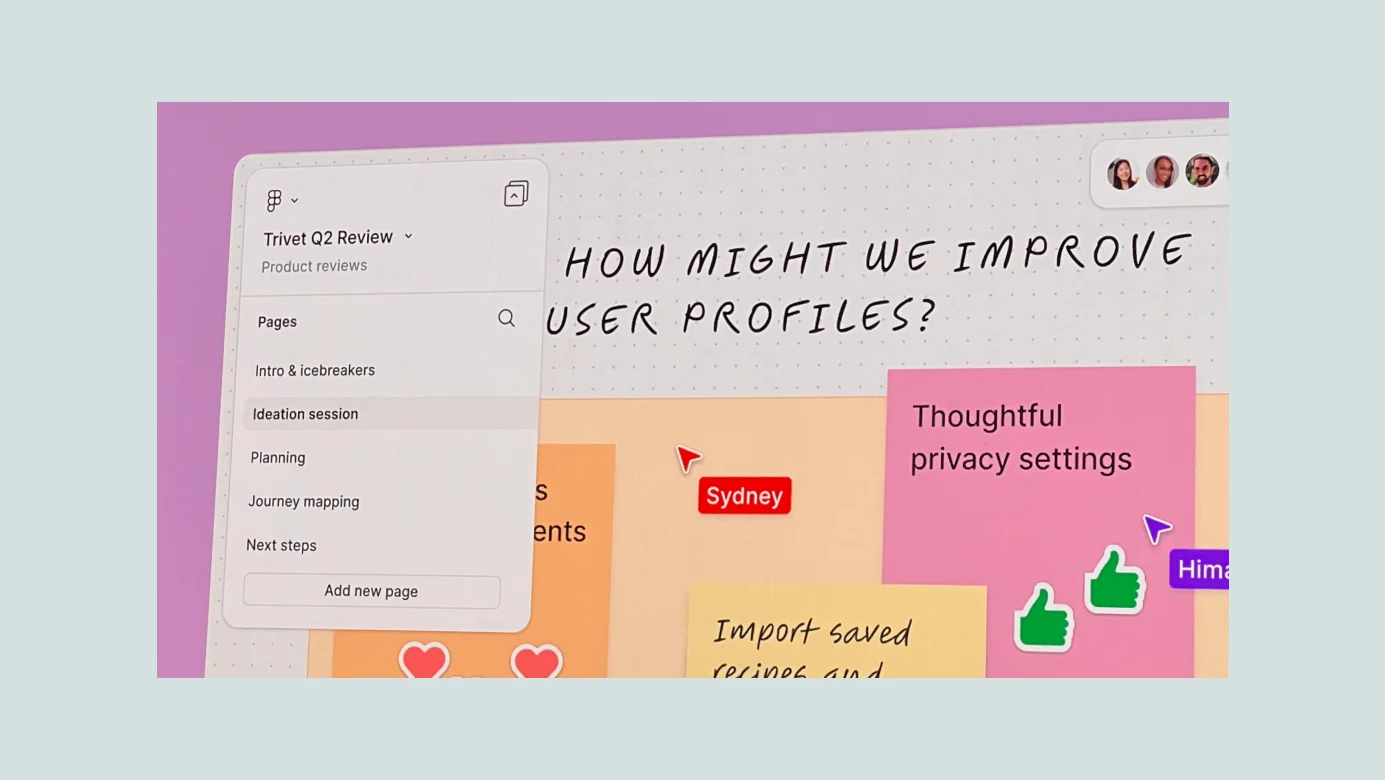
- Pages in FigJam
- Responsive layouts in prototype view
- The ability to resize Figma's own interface
Improving the developer experience
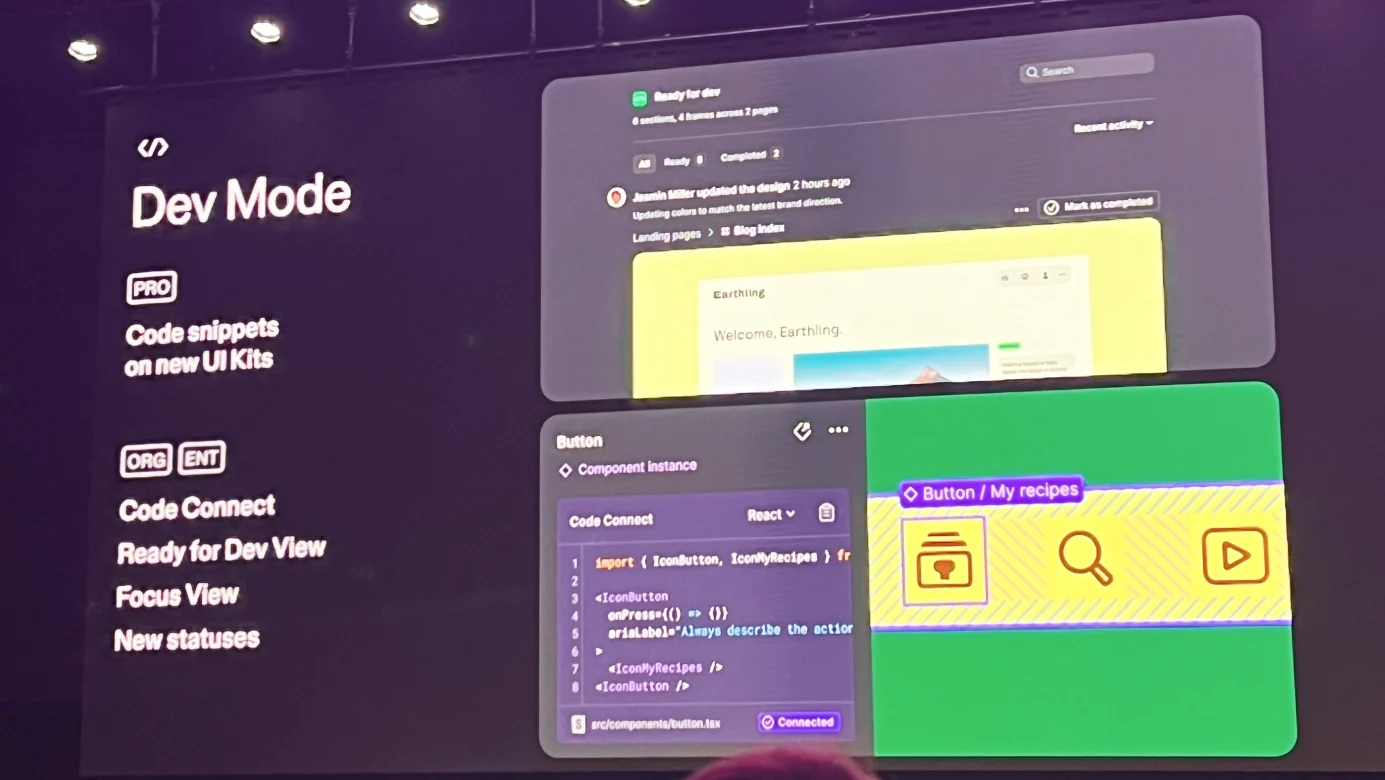
The developer-focused sessions, most of them related to Dev Mode, were led by a Figma engineering manager. The updates connected closely with the new interface.
After Ready for Dev had been used more than four million times, Figma continued exploring how developers could implement designs, understand changes, and connect code with design systems more seamlessly.
- A distraction-free environment where developers can inspect everything they need without unrelated UI getting in the way
- Ready for Dev updates
- A yellow status state
- A feed-style developer view that gathers recent changes
- An improved Focus View for reviewing changes to one screen
- Responsive behavior in prototype view, so developers can inspect responsive design directly
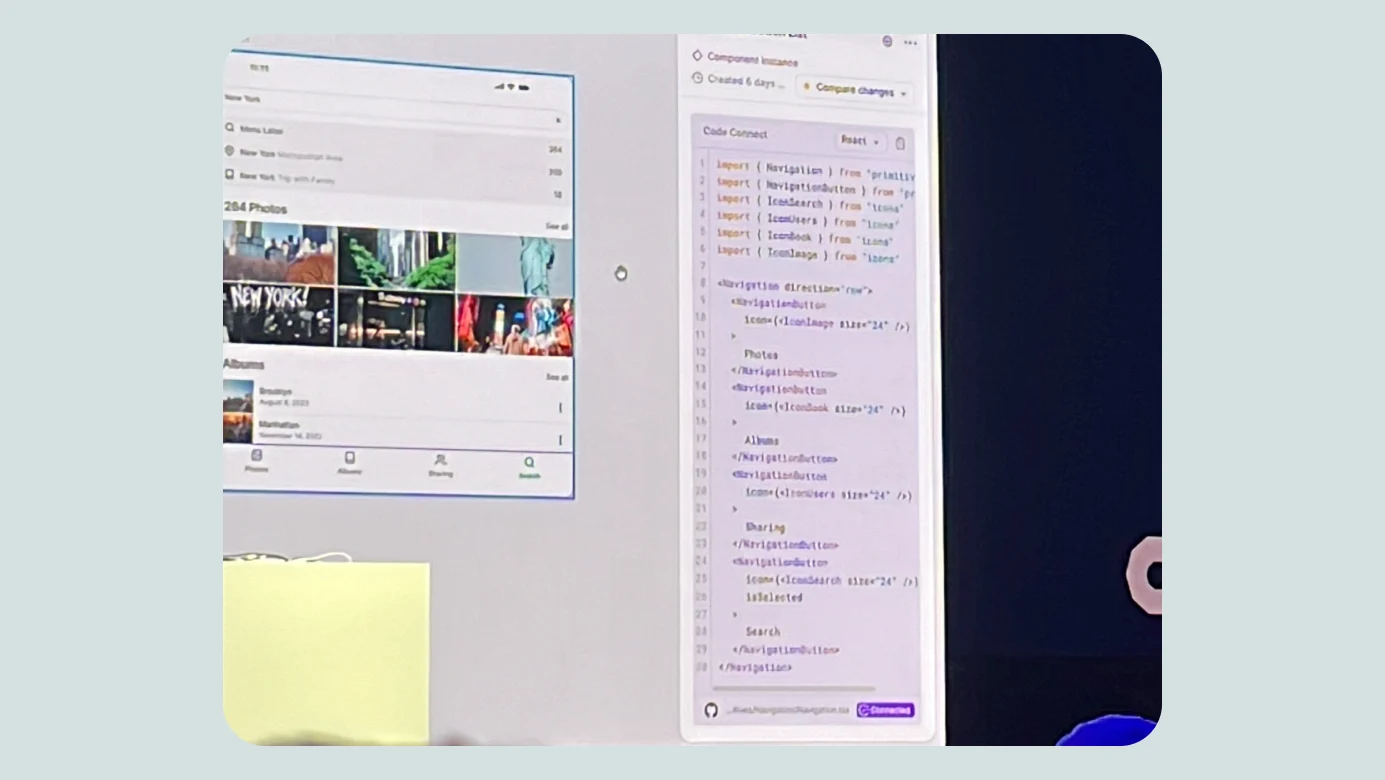
- Connected to Code for Organization plans and above
- Native links between an organization's design-system code snippets and Figma components
- Direct publication of connected code components through the Code Connect SDK
AI for Designing
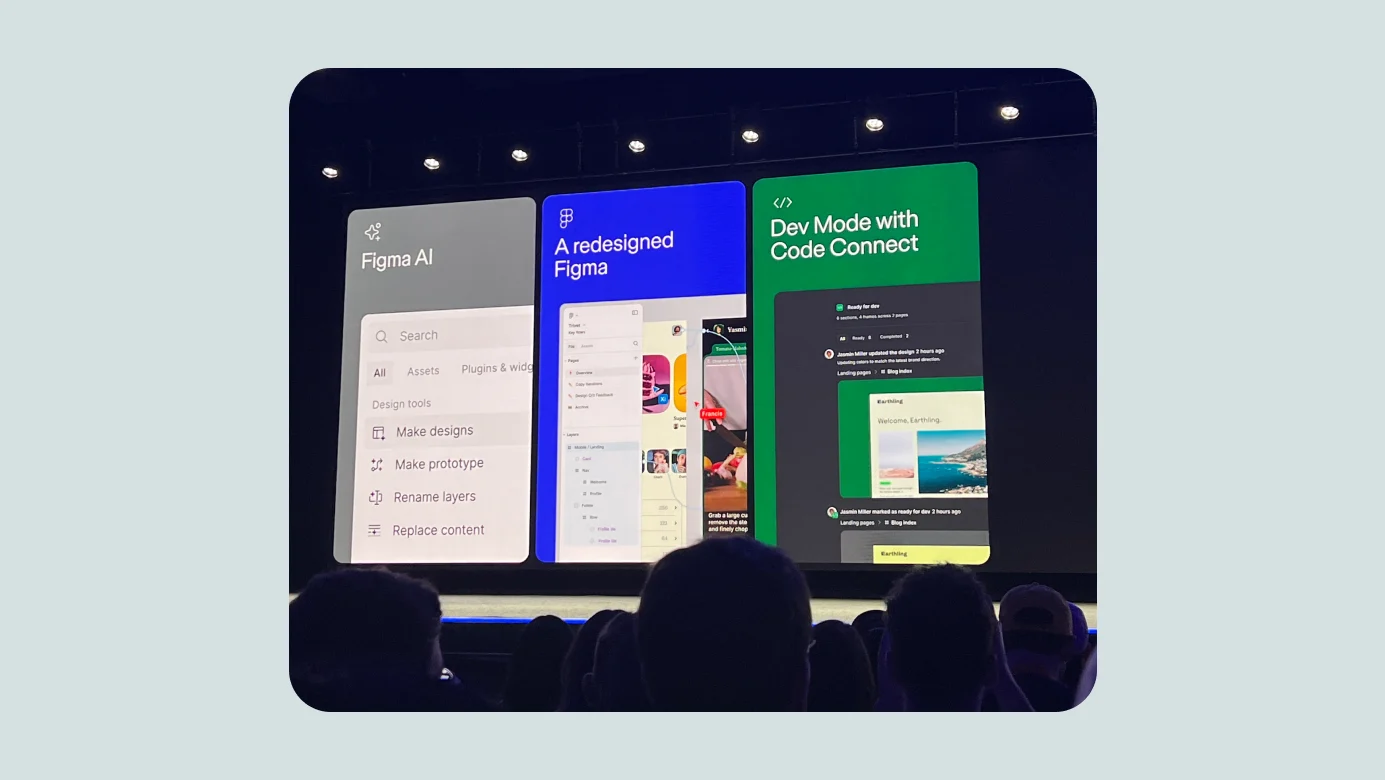
As many people expected, AI arrived as a first-class part of Figma. It was placed prominently alongside the primary pointer tools. Even in a short test before writing, the generation features felt powerful.
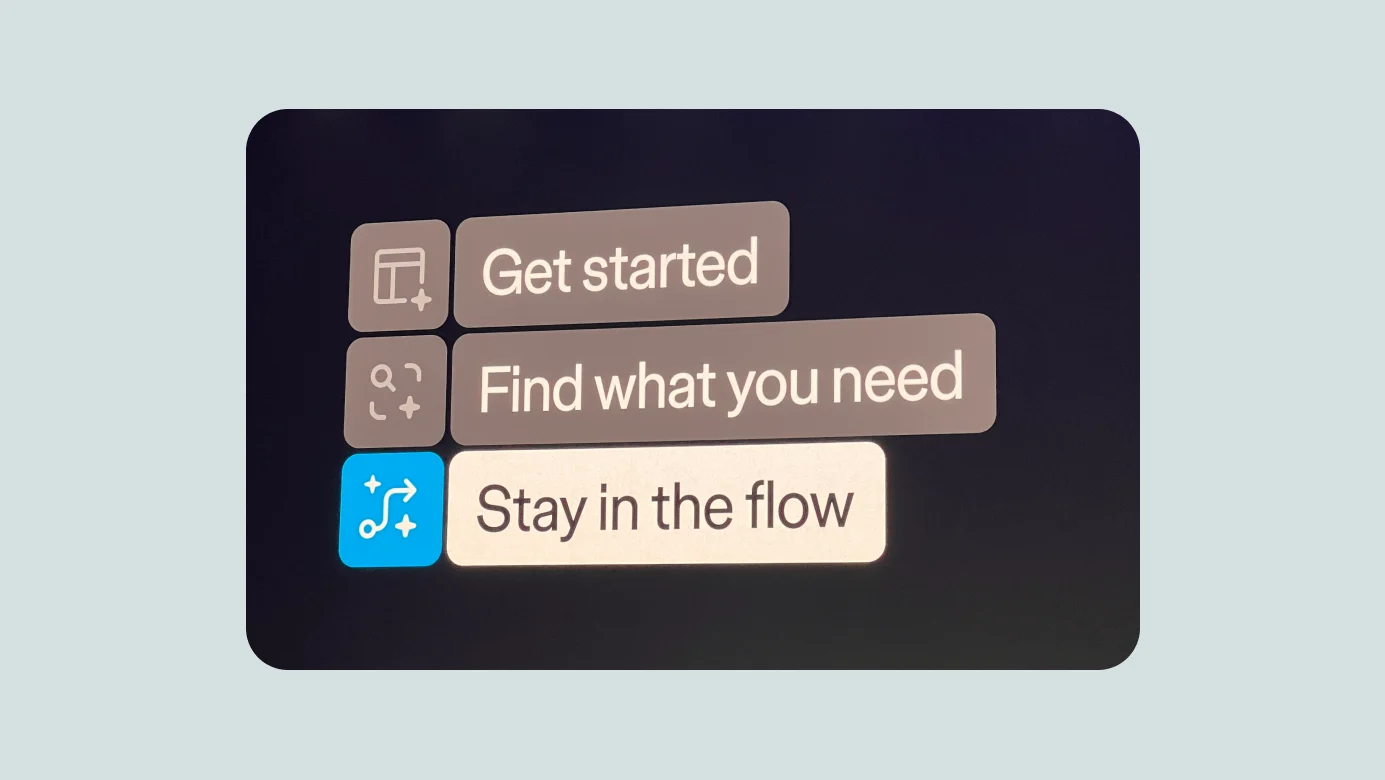
Figma said it focused on three goals: making it easier to start a design, making desired content easier to find, and respecting the designer's existing flow. Because the features connect closely to real workflows, they could save substantial time and make details such as additional screens and localization easier to cover.
The Action Panel included:
- Make Designs
- Make Prototype
- Rename Layers
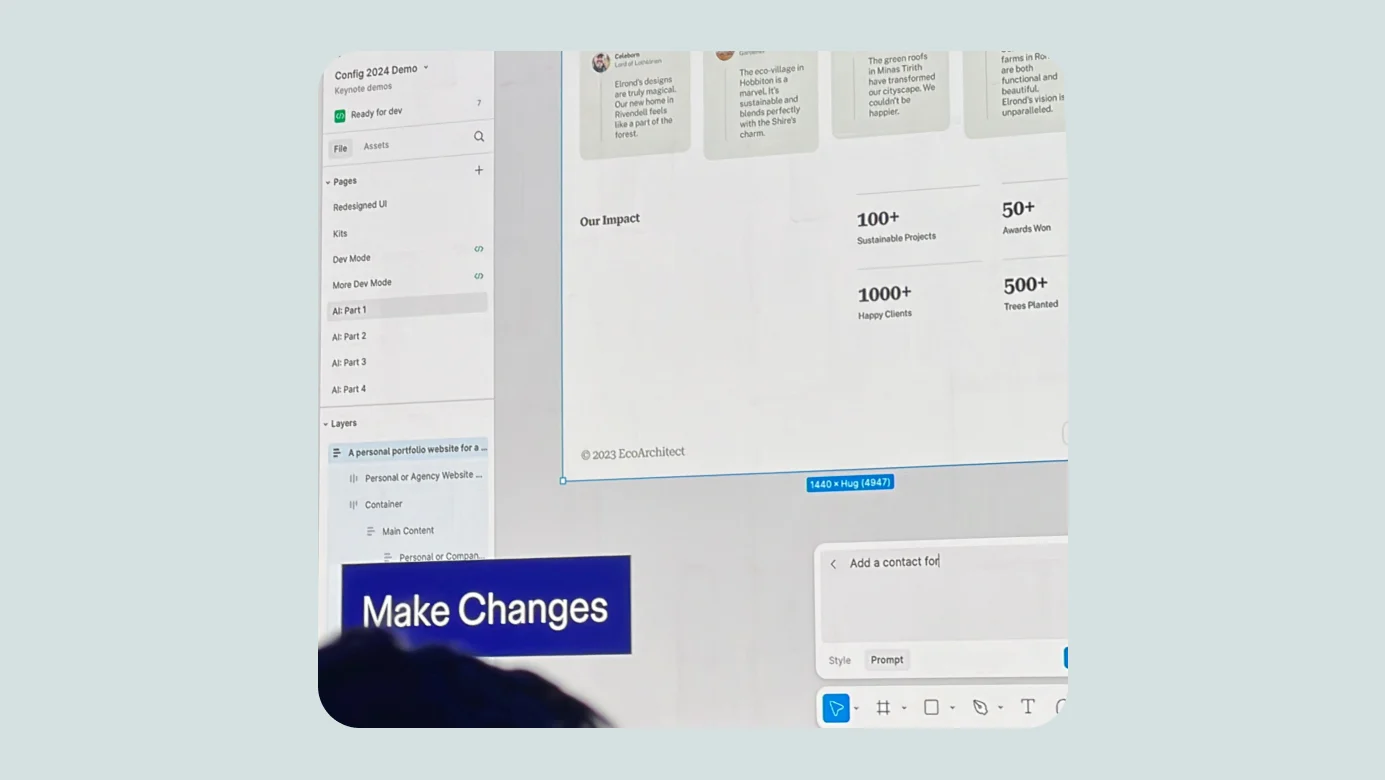
The demo moved from a prompt to a working design with styles, colors, and supporting content. Figma generated a restaurant view with placeholder imagery, then used the same approach to create a designer's portfolio layout. Make Changes allowed the result to be developed further without starting over.
Search also became much more visual and contextual:
- Image recognition could help locate a Figma file
- Description Search could find a login screen or design by prompt
- Designers could sketch the rough shape of an icon and search for something similar
Other features included:
- Text Autofill for replacing placeholder copy with contextually appropriate content
- Tone-aware copy suggestions for existing UI
- Native background removal
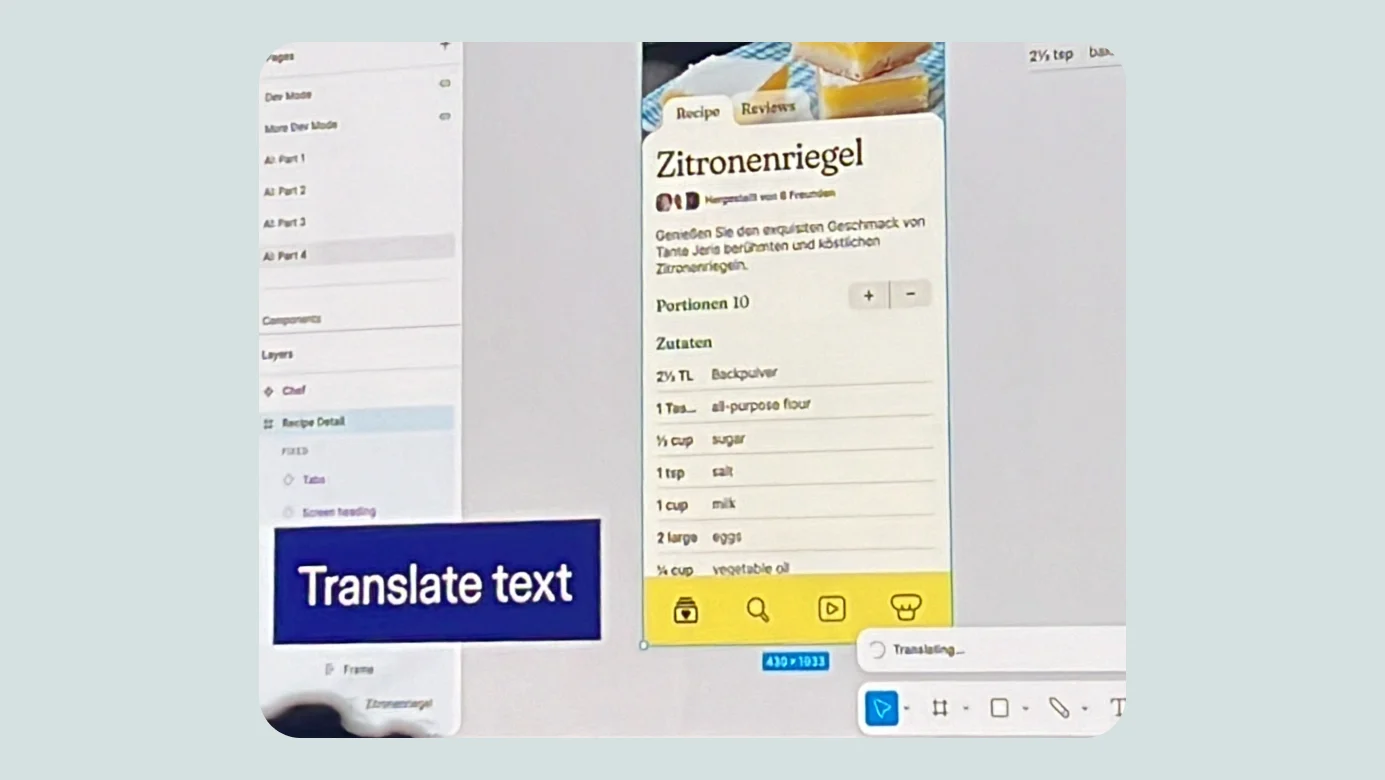
- Translation into other languages directly inside a design
- Context-aware layer renaming
- Additional details revealed through hover and toggles
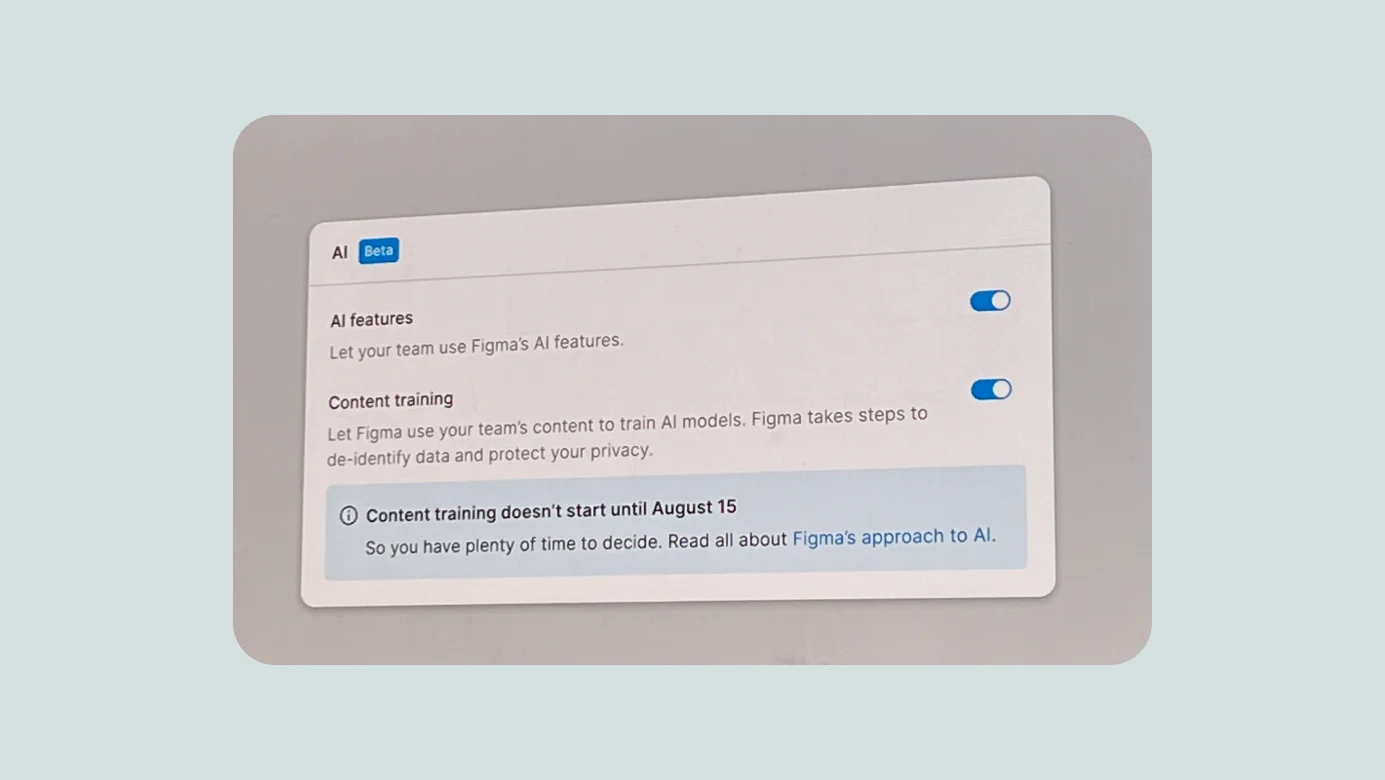
Because privacy matters, users can choose whether their work may be used to train Figma's AI systems.
At the time of the announcement, AI access was limited through beta. Figma noted that some capabilities might carry an additional cost at general release.
Slides
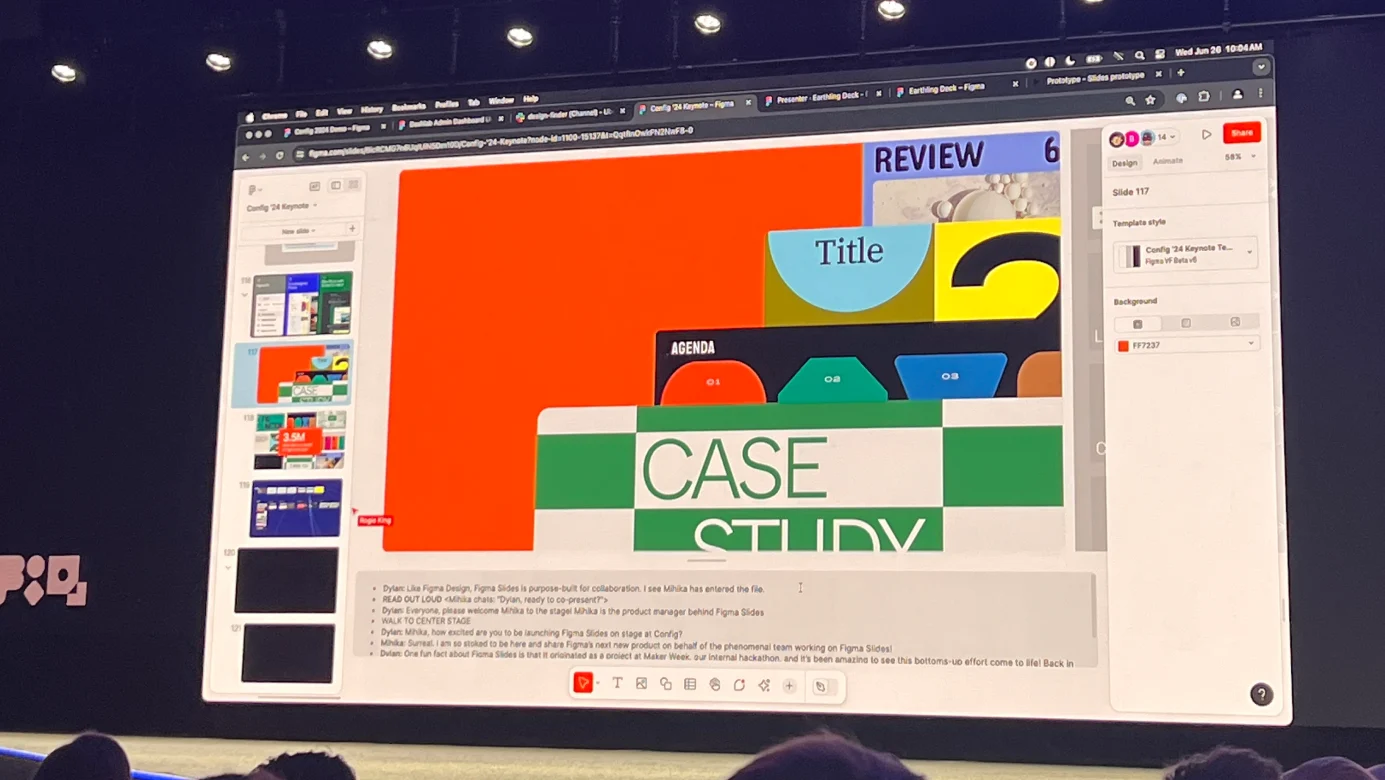
Slides was the highlight of Config for me. Just before the announcement, Dylan joked that he could not find his speaker notes, which briefly looked like a live-production problem. It turned out to be the setup for the reveal.
Figma Slides is purpose-built for presentations. While many of the other announcements centered on designers and developers, Slides looked like a product that every role could use. I had already spent roughly five years avoiding traditional presentation software and building decks in Figma, and Slides felt like a direct answer to that behavior.
It supports:
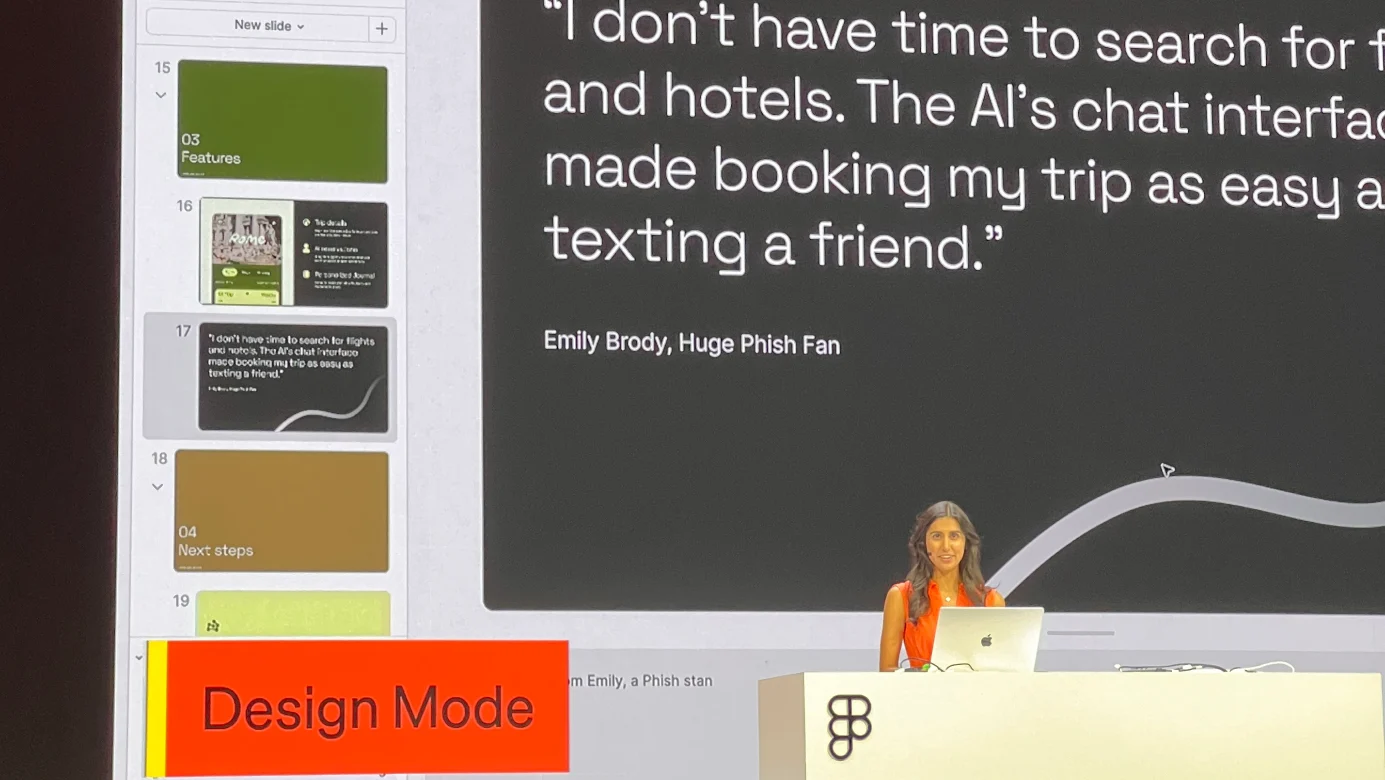
- Native demonstrations of Figma prototypes inside a presentation
- Speaker notes similar to traditional slide software
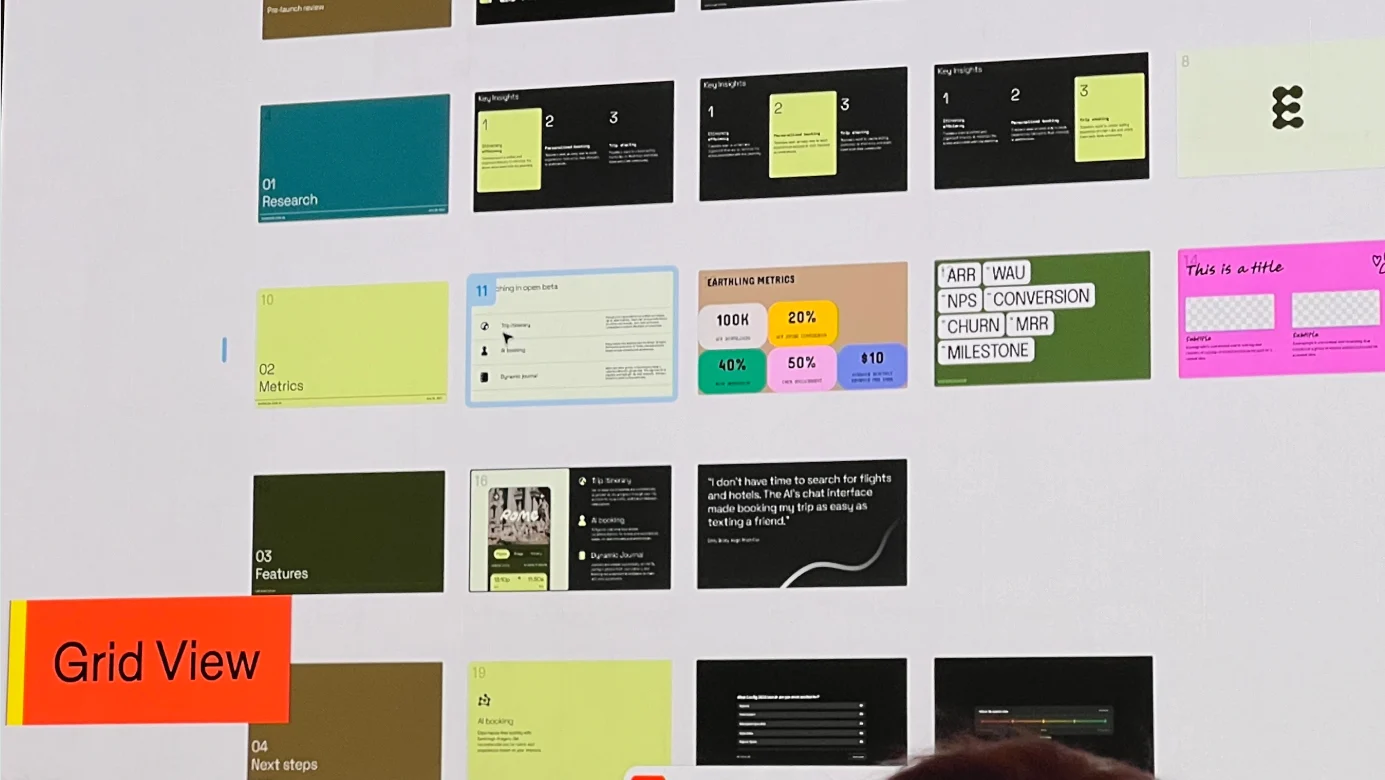
- A clear overview of the entire deck with fast, intuitive editing
- A Design Mode that lets people without a full design-editor seat reuse assets created by designers at a lower cost
- Live interactions such as polls, useful for webinars and events
As a brief aside, FigJam became an important internal tool at Wantedlab after our Design Platform team proposed and introduced it. Within six months, roughly 70% of employees were using it. Slides felt as interesting to me as the original FigJam launch, and among the announced products it was the one I expected to use most immediately.
Other sessions and topics
I was impressed that Config was not limited to Figma itself. The program included a broad mix of speakers and topics:
- The story behind Humane's AI device, why it needed an app screen, and why screens might become less necessary
- AI ethics from an NYU professor
- Similarities between AI model development and human design processes
- Two days of talks from companies of many sizes about design systems, development, and plugin creation
The online and in-person event experience
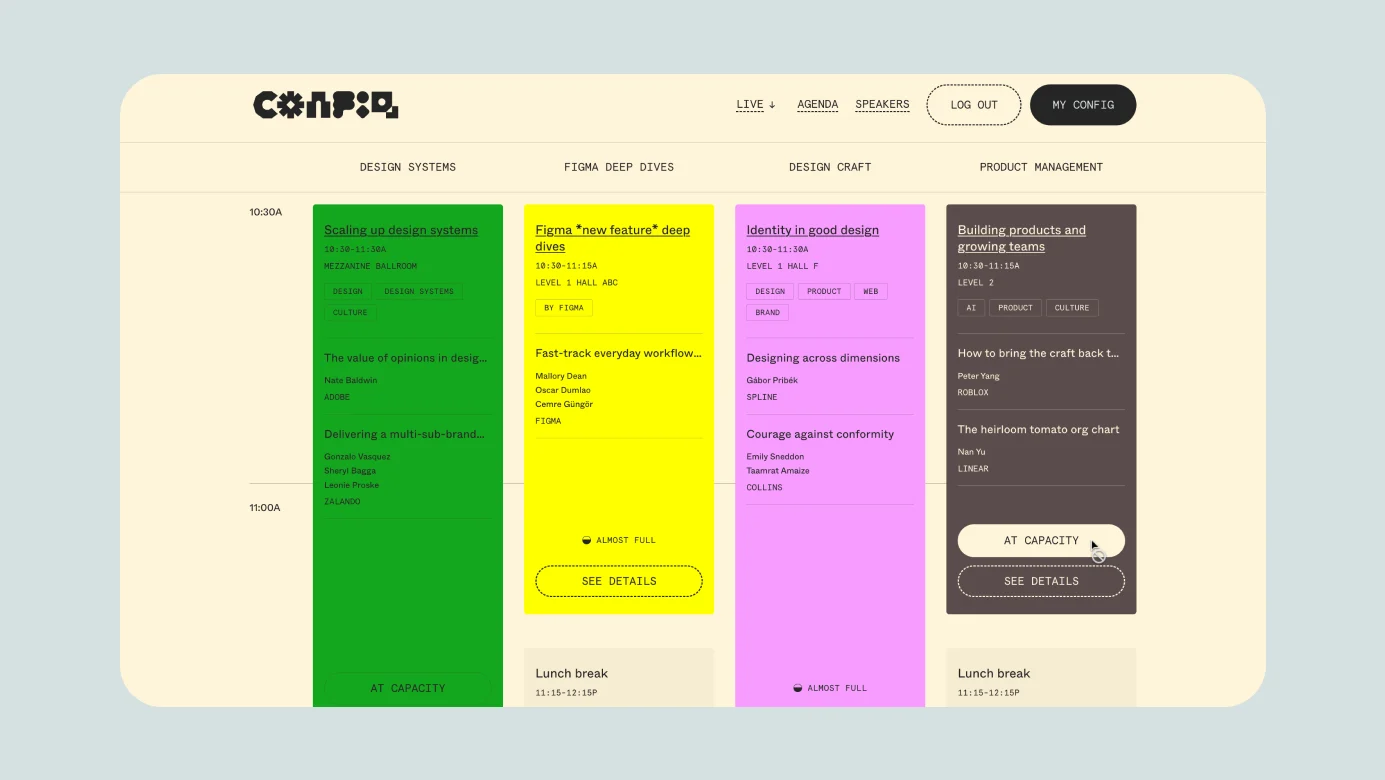
Config landing page
The event site let attendees register for sessions in advance, much like adding items to a cart, and build a personal timetable. At the same time, organizers could estimate demand for each session before the event.
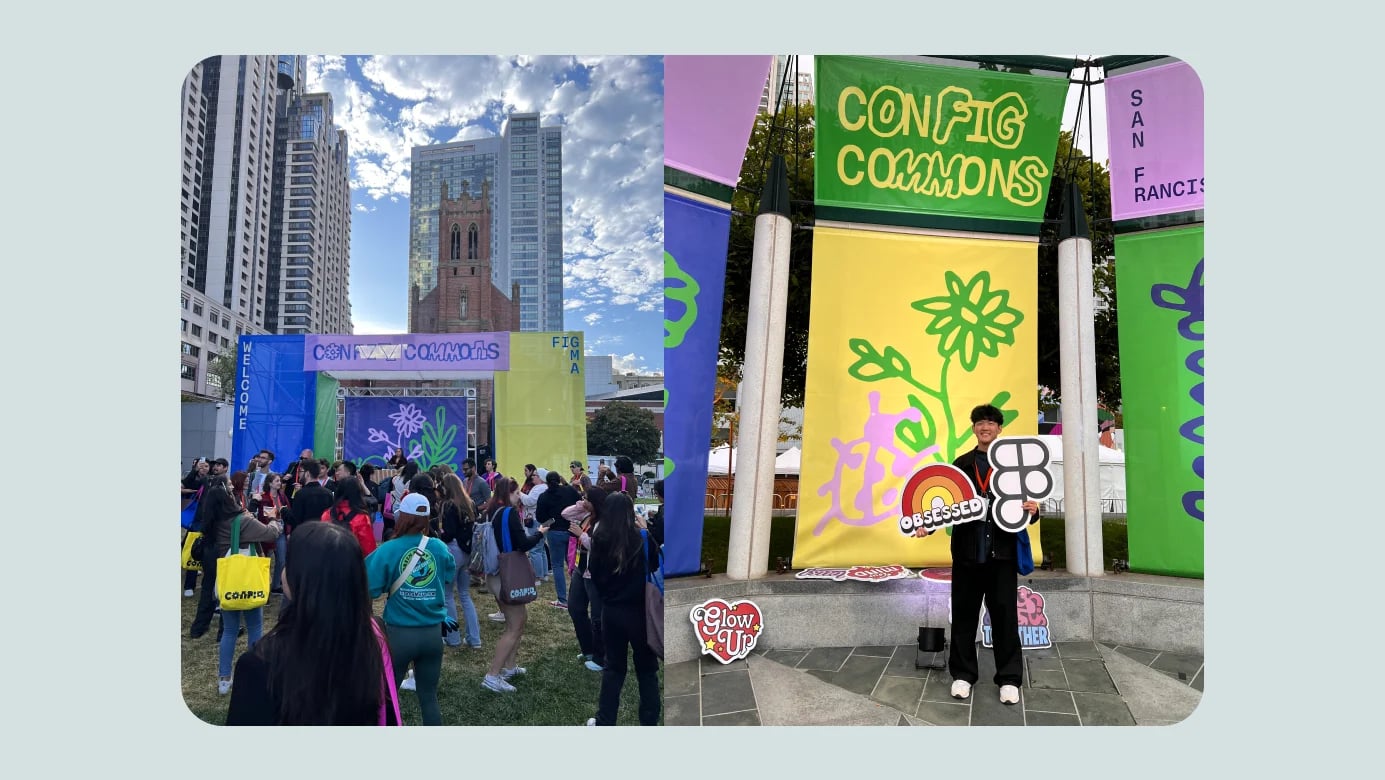
Early check-in and an outdoor DJ party
A lively pre-event gathering encouraged people to check in the day before. It also distributed the traffic that would otherwise have arrived all at once on the first morning.
12,000 tickets, all sold
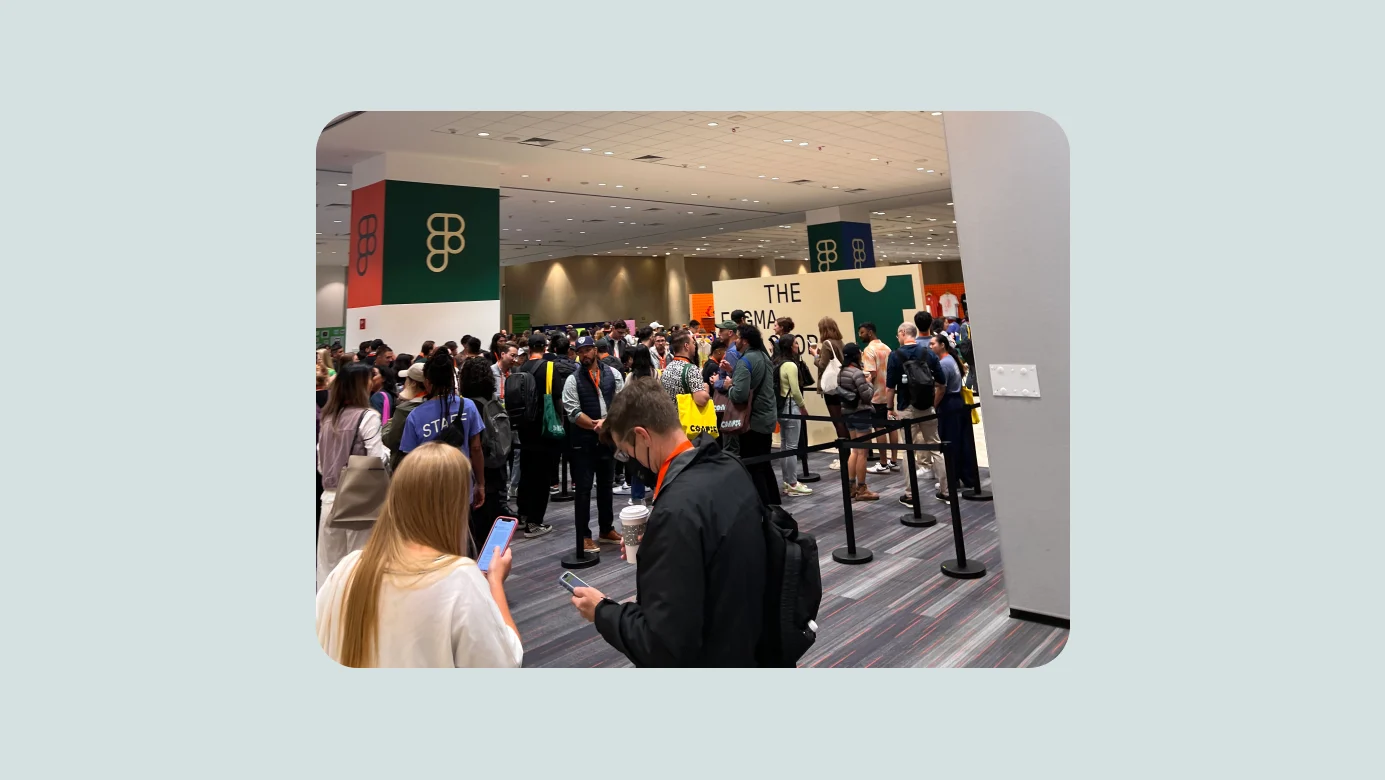
The venue was extremely crowded, and many media outlets appeared to be filming. The organizers reportedly released about 20% more tickets than the venue's 10,000-person capacity to account for no-shows. Every ticket sold, with very few cancellations.
Branding, motion, and merchandise at the scale of the event
The merchandise was consistently high quality. The most memorable experience was customizing the main item, a Config tote bag. Attendees chose one of four bags aligned with the event's color themes, then applied a preferred graphic using heat-transfer printing.
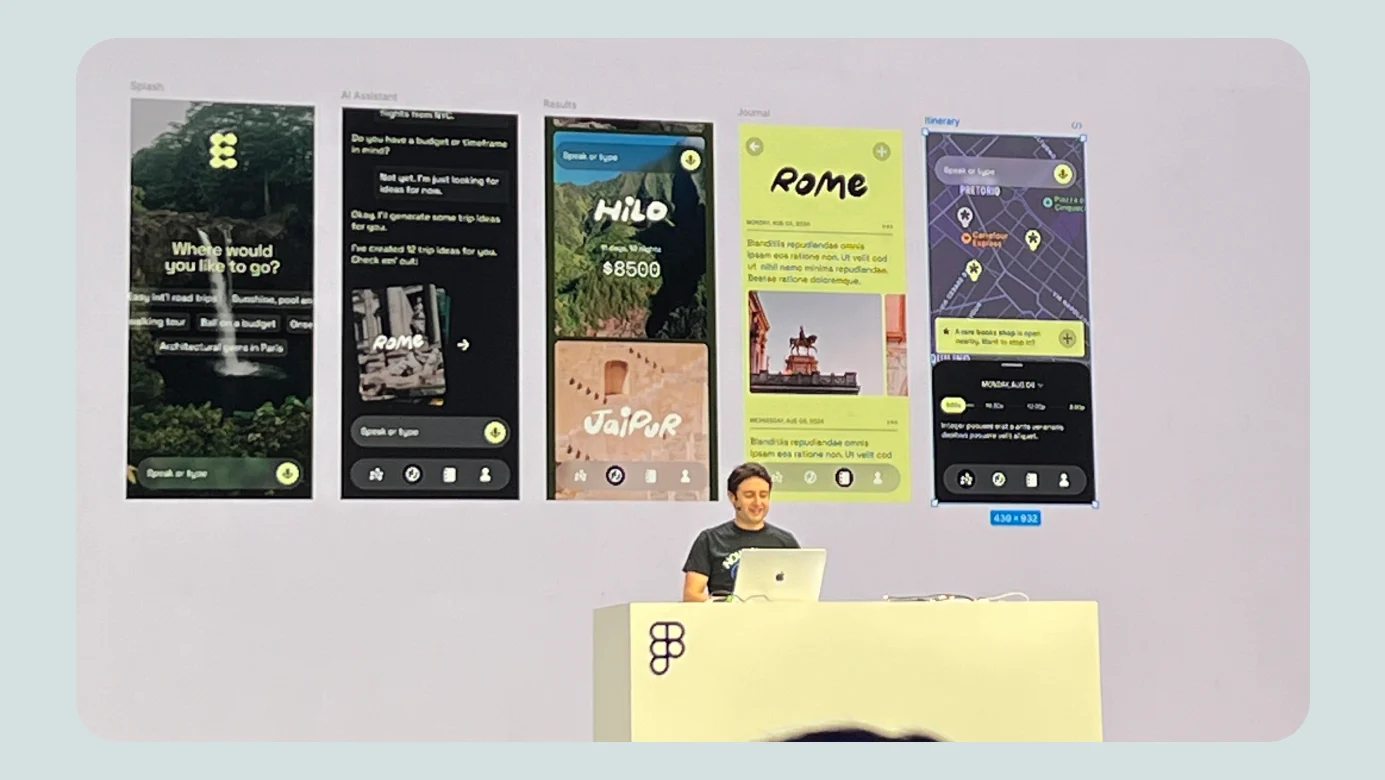
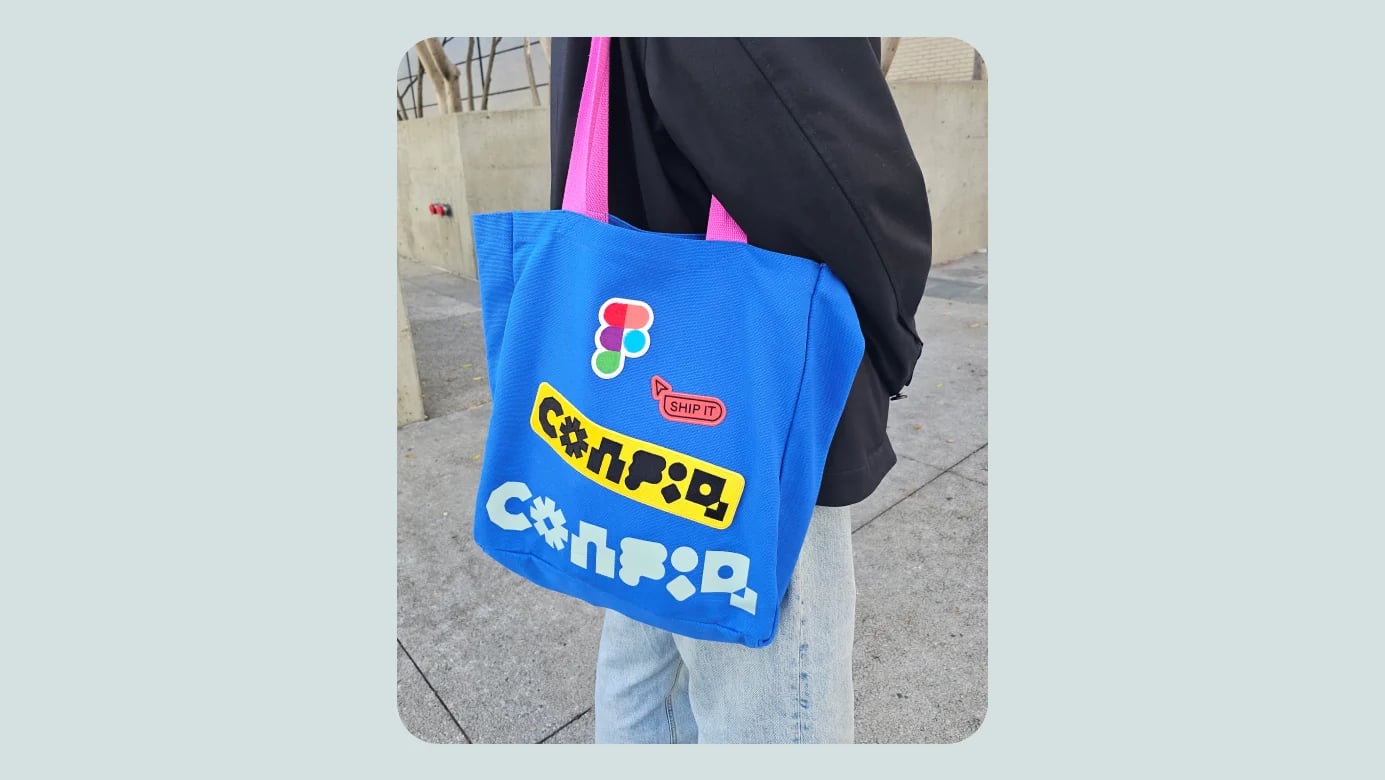

It was a remarkable experience. Personalizing the item made it feel genuinely mine. This kind of detail may not appear clearly in metrics, which made the level of care even more impressive.
High-quality interpretation, sign-language support, and accessible seating
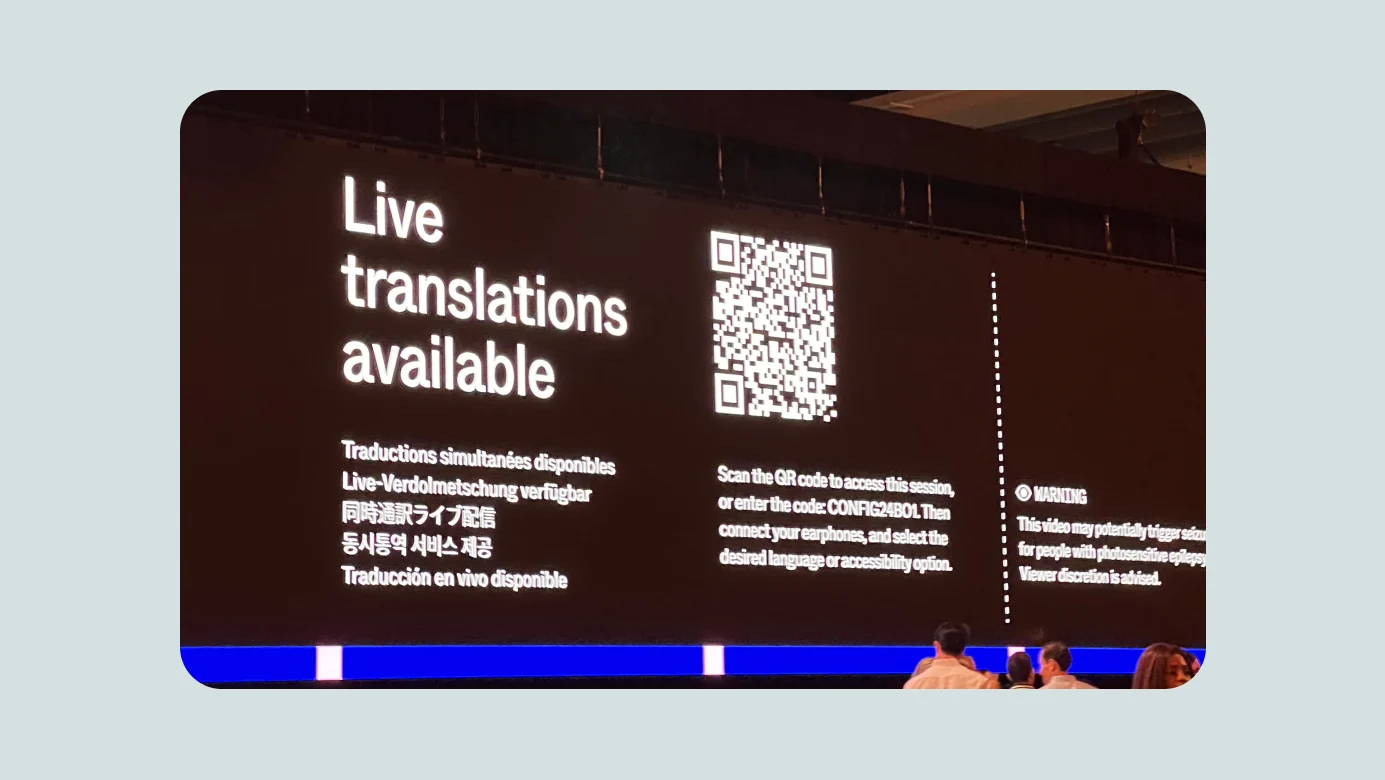
Interpretation was provided through QR guidance and advance instructions for attendees from many countries, including Korean. Dedicated seating and sign-language support for disabled attendees were also visible throughout the venue.
Watch parties around the world
Friends of Figma communities operate in major cities around the world. In Seoul, we also hold meetups every year. The 2024 Config watch party was led by Beomyong, another Friends of Figma leader, in collaboration with LottieFiles. I was delighted to hear that despite the overnight schedule in Korea, the event drew as much energy as the previous year and recorded 100% attendance.
Outro
Config 2024 brought another unusually large wave of announcements. As in 2023, it felt as though we would spend some time learning the changes, experimenting, and figuring out how they fit into real work.
The sessions beyond the keynote were equally worthwhile. I hope this summary helps other people who use Figma. With Day 2 about to begin, I ended the night here and went to sleep. Thank you for reading.