
Intro
On February 13, 2024, I attended a meetup hosted by LottieFiles. I applied because I wanted to learn more about Lottie Creator, the motion-graphics tool the company had recently released.
Background
For readers who are less familiar with the field, here is a short explanation of motion graphics in product design.
Designers create interfaces that reach customers through many different channels. Across the web and the broader tech industry, Lottie makes it possible to deliver motion with smaller files and higher visual quality than GIF or MP4. Compared with the past, designers can preserve far more of the quality of their motion work while delivering it quickly to customers.
Lottie itself is a delivery format, like MP4, rather than a full editing environment. Designers have traditionally created the motion in tools such as After Effects, Figma, or Webflow, then connected the output to Lottie.
With Lottie Creator, it became possible to design Lottie-based motion without relying on a separate design tool.
The meetup
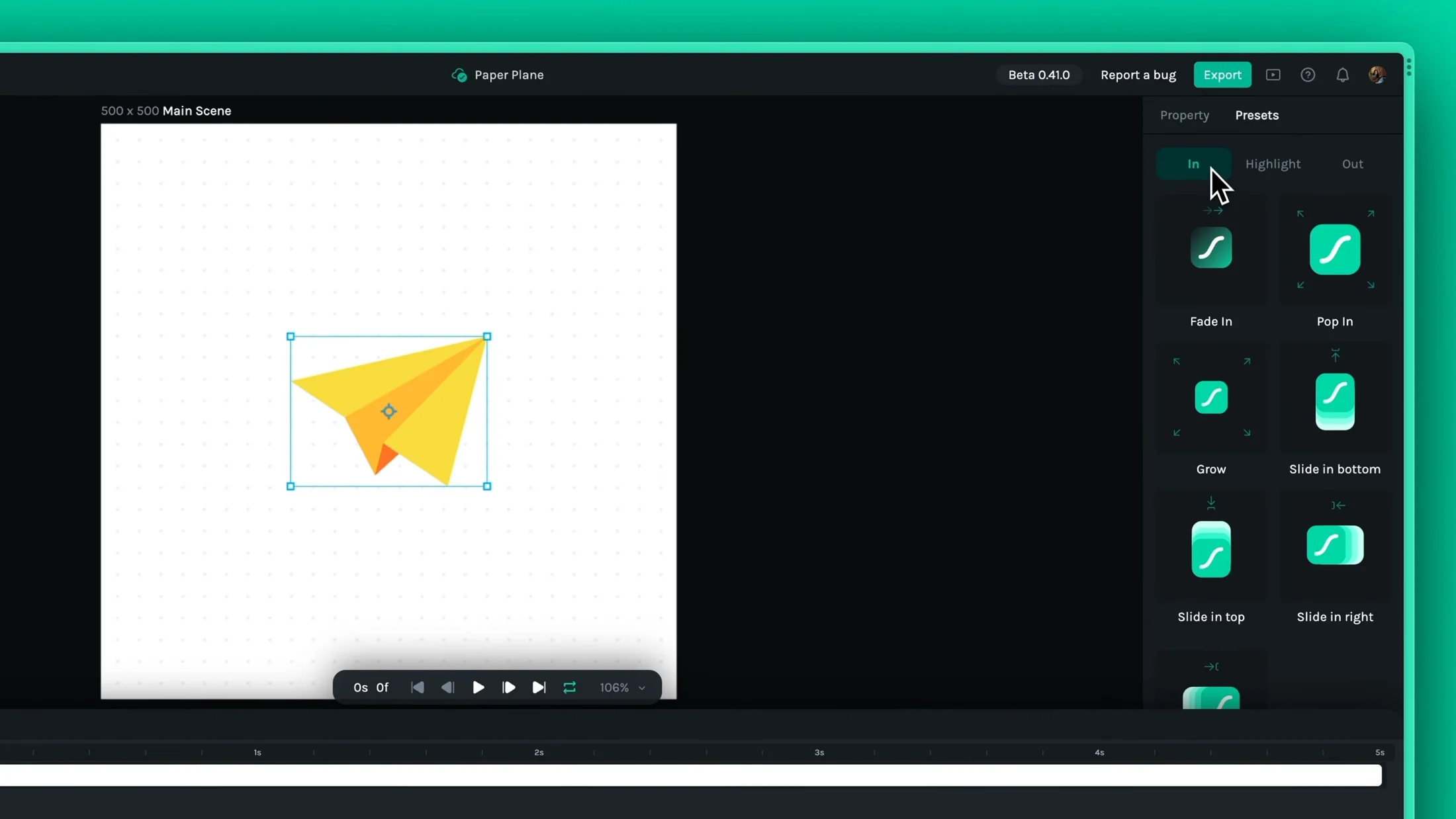
The event took place on the second floor of ModuLabs and was easy to find. The team provided bread, snacks, stickers, coasters, and other merchandise. The atmosphere was quiet but enjoyable.
Several features discussed at the meetup were still planned rather than released. If they were implemented, I thought the product could become much more competitive. The issues I found at the time included:
- More usable keyframe editing
- No masking preview
- Different playback results between the render view and timeline viewport
- Custom easing
- No gradient support
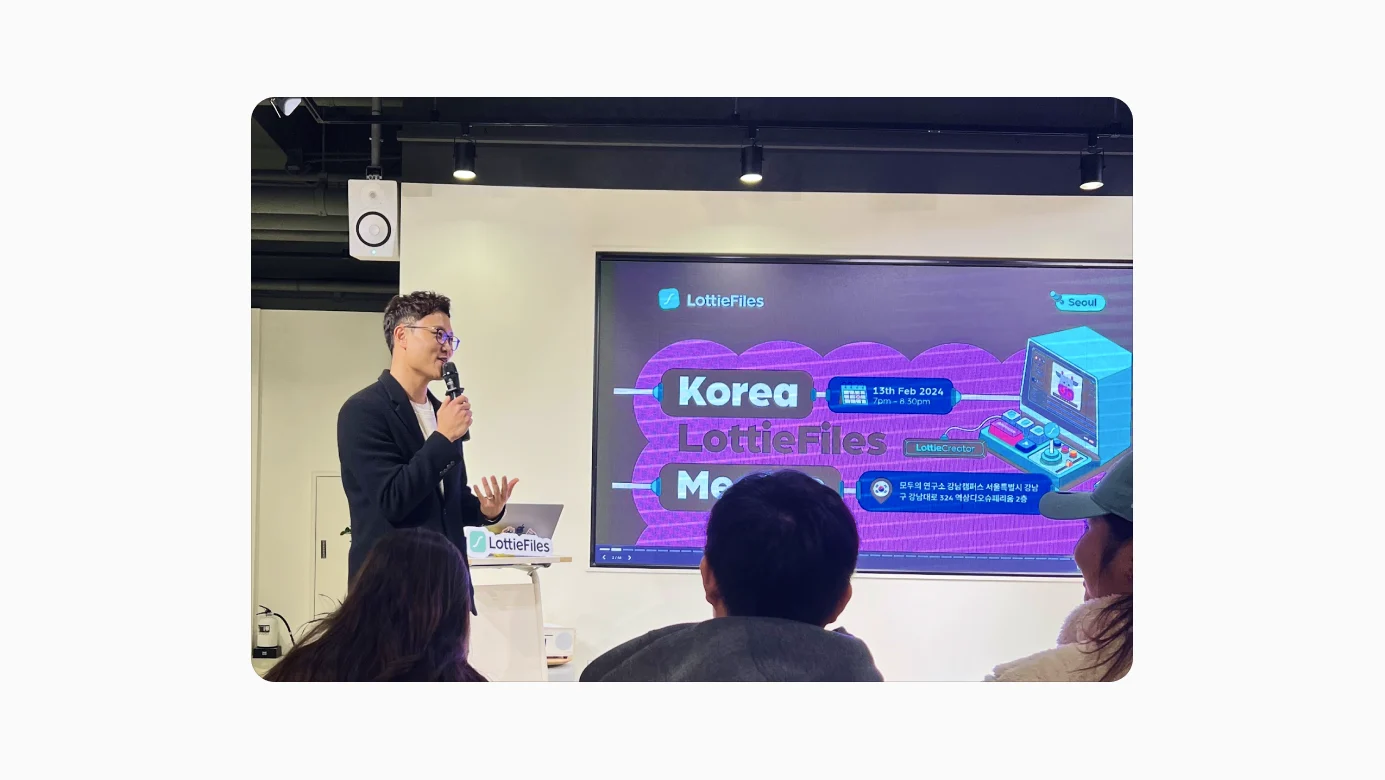
During networking, the CTO demonstrated a playful LottieFiles mobile experience. Pointing the LottieFiles app at merchandise through the camera recognized the graphic and played an animation. The backs of employees' business cards worked the same way. It fit the company's brand very well.
A significant number of LottieFiles employees were based in Korea, and the team said it planned to hold casual meetups every month.
Lottie Creator demo
CTO Nattu introduced the product and led the demo. The first priority when building Lottie Creator, he explained, was to make it cloud and web based.
Rough notes from the demo
Open lottie.new and sign in.
Strengths
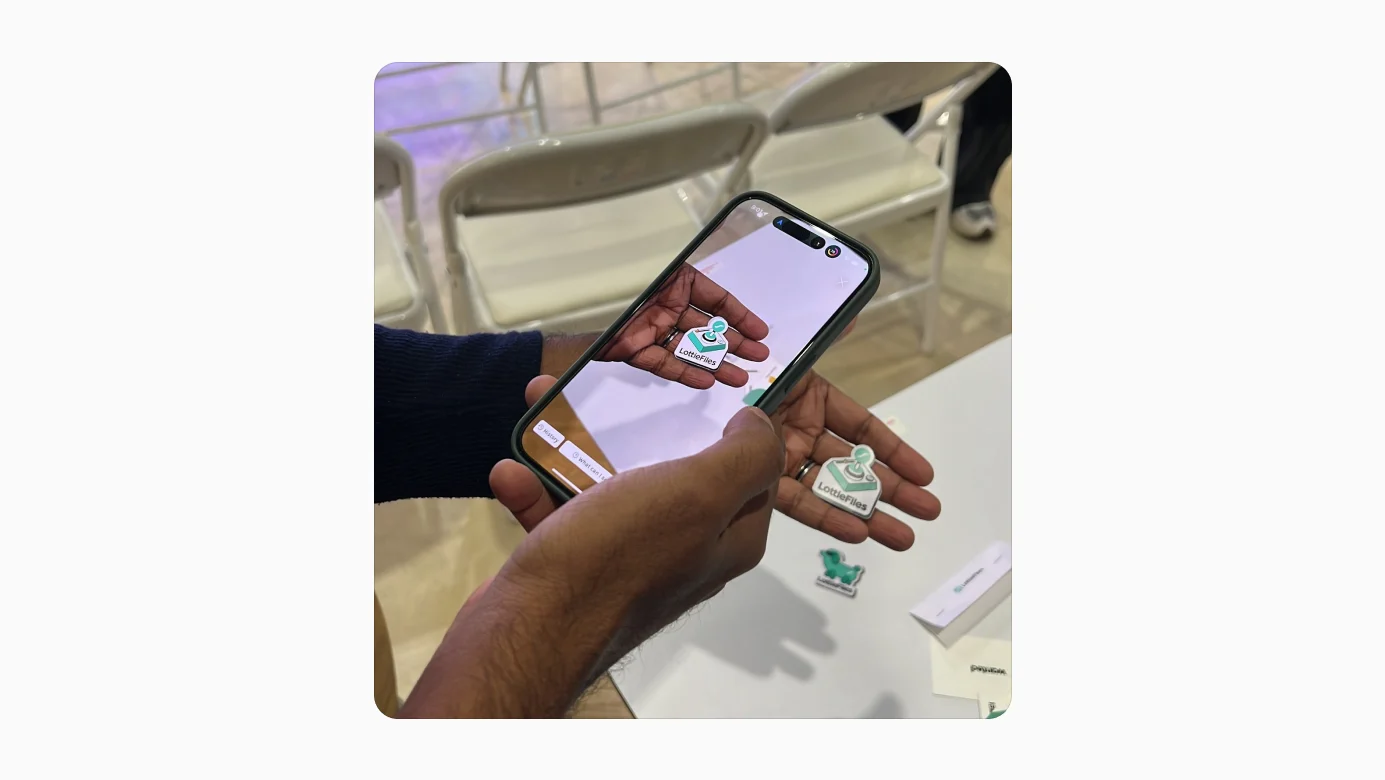
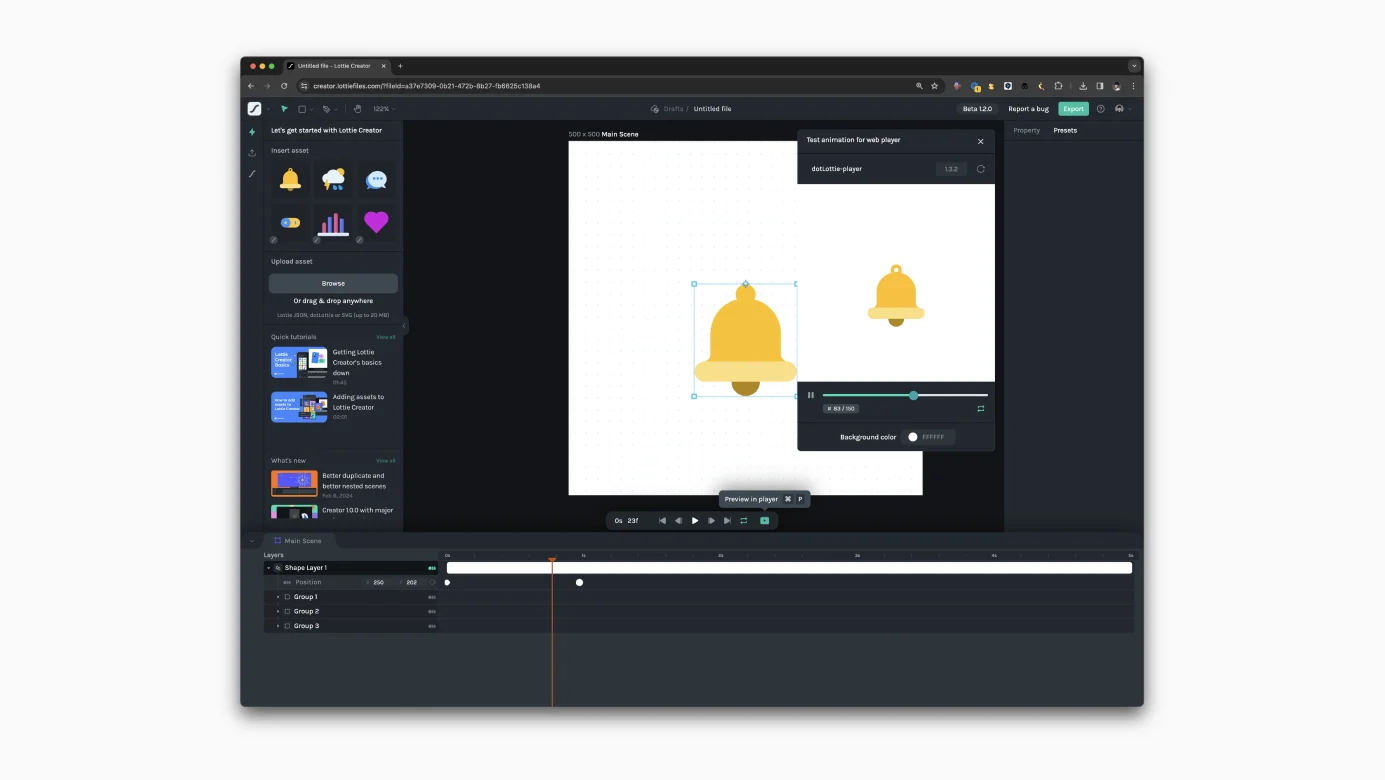
- Anchor points are supported
- In, highlight, and out motion presets are available
- SVG assets can be imported through drag and drop
- Core properties such as opacity, scale, and position are easy to inspect and animate with keyframes
Limitations at the time
- Bulk editing and detailed control of keyframes were still difficult
- Expressions and nuanced easing controls were missing
- The team expected to improve these areas soon
A fun detail: two engineers behind the Lottie player were Korean. The HR lead was also Korean, and the CTO was living in Korea at the time.
Future updates were listed in the Creator release notes.
Questions discussed
- What would persuade an existing motion designer to move to Lottie Creator when many already use After Effects, Jitter, or Figma-to-Lottie plugins?
- Would custom easing be supported?
- The team expected it within about a month.
- Without it, convincing experienced After Effects users would be difficult.
- Could a workflow move from Figma to Lottie Creator and back to Figma?
- Was generative AI for motion being considered?
- It was under consideration, but AI vector creation would likely come first.
- When would generative AI vector creation arrive?
- Raster-to-vector conversion was planned, with a tentative release within about a month.
- When would gradients be supported?
- They were still in progress, along with stroke animation.
Bugs noted
- Command + minus did not work reliably
- Masked SVG assets appeared incorrectly in preview
- Command + R feels natural for renaming a layer, but refreshed the browser instead
First impression and tool comparison
Because Lottie Creator is a dedicated motion tool, I compared it with existing workflows from a motion-design perspective: After Effects, Figma, and Lottie Creator.
With a Figma-to-Lottie workflow, motion is constrained by Figma's prototyping model. If you use frames and Smart Animate, for example, it is difficult to place another keyframe between two existing states.
Lottie Creator, by contrast, uses a timeline, keyframes, and anchor points like After Effects. That makes it attractive to designers who want more control than Figma prototyping provides.
Compared with After Effects, however, many features were still missing. Anyone arriving with After Effects-level expectations would likely be disappointed. Lottie Creator also had advantages: it runs in the browser, so opening lottie.new is enough to begin, and existing SVG assets can be used immediately.
After Effects is a deep professional tool with many concepts to learn. Lottie Creator is easier to approach, which means its strengths and weaknesses come from a different position.
Outro
My overall impression was that Lottie Creator sat somewhere between After Effects and Figma prototyping.
It could appeal to designers who want better motion quality but find After Effects too heavy. It should not yet be mistaken for an After Effects replacement. I saw several usability issues, but based on the conversations at the meetup I expected the team to improve them quickly.
For UX designers who have started exploring motion and want to raise the quality of their work, Lottie Creator could become a meaningful alternative.
I enjoyed exploring a new design tool. Thank you to LottieFiles for hosting the event.