For those who have just taken their first steps into UI design
welcome! You have now taken the first step in UI design. There is a saying, ‘A journey of a thousand miles begins with one step.’ Let me think about this a little bit. Taking ‘one step’ is important, but I think it is also important to clarify a big goal like ‘a journey of a thousand miles’. Therefore, if you want to be good at UI design, it would be a good idea to start by finding out what UI design is, what values are considered important in UI design, and what related tools are available.
What is UI design?
Now we want to start designing the UI. First, what is UI (User Interface) design? Wikipedia expresses it this way:
User interface (English: user interface, UI) refers to a physical or virtual medium created for the purpose of temporary or permanent access to communicate between people (users) and objects or systems, especially machines and computer programs.
It's a little difficult. For easier understanding, let me add a context. What do you do to make a call on your smartphone? There may be some differences, but most will proceed in the order below.

- Turn on your cell phone
- Unlock the lock screen
- Turn on the ‘Call’ app on the home screen
- Enter the phone number of the person you want to call
- Press the ‘Call’ icon
- Talk on the phone
All the graphics the user sees during this process, such as icons, number pads, and text, are all UI. This is because users unconsciously look for ways to achieve the purpose of ‘calling’ through smartphones, and smartphones can be said to have presented various forms of ‘visual media’ to help users effectively achieve that purpose.
Even in the past when there were no smartphones, the concept of UI has been used in various places (you can even think of the four holes in the t-shirts we wear as UI). However, these days, as interest in and use of digital environments increases, numerous UI examples can be easily found in digital environments such as mobile and desktop.
What is important to a UI designer?
**
**What values should a designer keep in mind before sitting in front of the computer and actually drawing a UI? I've summarized it based on the experience of a working designer. After reading it, it would be a good idea to compare it with the important values you think about design.
Logic, efficiency
Since UI design is a visual job, it is often misunderstood that the job is to make the service look pretty. Of course, aesthetics is one of the important values for designers. However, no matter how pretty a UI design without logic is, it is difficult to ultimately reflect it in the service. In most cases, this is because the team needs to understand the goal they want to achieve and dress the UI accordingly. Even if it is reflected in the service, there is a high possibility that it will cause a serious blow to the business. If a customer orders a hamburger at a restaurant and a Coke is served, a complaint cannot be avoided no matter how pretty the cup containing the Coke is. Therefore, in most cases, it is not about making the UI itself stand out, but rather understanding the goal of the project and thinking about what UI can best achieve it.**
**
It is also important to look at UI from the perspective of efficiency. This is because drawing the same UI repeatedly whenever necessary is inefficient for both designers and developers. If you effectively design the structure and interactions of common UI components based on an understanding of the digital environment in which UI is drawn, repetitive tasks can be handled as efficiently as possible. As an example, recently, many companies regardless of business field are managing UI assets more efficiently under the name of ‘design system’.
Aesthetics
A clean UI that matches the brand provides users with a satisfactory service experience. However, we need to think of aesthetics more broadly than simply ‘making a beautiful screen.’ This is because it is important to understand the brand strategy and consider the aesthetics of the UI in a form that fits it. Creating icons and illustrations for the screen to match the tone and manner, as well as organizing complex functions for ease of use, can all be thought of from a branding perspective. Creating visual works that take aesthetics into account can contribute to a better brand experience and higher brand trust.
**Understanding tools and digital environment
**As a designer, you must be able to determine and utilize which tools can be used practically in order to launch logical and aesthetic designs into actual products. In addition to Figma, which we will cover in the future, there are various tools that help with UI design, such as Adobe XD, Sketch, and Protopie. You need to be able to select the right tool considering the project, organization, current situation, etc., and use it appropriately to express the UI in your head into a state that can actually be implemented.
Understanding the digital environment is also important. Specific examples are as follows:
- Understanding digital asset types such as jpg, png, vector, pixel, etc.
- Understanding various mobile environments such as web, desktop, Android, iOS, etc.
- Prototype production that is close to the actual product to be implemented
Understanding the design environment is similar to understanding the ingredients for cooking. This is because by understanding and appropriately utilizing the environment of the product you want to create, you can increase the efficiency and completeness of actual product implementation.
A tool is just a tool.
In the future, I plan to publish a series of articles about UI design, focusing on a tool called ‘Figma’. However, design tools are changing very quickly. Until just a few years ago, the main tool for UI designers was Sketch, and before that, Photoshop. In addition, there are other tools with their own advantages, such as Adobe XD, ProtoPie, and Framer.
To put it another way, the reason why you should use Figma is that you need the courage to throw away Figma when other methods are more efficient. Knowing specifically about the tool, such as which functions are located where and what shortcut keys are, will definitely increase the efficiency of your design work. However, I believe that the most important thing for a product designer is the ability to think and express logically and structurally rather than the tool itself. That's why I think it's a good idea to periodically check how design tools are changing and have the mindset to change to a better tool whenever necessary. Below are some design tools other than Figma that are good to know.
Sketch
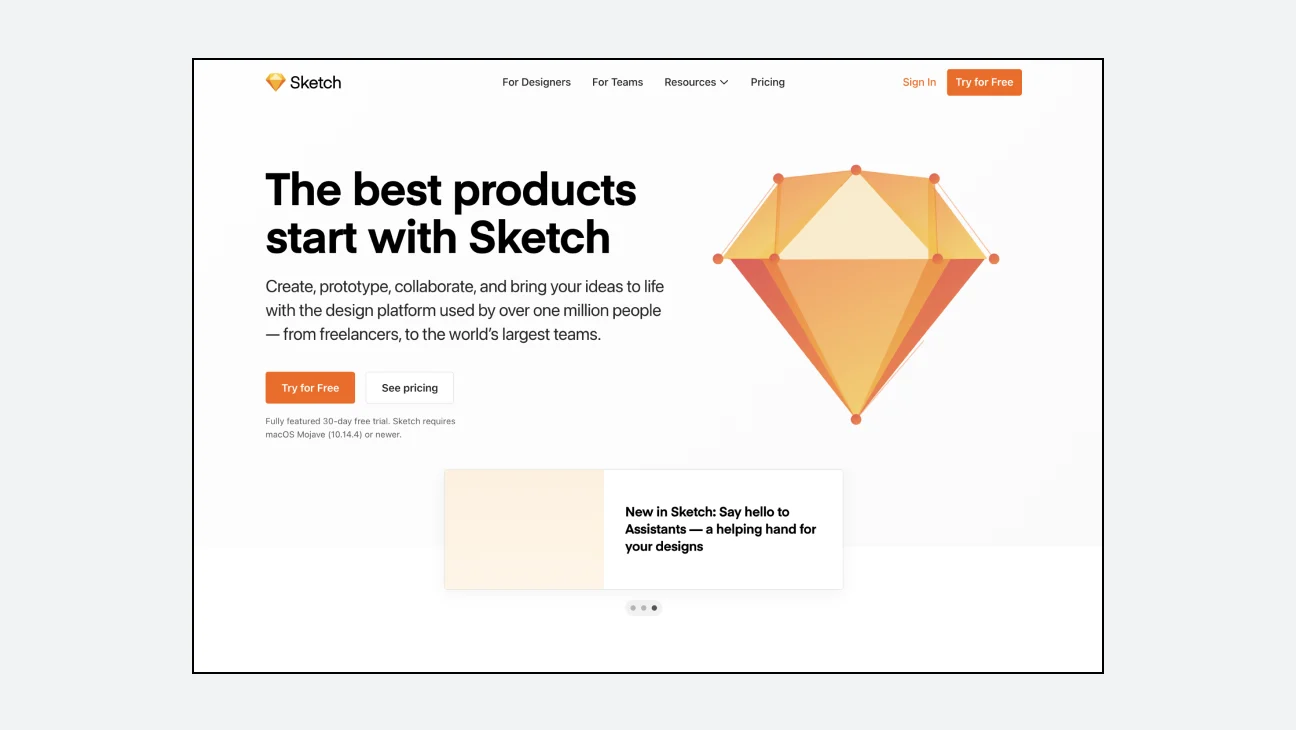
It is a traditional powerhouse tool in UI design. It provides powerful UI design features and various plugins. However, it can only be run on MacOS, is paid, and is based on a local client, so it is used with other tools such as Zeplin and Abstract for sharing and collaboration.
Adobe XD
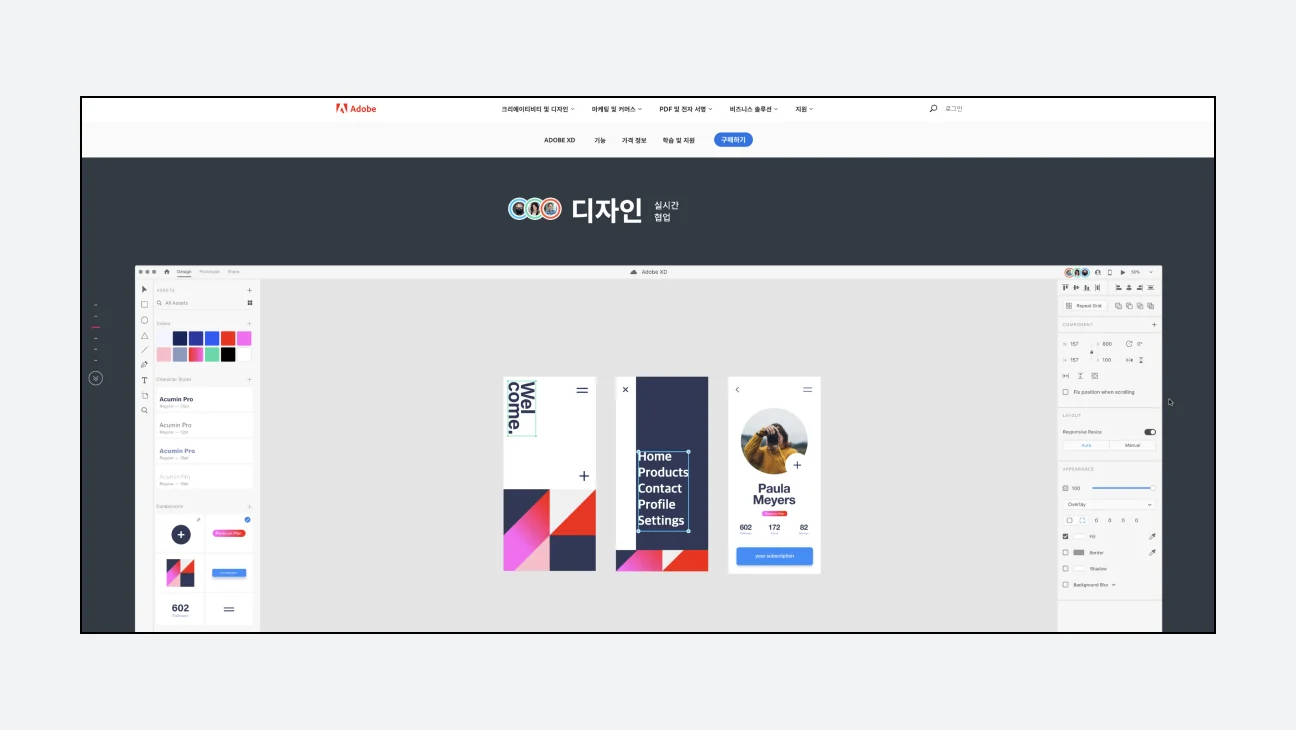
It is a UI design tool from Adobe, the creator of Photoshop, a synonym for design tools. It has powerful UI design and prototyping capabilities and is highly compatible with other Adobe tools such as After Effects, Photoshop, and Illustrator. It can run on both Windows and MacOS. However, the component function is not sufficiently advanced compared to other tools, and it is not suitable for path drawing. There is a cloud-based real-time collaboration feature, but you need to pay to use the collaboration feature properly.
**ProtoPie
**
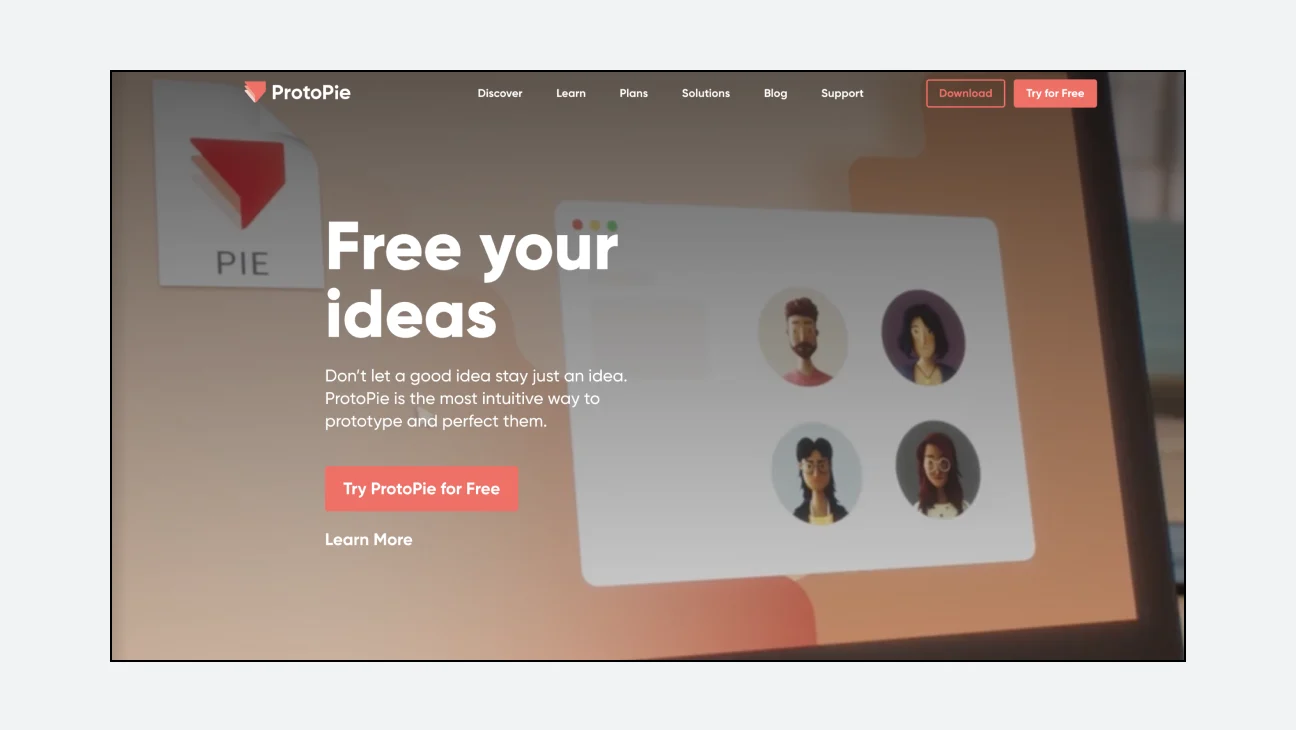
It is difficult to know how each UI design scene will actually work just by looking at it. In general, prototyping refers to the act of creating a ‘prototype’ to operate similarly to the real thing by adding interaction to the UI design before actual development begins. Prototyping is also possible in UI design tools such as XD, Figma, and Sketch. However, since functions are basically focused on UI design, advanced prototyping becomes difficult. You can complete the design in a UI design tool and implement a flow similar to the real thing by transferring the design draft to a prototyping tool such as ProtoPie.
Framer
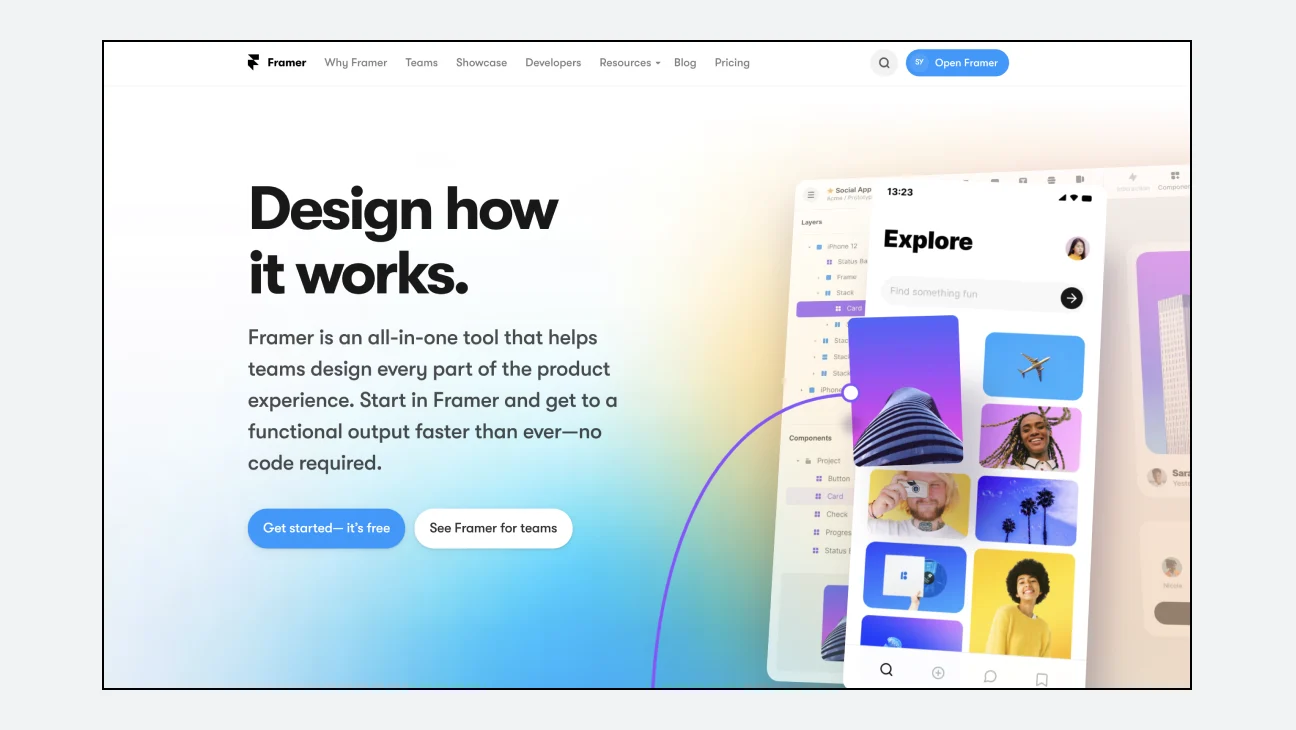
Framer is a design tool that is gaining attention again these days and is a tool that allows code and design to be more closely connected. Even if you don't know how to code yourself, it is highly usable as it provides powerful UI drawing and design system-related functions, and by taking advantage of the advantage of being a code-friendly tool, we are offering a beta service that turns the designed page into a website right away. Furthermore, if the designer thinks about the UI development logic together, he or she can collaborate with the developer and use one component for both design and development. In Korea, the financial service Toss design system use case is famous.
So far, we have provided a brief introduction to UI design and what related tools are available. There are a variety of design tools in addition to the tools introduced, and they may become more diverse over time. However, more important than knowing how to use multiple tools is the ability to quickly identify and select which tool is appropriate for the current situation and propose an appropriate solution as a designer.
View original text on Brunch
