Figma, focusing on its major advantages
From now on, the UI design-related articles that will be serialized will focus on the design tool Figma. Compared to Photoshop or Illustrator, which are already popular tools, Figma may still be an unfamiliar tool to some. What is Figma and why should I use it? Let’s focus on the big advantages.
What is figma?
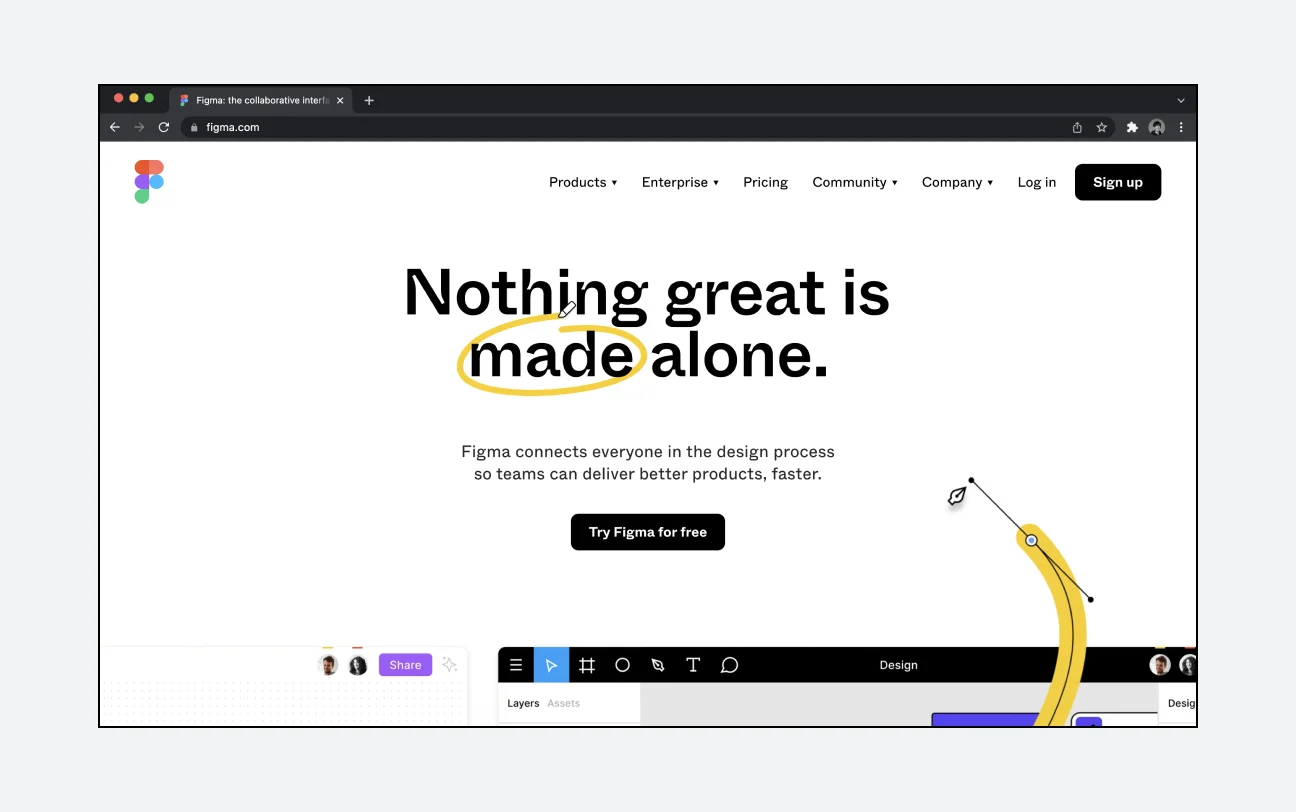
Figma is a design tool that anyone can use freely, regardless of time and place, as long as they have an internet connection and a computer. It is usually used to create UI&UX design or design systems, but it can be used for endless purposes such as planning, PPT, animation, and creating memes and emojis. Due to this scalability, Figma can be said to be the hottest among all UX design tools as of 2021. (https://uxtools.co/survey-2021/)
Advantages 1. Collaboration becomes easier.
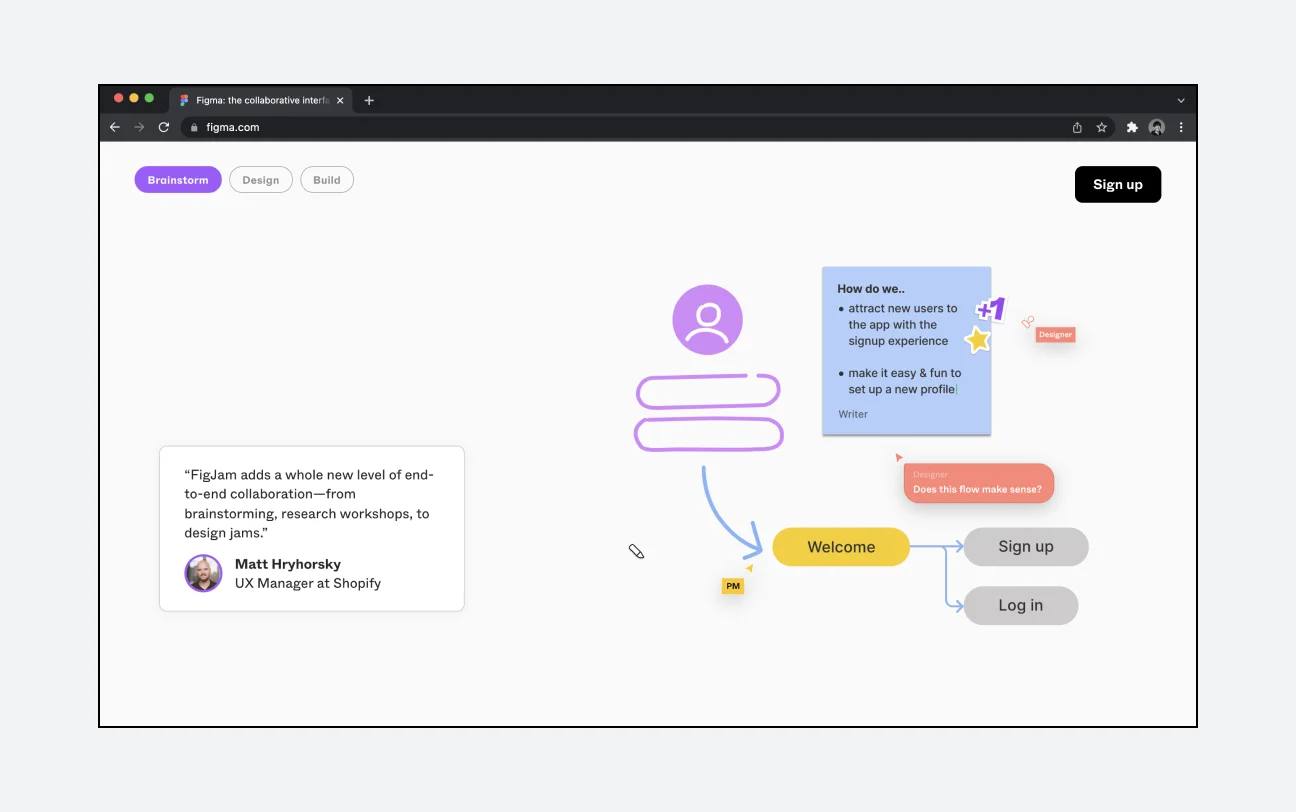
Before using Figma, designers delivered their design work as files. Therefore, the process of giving and receiving feedback took time, and it was often difficult to find which files were the most recent. (Final, final, final.psd) Because Figma is a web-based tool, it has the great advantage of not being restricted by a separate installation file or OS. Therefore, unlike existing work processes, anyone with a shared link can now access the same file and exchange feedback with each other. Designers can check, edit, and notify feedback in real time without having to send files every time.
Advantage 2. It is an all-in-one design tool.
As described in the previous section, uxtools.co has been conducting a UX design tool survey every year since 2017. This time, we will compare the results of this survey by year.
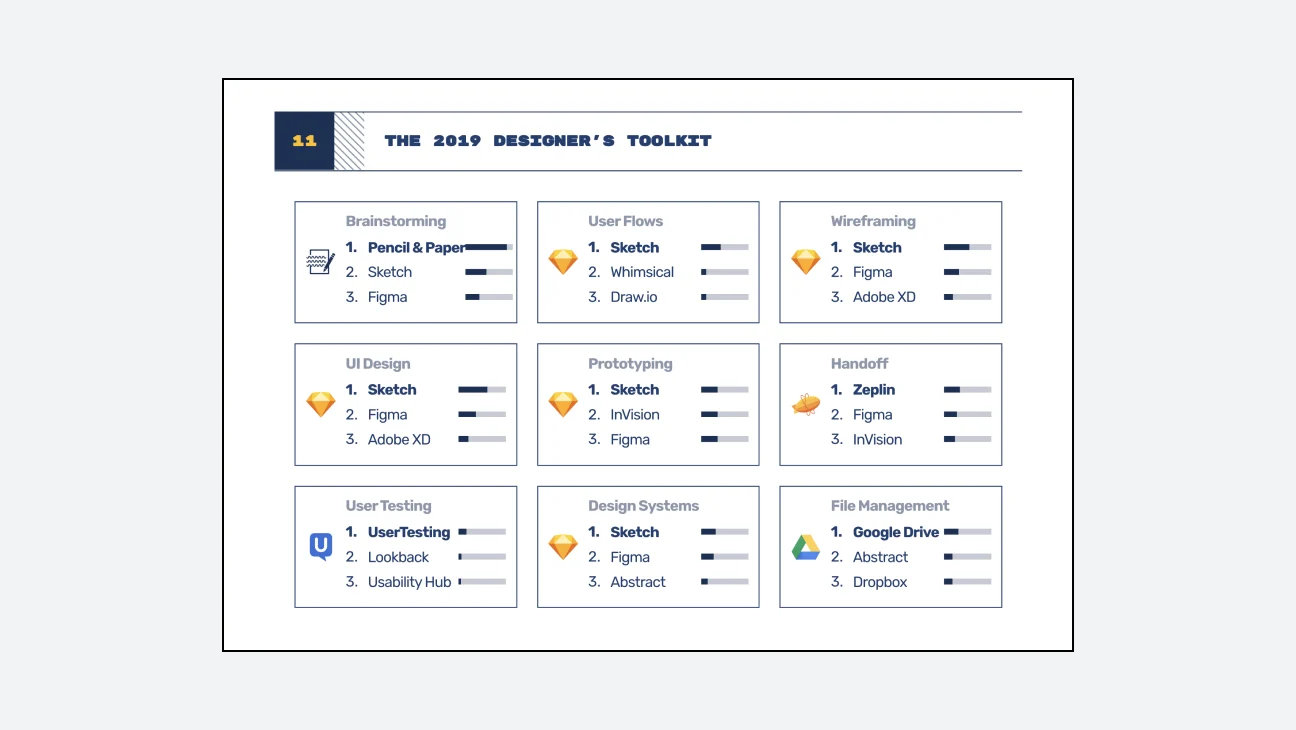
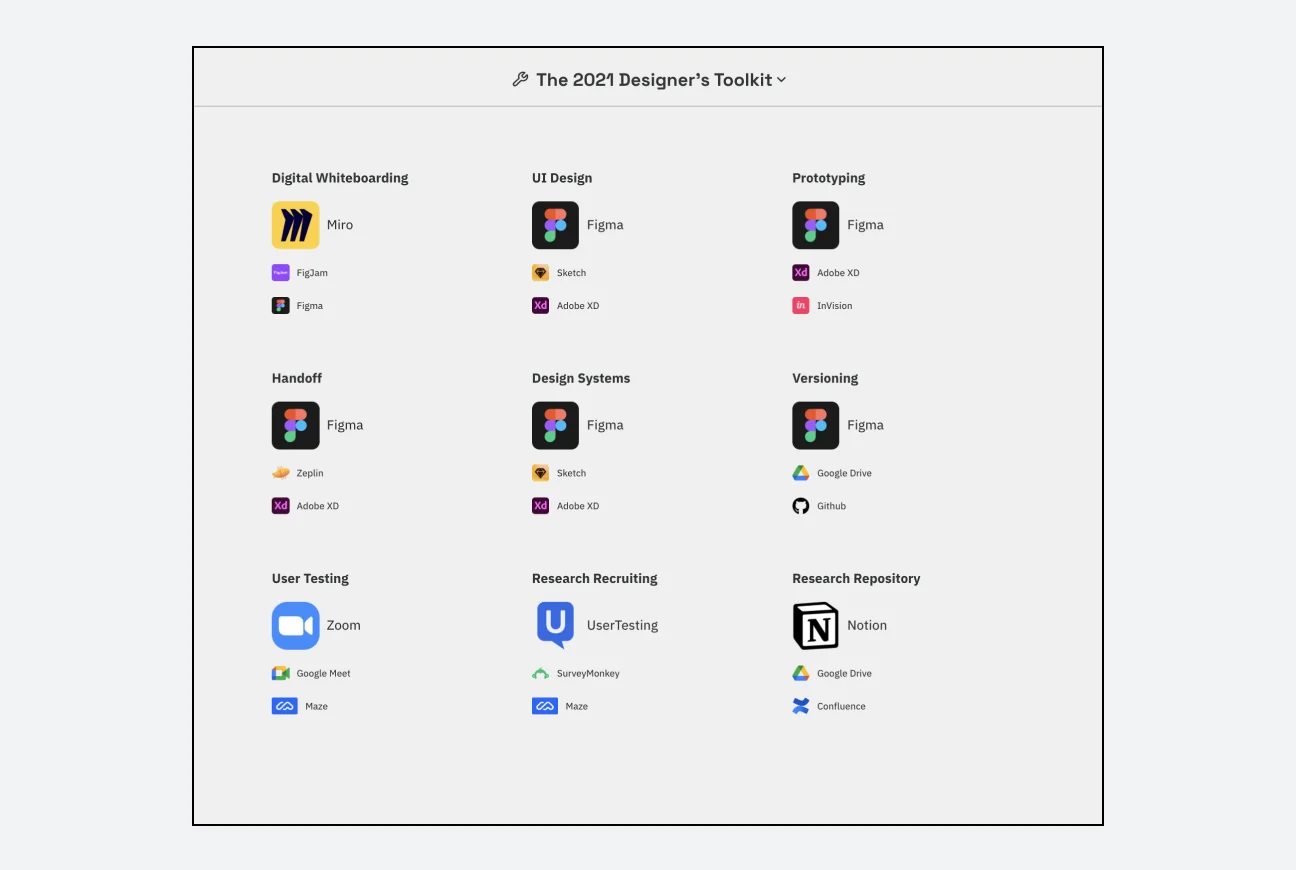
Brainstorming, UI design, design system, prototyping, user flow creation, etc... Looking at this picture, Figma has been pointed out as the #1 most used digital tool in various fields other than UI design in recent years. This ability to be used in a variety of ways is one of the main reasons for designing with Figma. Figma is solidifying its position in the IT design market as an all-in-one tool that can be used in a wide variety of design areas, even excluding the fields listed in the survey.
So what kind of utility will this versatile use have in actual design work? From a designer's perspective, work efficiency can be greatly increased by working on almost all areas such as icons, motion, prototypes, and UI design in one tool, and from the perspective of other collaborating professionals, they can view all the various files the designer worked on in one place with just a shared link, allowing them to intuitively understand and provide feedback. If you have any questions about the work, you can ask directly through the comment function on the work. If you use Figma for design work like this, you will be able to exchange feedback faster than when sending and receiving design files via email, and communicate closely with each other for the amount of time you save.
Advantage 3. You don't have to work twice.
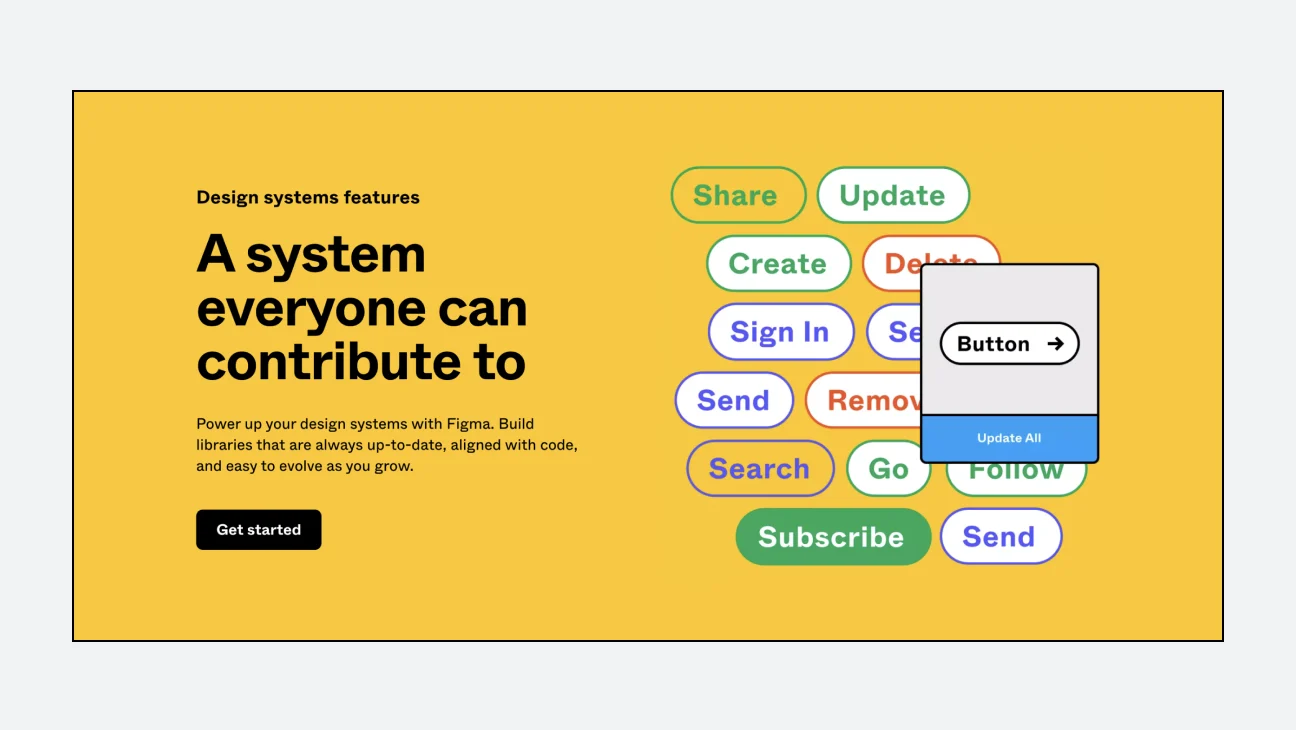
The shortcut keys Ctrl + C and Ctrl + V, which are now familiar to many people, are representative functions that make various tasks more efficient by copying and pasting the same format. It is very common to reuse elements that already exist when managing the UI of a complex digital product. In Figma, you can systematically reuse graphic elements in various situations by utilizing a function called ‘component’. To briefly explain the component, it is a function that connects the original original and the replica. Using this, even if modifications are needed later, just change the original ‘main component’ and the modification will be reflected in all replicas at once.
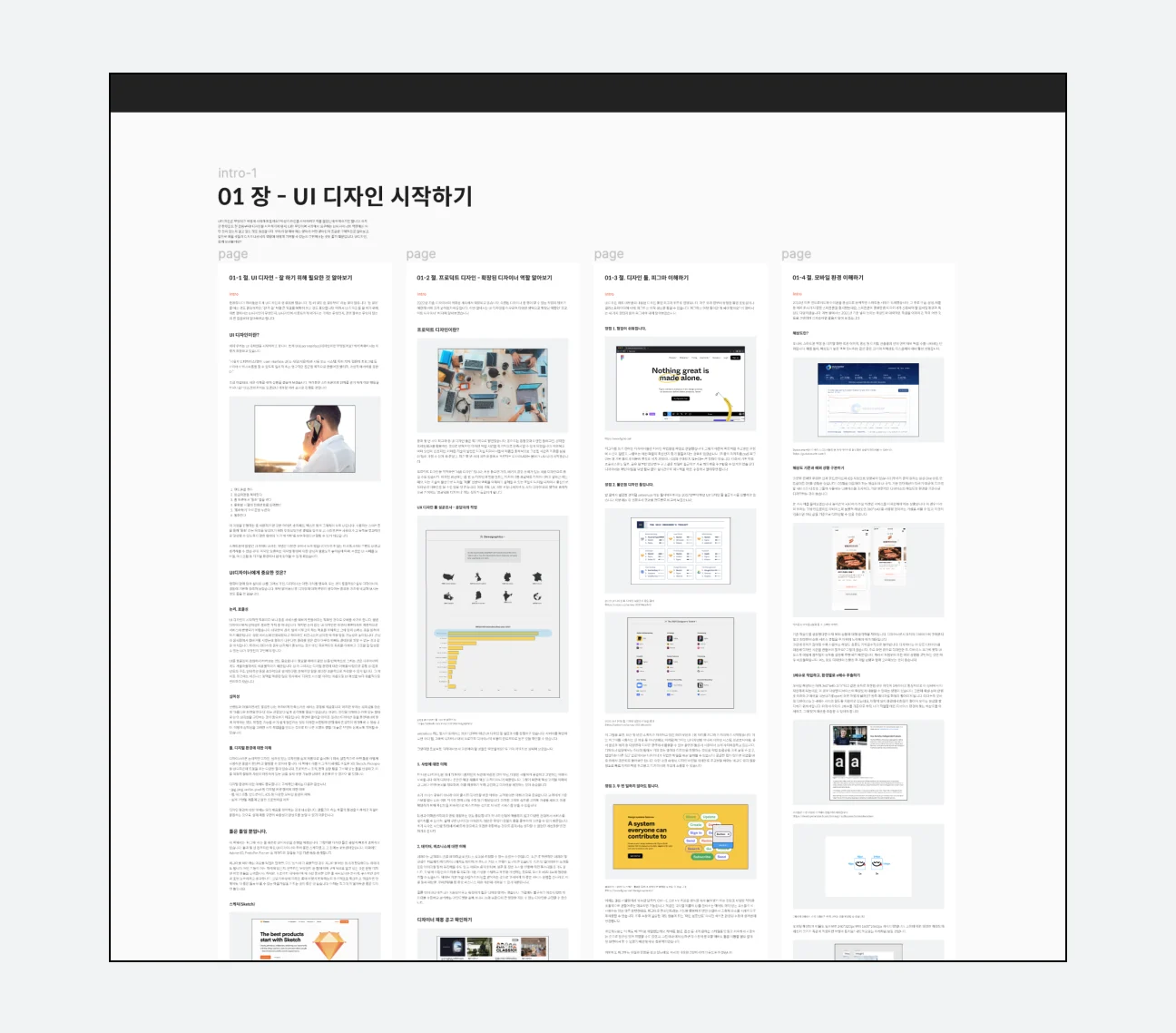
Personally, I was able to work efficiently on this manuscript using Figma. I was able to work consistently by creating and using the styles I wanted, such as titles, text, and captions, directly in Figma. Even when I needed to modify pictures or example UI screens, I was able to work in one place without having to move document tools and design tools, so it was very efficient.
Do I have to use Figma?
It is not necessary to use Figma when designing UI. We have introduced the advantages of Figma in detail, and in this book we will proceed with UI design with Figma, but a tool is just a tool. If a more effective tool for design than Figma comes out, it will be more important to have an open mind so that you can change the tool you use at any time. IT trends change very quickly. There may always be a better solution than the current method. Therefore, as a designer, it is necessary to continuously explore and strategically introduce effective methods to increase product development productivity and to quickly release quality services. Therefore, it is best to think of Figma as one of the good tools that can increase designers' productivity as of 2021.
So far, we have briefly looked at the advantages of Figma. Although it may seem unfamiliar as a web tool at first, Figma guarantees powerful productivity that designers have never experienced before through the three advantages above. You can look forward to the design tool Figma that we will continue to cover in the future.
View original text on Brunch
