When I planned a portfolio blog in Notion, I wanted my own domain rather than notion.so on every public page. Since Notion did not officially support custom domains at the time, I documented the workaround I used with a purchased domain and Cloudflare Workers.
Background
As soon as I began planning a portfolio blog in Notion, I started thinking about a custom domain. Notion does provide a shareable link for each page, but I wanted to strengthen my personal brand by showing my own domain instead of notion.so on everything I published.
Research
- I first checked whether Notion supported custom domains.
September 2019: Notion did not officially support them. I would not need to buy a domain until the portfolio was more complete anyway, so I decided to wait.February 2020: the blog content and management setup were ready, but Notion still had no official feature or concrete timeline. I began looking into the workarounds other people used to connect custom domains to Notion pages.
Process
- As noted above, I planned to buy a domain only after the site content was sufficiently developed. By February 2020, it felt like the right time to connect one, so I looked into the details.
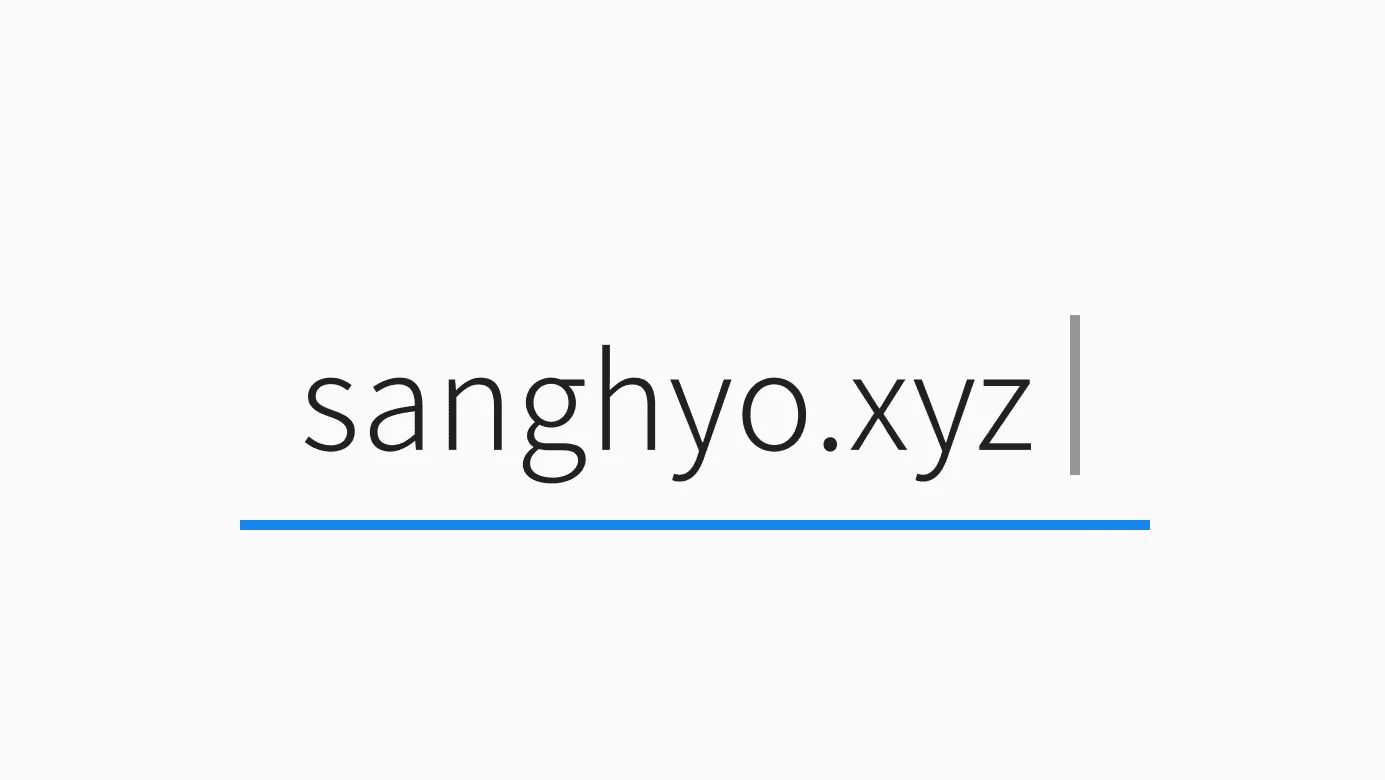
February 16, 2020: Purchased the custom domain sanghyo.xyz
I bought the domain for two years at a fairly low price, about $13 after entering a discount code.
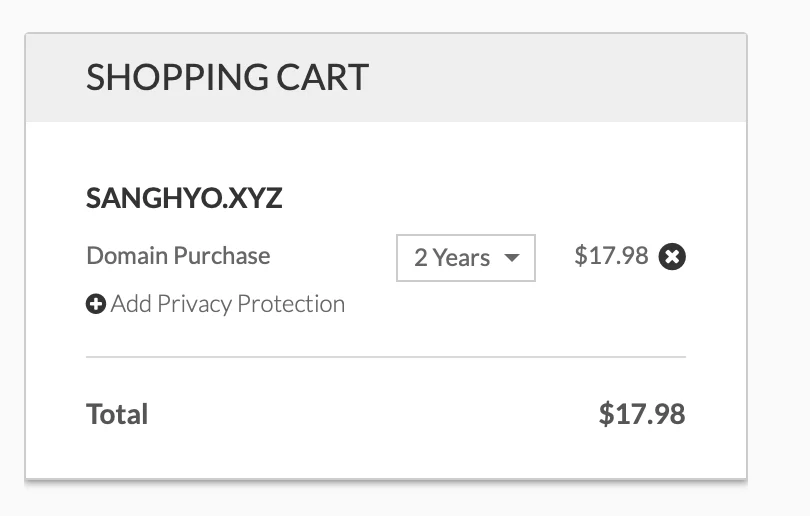
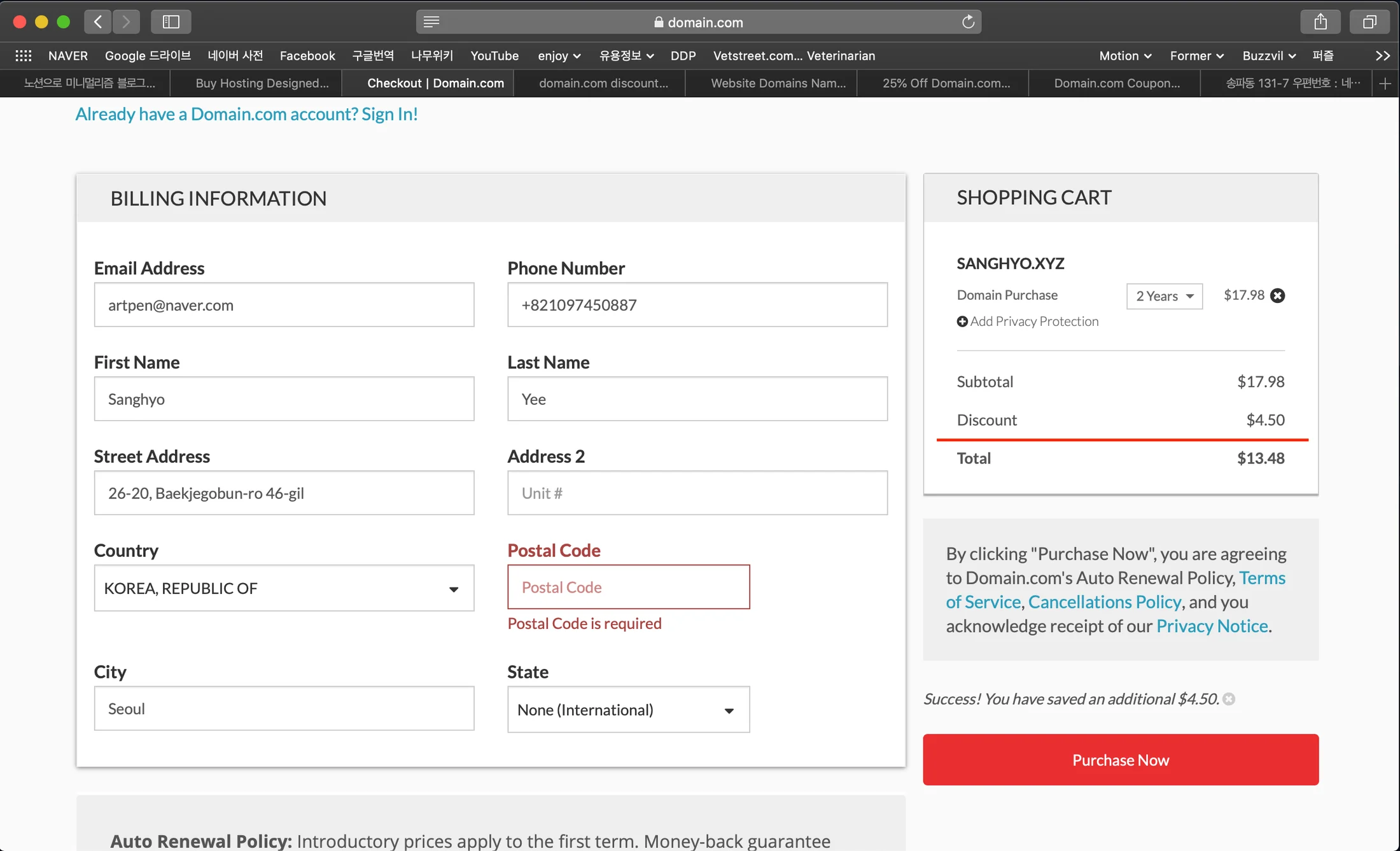
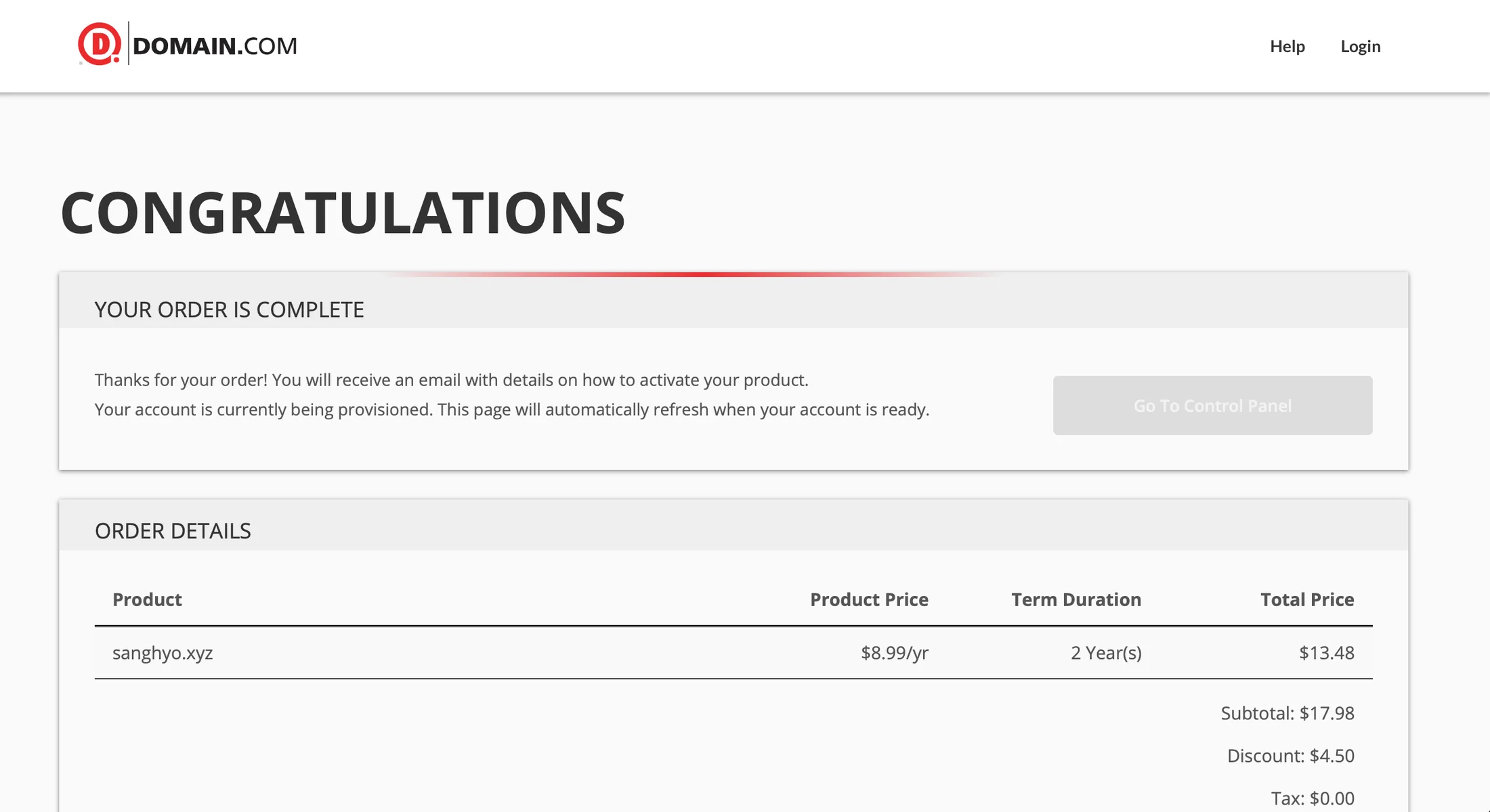
💡 If you search carefully, you can often find a provider-specific coupon before buying a domain. It is worth checking immediately before payment. My search terms were: LINK
To connect the domain to Notion, I searched for firsthand accounts and how-to posts. More people had tried it than I expected.
Setting Up a Minimalist Blog with Notion How to set up a custom domain for your homepage in Notion Changing your domain nameservers to Cloudflare notion.so custom domain Can you create a public page and use a custom domain?

Using the first two posts as references, I followed these steps.
- Create a Cloudflare account.
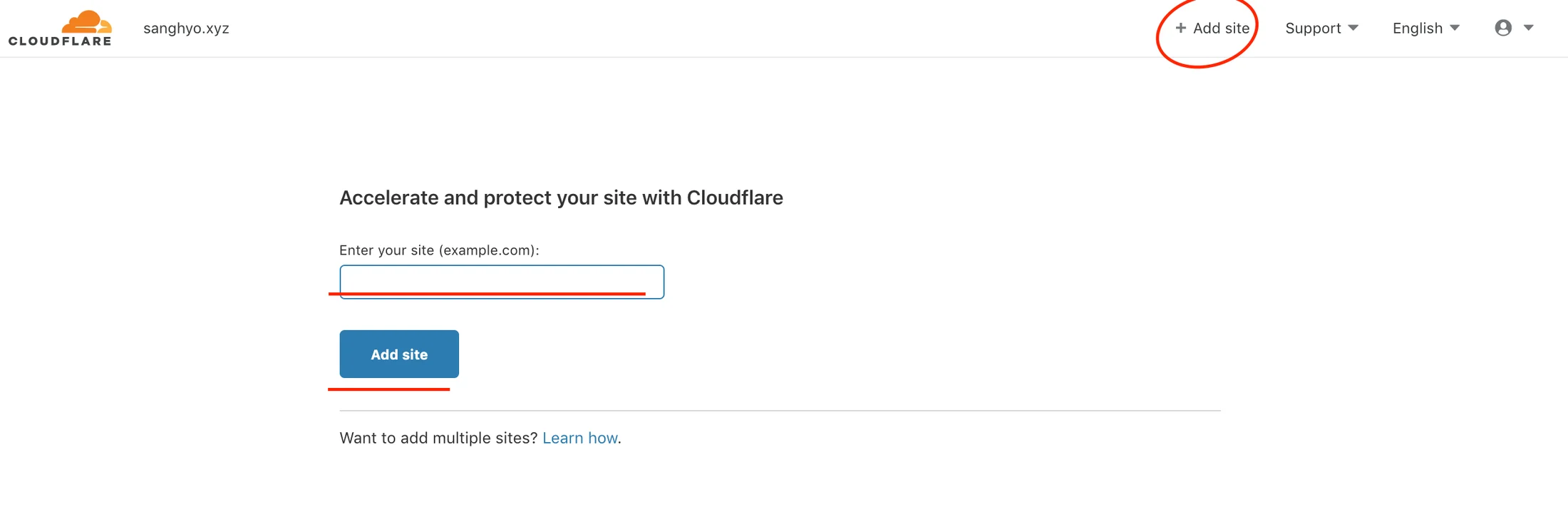
- Add the purchased domain to Cloudflare.
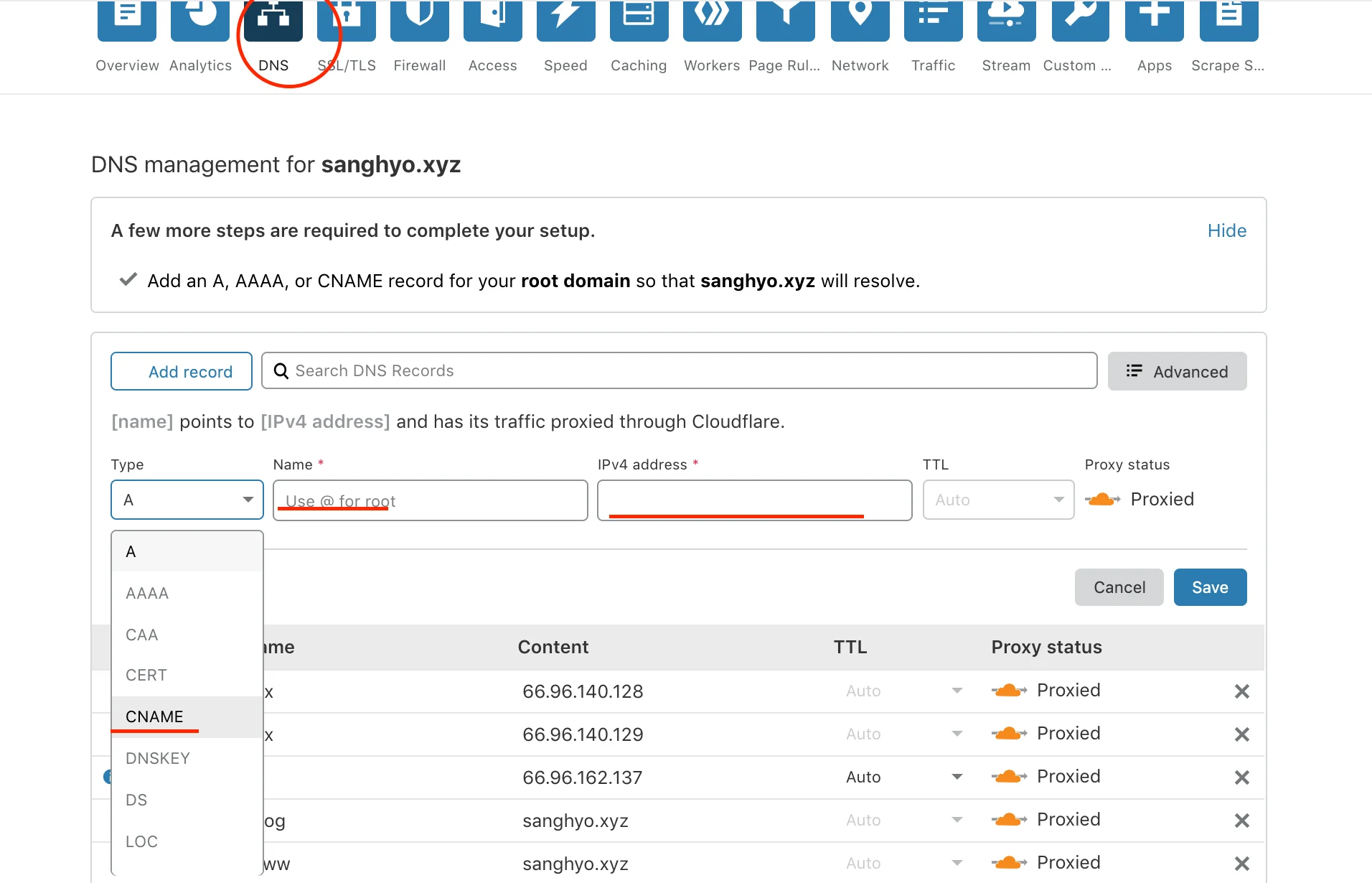
- In the
DNStab, follow the guide and clickAdd record→CNAME→Name (www)→Content (sanghyo.xyz)→Save.
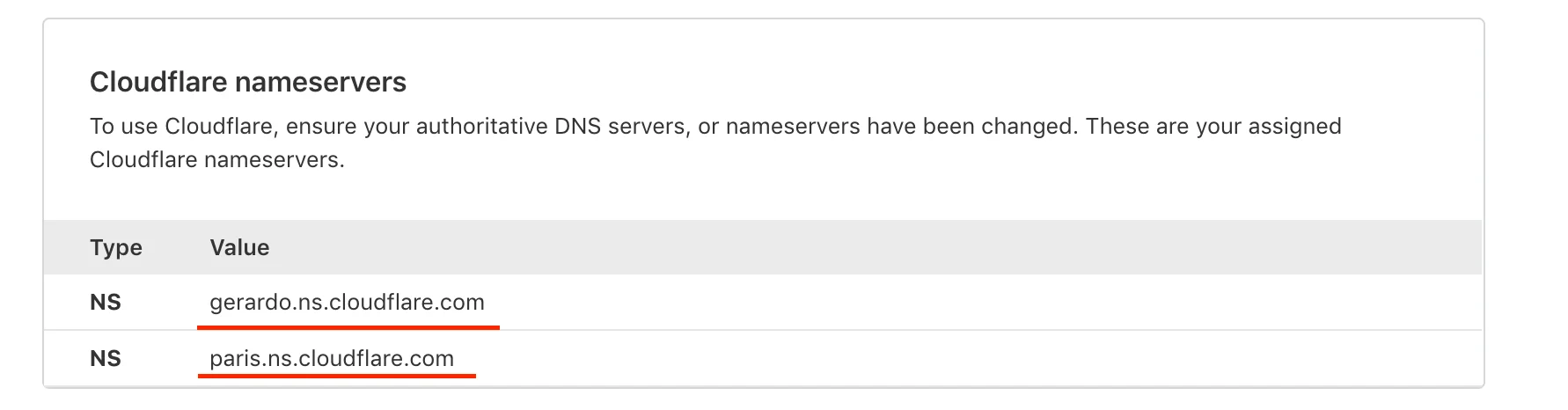
- Scroll down and copy the nameservers.
- On the registrar's DNS management page, choose
Add Nameserver, paste the copied nameservers, and remove the old ones. - Return to Cloudflare and go to
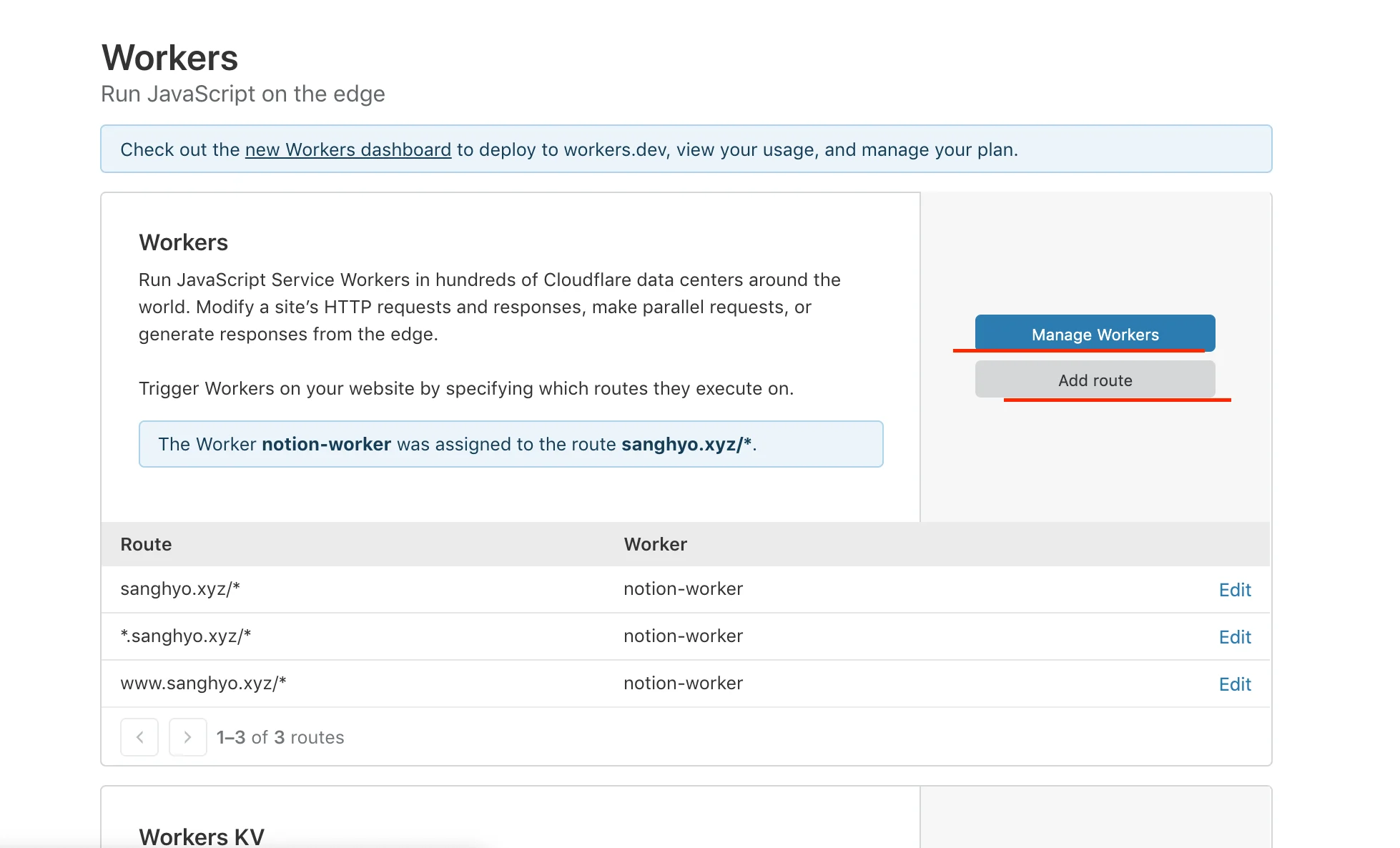
Workers→Manage Workers→ paste the code and domain values →Save & Deploy→Add route. See the screenshot for my route.
- It did not work.
Problem
- I had bought the domain and followed the guide, but the redirect still failed. Did I need to pay separately for hosting?
- Finding another guide seemed faster than trying to reverse-engineer the code.
- Another search turned up one more account, so I tried again by changing only the code; the overall process was very similar.

Result
Success!
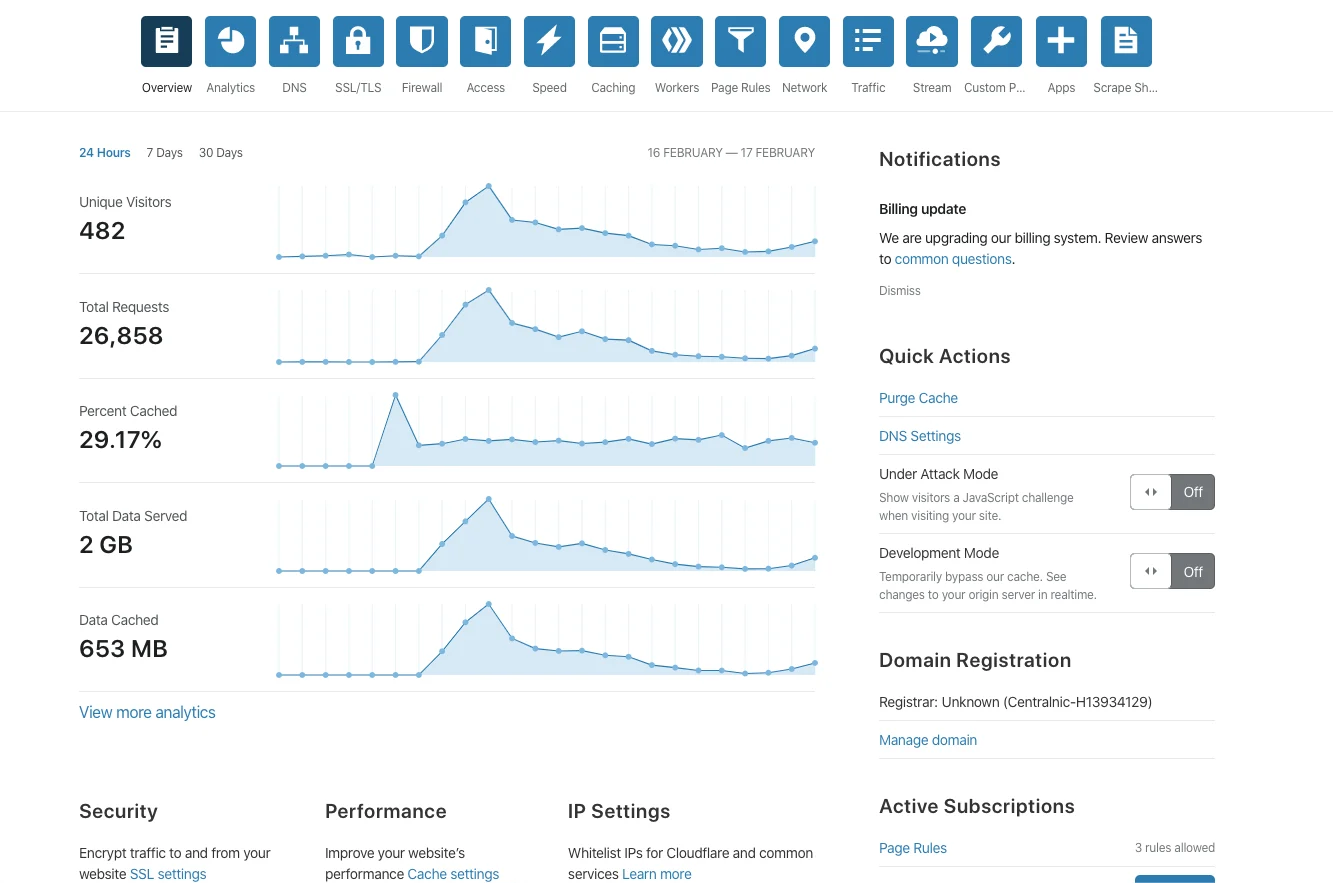
- The day after it began working, I noticed that Cloudflare's Overview tab also provided basic analytics.
Outro
For a beginner with little understanding of domain purchasing and hosting, this was a demanding journey. I never fully answered the question, “Why did the guide not work for me?” Still, I was relieved that one of the approaches shared online did. My thanks to everyone who documented how to connect a custom domain to Notion.
ⓒ 2020. SangHyo Yee, All Rights Reserved.