2021 - 2024
Overview
Design System: Strategic Investment for Business Expansion
Wanted is a career growth platform with 3 million MAUs. Building on the explosive growth of its recruitment business, Wanted is planning and operating various new businesses such as career content, community, AI, and freelancing(gigs). The Wanted design system addresses design debt that can occur as the business grows and enables faster product launches across the company.
This system ensures that various teams can deliver the desired UX consistently, efficiently, and at a high level. When I took on the project, the basic system work, including essential UI colors, icons, and buttons, had already been initiated. My role was to diagnose and improve this system.
Problem
Understanding Gaps Due to Low Accessibility
At the time, Wanted was using tools like Sketch and Zeplin to create and distribute the design system. However, the amount of information contained in system components was limited, and few people could view the originals.
To widely distribute and improve the system, it was essential to increase the team’s understanding and familiarity with it. Therefore, I considered ways to significantly improve system accessibility.
Challenges in Data-Based Improvements
When I took charge of the design system, I wanted to first check its actual usage. However, with the existing workflow, it was difficult to determine how the design system was being used. I explored methods to obtain relevant data and insights to understand where and how the system was being applied.
Research
To increase the overall accessibility of the existing system, I believed the most effective solution was to migrate all teams’ design work to Figma. Compared with the existing workflow, Figma offers several key features for advancing the design system, including cloud-based access, real-time collaboration, enhanced library features, and component data tracking.
However, a Sketch-based design system had already been established through numerous trials and discussions. Considering this, I spent a few months after joining the company working with the current system while organizing the pros and cons of each tool and preparing to persuade internal stakeholders. Since this would impact the workflow of all product team members including designers and developers, I compared, verified, and advocated for the effectiveness of Figma by considering not only the product’s advantages and disadvantages but also human and financial costs.
Onboarding
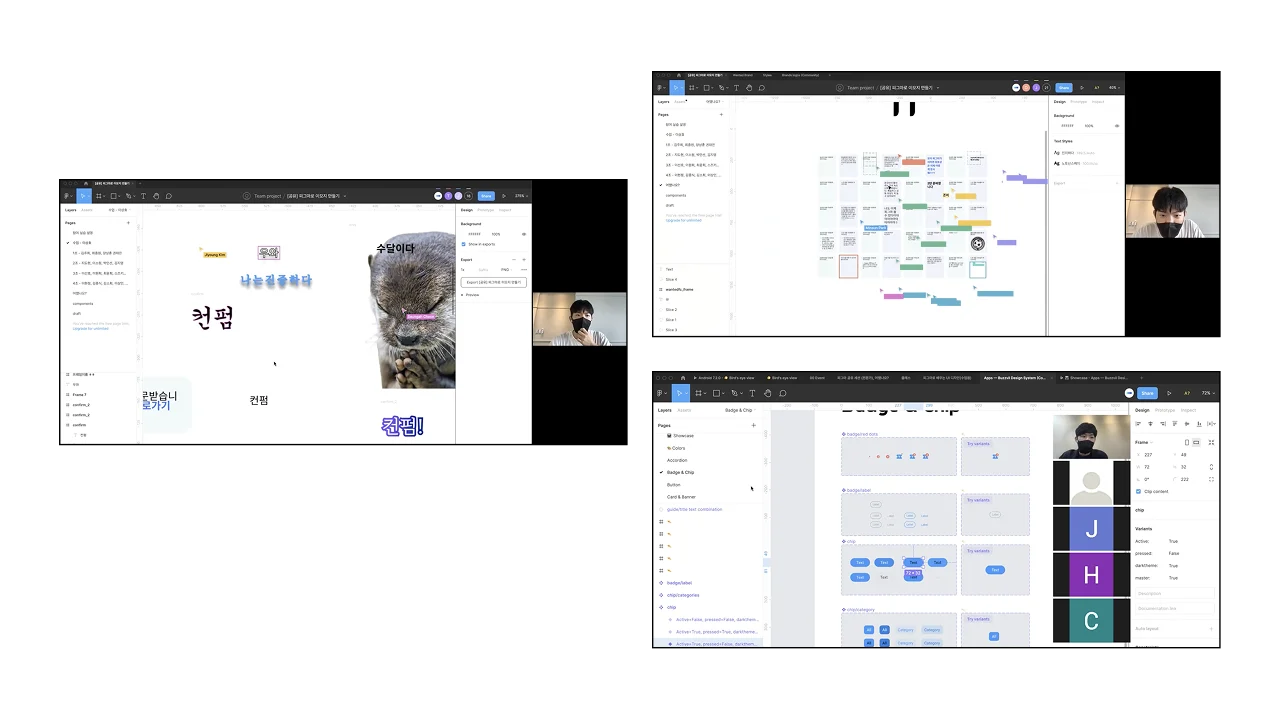
Coincidentally, a new ‘Internal Sharing’ system was established within the company, allowing employees to freely share their job-related skills with colleagues. I thought this could be a great way to build consensus around the new tool. To verify this, I planned and conducted two sharing sessions:
- Creating Emojis with Figma: I identified the need among employees who actively use emojis and conducted a session where anyone could create emojis with Figma and register them on their messenger. This fun session helped participants naturally experience Figma’s basic functions and benefits. Link
- Figma Sessions for Designers: While the emoji session allowed broad participation, validating practical applicability required designers’ consensus. Therefore, I planned and conducted multiple onboarding sessions tailored for designers to introduce them to Figma’s professional features.
To quickly address any related questions from team members after the sessions, I created and continuously operated a channel called #figma_study.
Migration
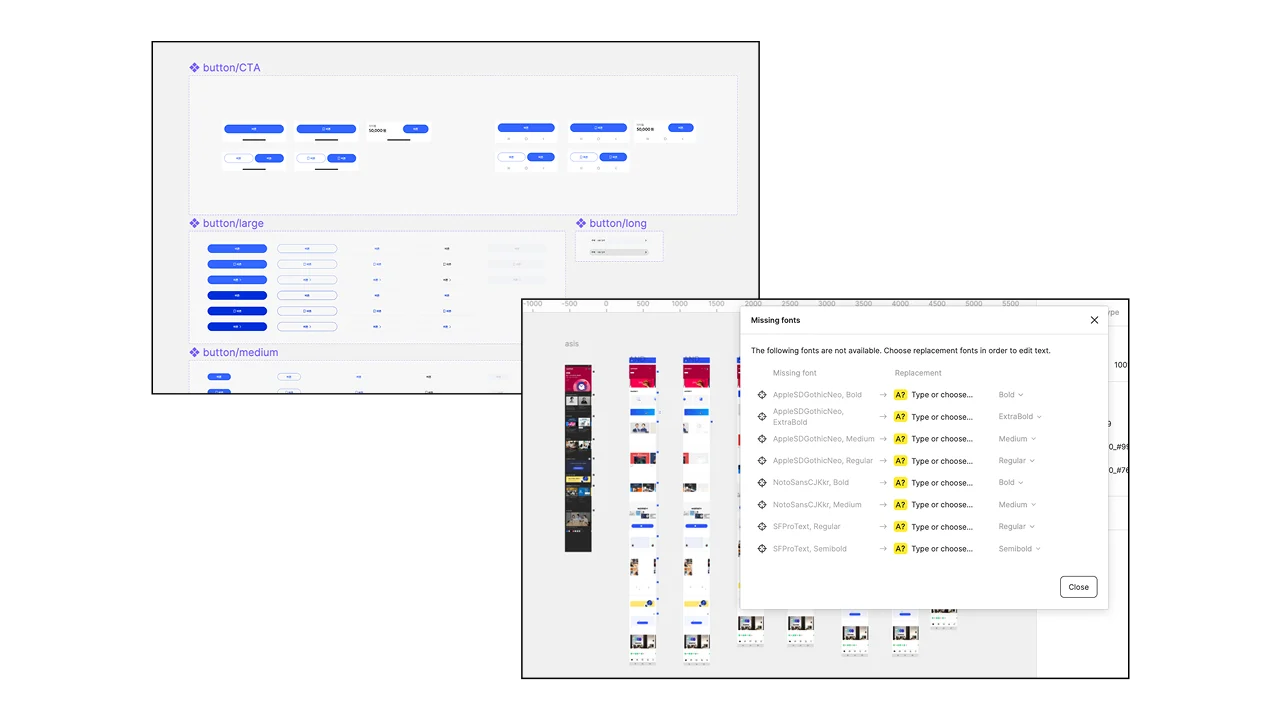
Changing the Wheels of a Moving Car
Even after building consensus for system adoption, product teams continued using legacy assets to meet their goals. To minimize adaptation time for other designers and developers, I planned a migration process to transition the product design environment smoothly.
- Migrated All Sketch Files to Figma: I refined the design system UI components as needed.
- 1:1 Migration Meetings: I organized individual meetings with each product designer to review all files together and adjust the detailed parts of the design files according to each team’s needs.
- Collaborated with Developers: We replaced icons, colors, and typography in the products with the new system, removed 86% of legacy code, and optimized icon sizes by more than 50%, ensuring active application in the actual products.
Bird’s eye view
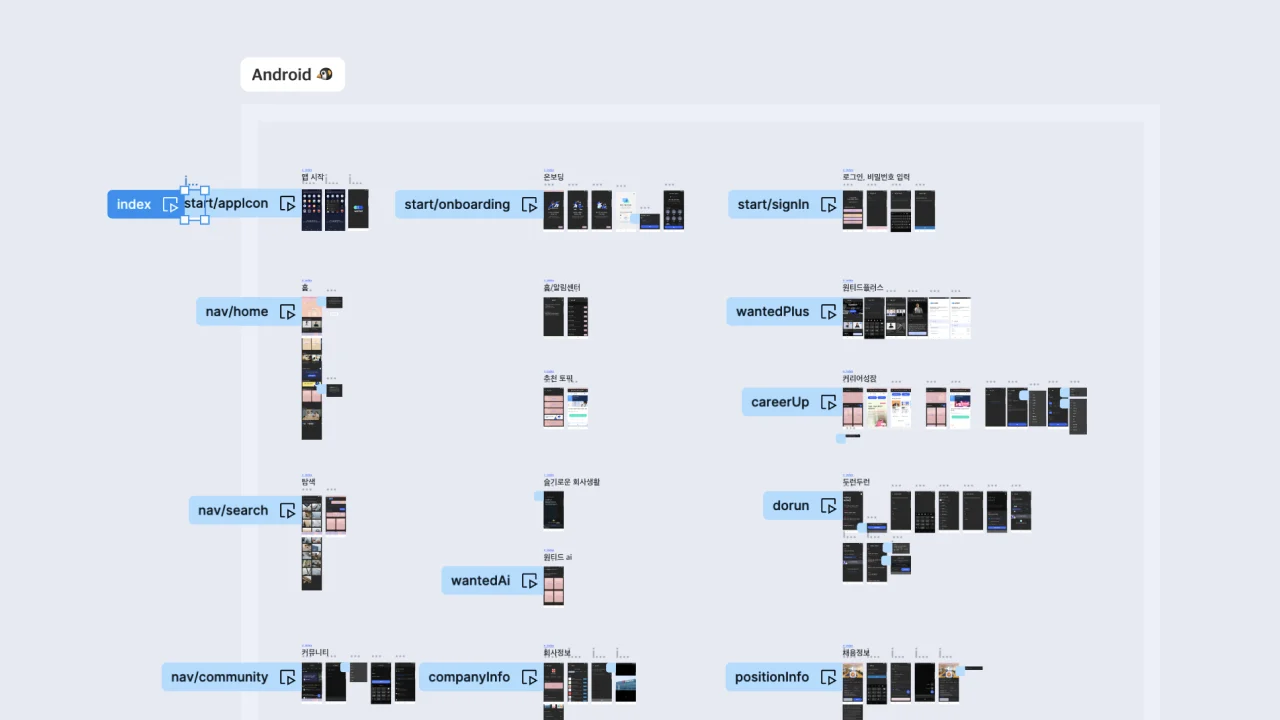
Visualizing Key Screens of the Wanted App with Data
While several onboarding sessions for the Figma tool were conducted, I believed a project that could practically reduce the work time of team members would have a greater impact.
Bird’s Eye View is a project that leveraged Figma’s high accessibility and Wanted’s refined event data. It allowed everyone involved in planning better services to quickly and easily grasp the main services and data flow of Wanted at a glance. This contributed to establishing an efficient company-wide work process.
Related Article Link (KR)
Public Release
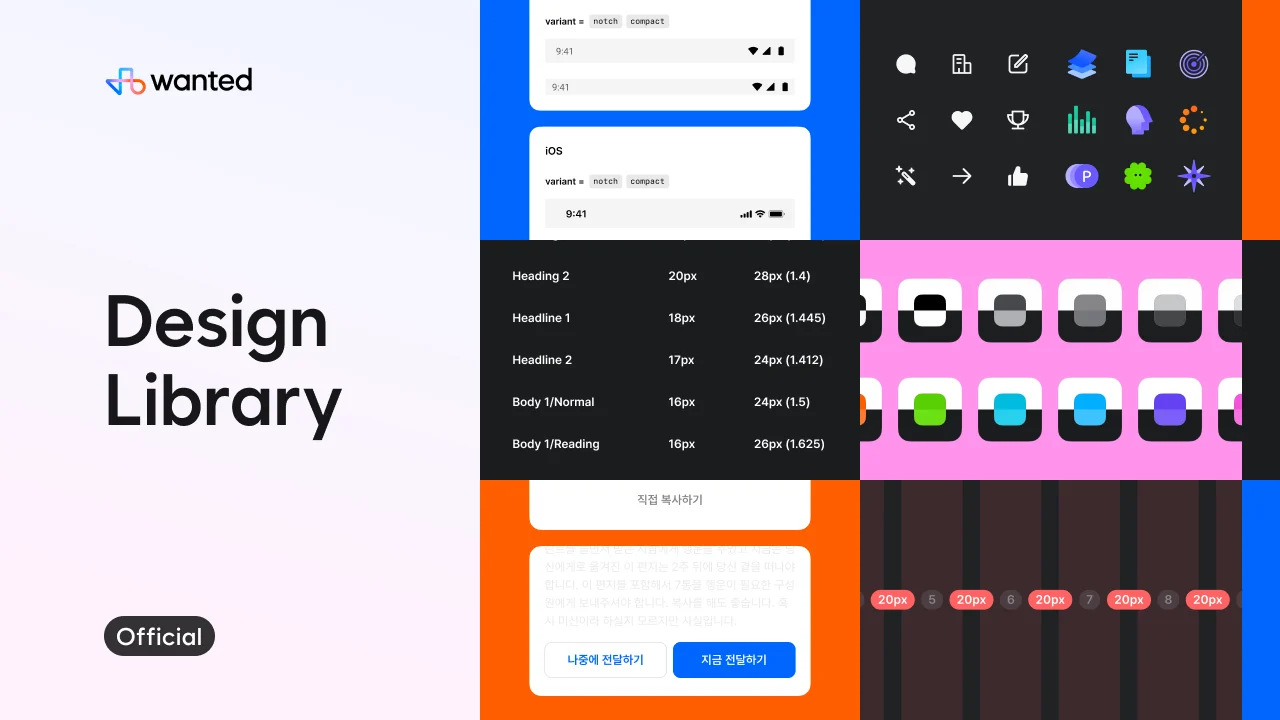
Trust-Based Design System
After being the sole designer responsible for the design system, it has now grown into a large project managed by a four-person design platform team over the past two years and has continuously improved.
However, infrastructure projects often become ‘important but not urgent,’ leading to prioritization of direct product improvements. To address this, we needed proactive internal and external trust. We released part of the design system in the Figma community, which gained the highest downloads in Korean IT industry, and it was featured in design media such as ‘Monthly Design’, ‘Design Compass’, and many more.
Project LinkPublic Speakings

Synergy of Branding Design System at HR Platform Wanted
I delivered presentations and lectures on the design system at various venues, including Figma Leaders Meetup, Inflearn, Notefolio, Wantedlab, and Design Spectrum.
These activities not only aligned with Wanted’s brand value of supporting employees’ career journeys but also effectively publicized our design system efforts within the industry.
Slide DeckResults
Making Design Tools Accessible to Everyone
Through various trials and errors, Wanted design system has achieved the following results:
- Figma usage across the company · 100%
- Average design system usage · 38%
- Library downloads · 8.7K
- July usage · Not measurable
- October usage · Approximately 16,100 uses with Figma
- January usage · Approximately 380,000 uses with Figma