Overview
- 650K → 1M · Figma plugin users, up 54%
- 2 → 3.2 · Animations saved per plugin user, up 54%
- 20,000 → 50 · Average monthly render failures, down 99.7%
Building on my ownership of the entire motion creation experience in the LottieFiles for Figma plugin, I expanded it into a creative tool that supports a far broader range of stability and capabilities. Beyond designing features, I led the plugin's growth by sharing them in many forms so customers could understand and use them well.
I designed the plugin's overall UX, including new Lottie specifications, Figma integrations, and seamless connections to environments beyond the plugin such as the dashboard and Lottie Creator. Since 2026, I have also been contributing to the product directly at the code level.
Situation
In 2024, Figma users were already expressing motion through multiple frames and prototype connections. At the time, creating production-ready motion meant learning a keyframe-based workflow from scratch in a separate motion tool such as After Effects. For most designers, that was simply too difficult.
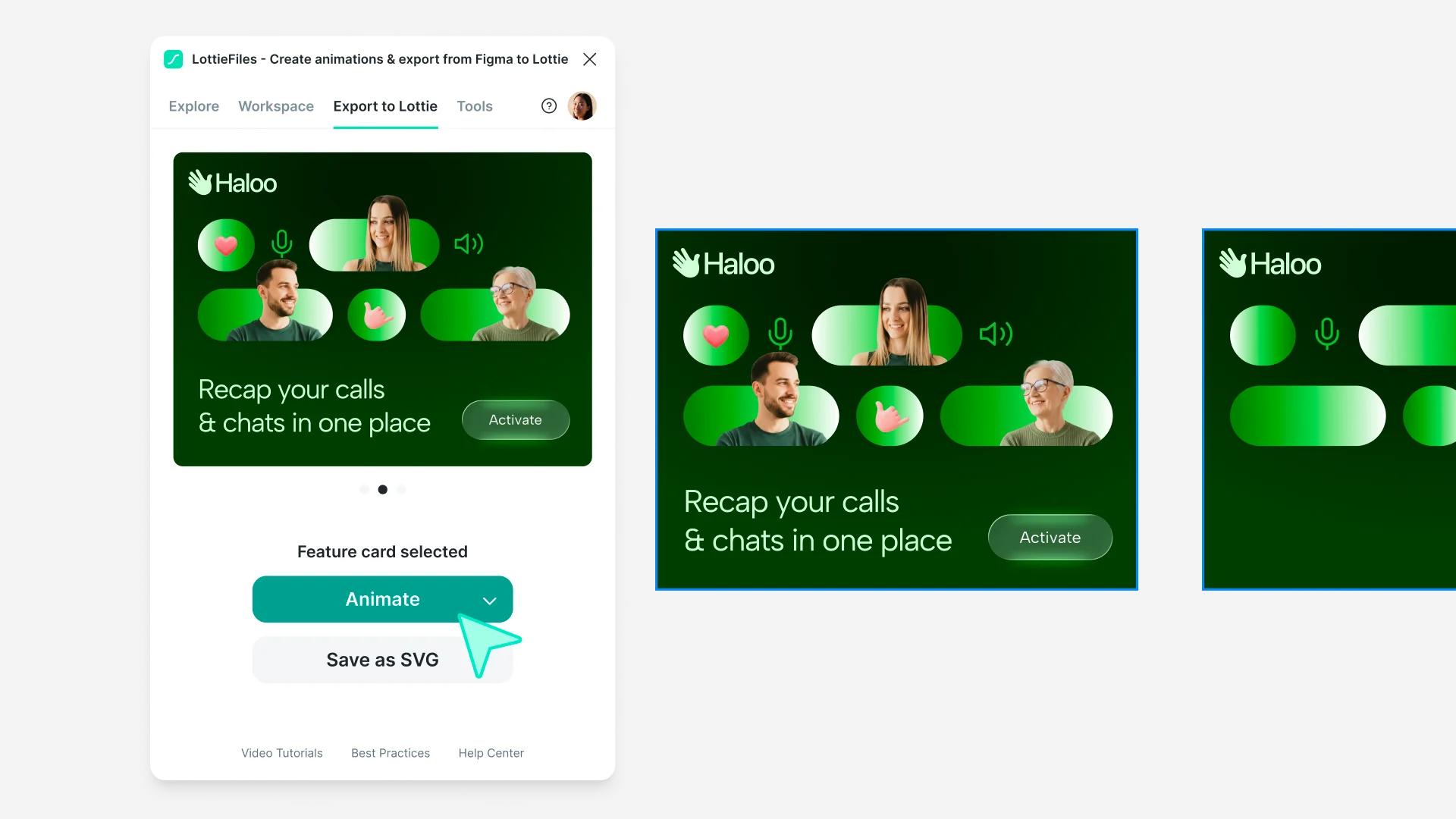
The LottieFiles plugin was loved by many users because it let them create animations while respecting the frame-based way Figma users already worked. It could read the changes across selected frames in Figma, generate motion, and export it as Lottie.
This let people create animations on the Figma canvas much as they would build a UI prototype flow. Along the way, they would naturally add layers to duplicated frames or introduce entirely new frames into the flow.
LottieFiles for Figma pluginProblem
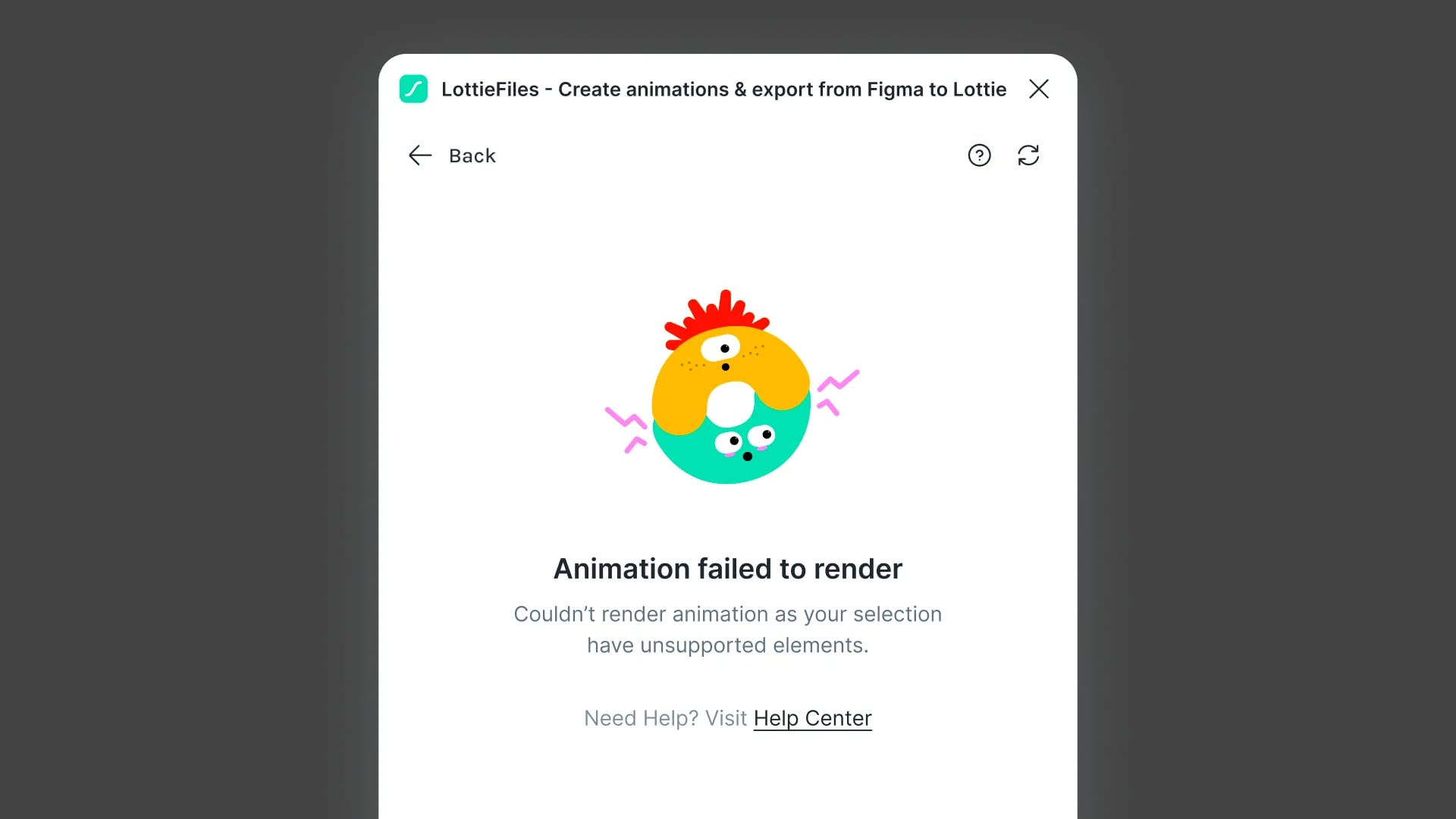
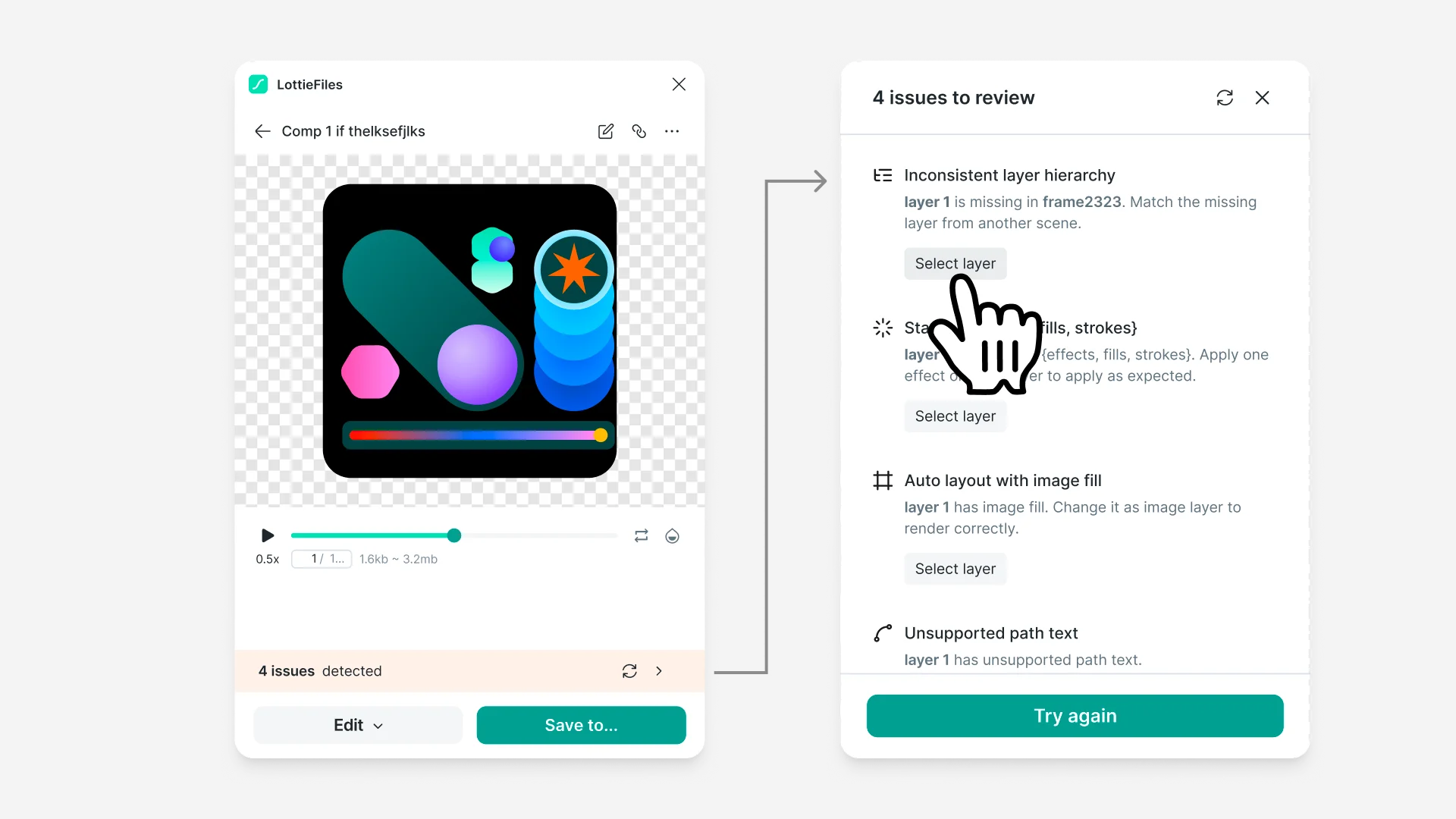
On closer inspection, however, many users were failing to convert their Figma designs into Lottie. As they edited freely in Figma, layer hierarchies could lose consistency between frames, or they could introduce Figma features that Lottie did not support. Users were seeing more than 20,000 render failure screens every month, which was a serious problem. To solve it properly, I investigated exactly when rendering failed.
Across dozens of online and in-person community sessions and enterprise onboarding sessions, I collected and systematically documented recurring render failure cases.
Solution
After gathering the cases, I shared the situation with the team and asked two questions.
- Can we make exports succeed more reliably than they do now?
- If a failure is inevitable, can we at least explain it clearly?
The goal was not to hide these problems and render errors. It was to minimize unexplained failures, and to define and share most errors so they became problems users could resolve themselves. I expected the number of render failures to fall naturally as a result.
Building on those two questions, I reviewed the technology with the engineers on the team and documented the conditions to check, with samples, in a spec. The checks and guidance covered not only layer structure but also Figma effects unsupported by the Lottie specification, such as inner shadows. Wherever partial rendering was possible, I designed warning banners so users could identify the issue and resolve it themselves.
Feature checker release notes
AI features
Because this kind of contextual UX reduced cognitive load while increasing adoption, I applied the same approach to many other projects within the Figma plugin. A representative example is the project to improve the Vectorizer UX inside Figma.
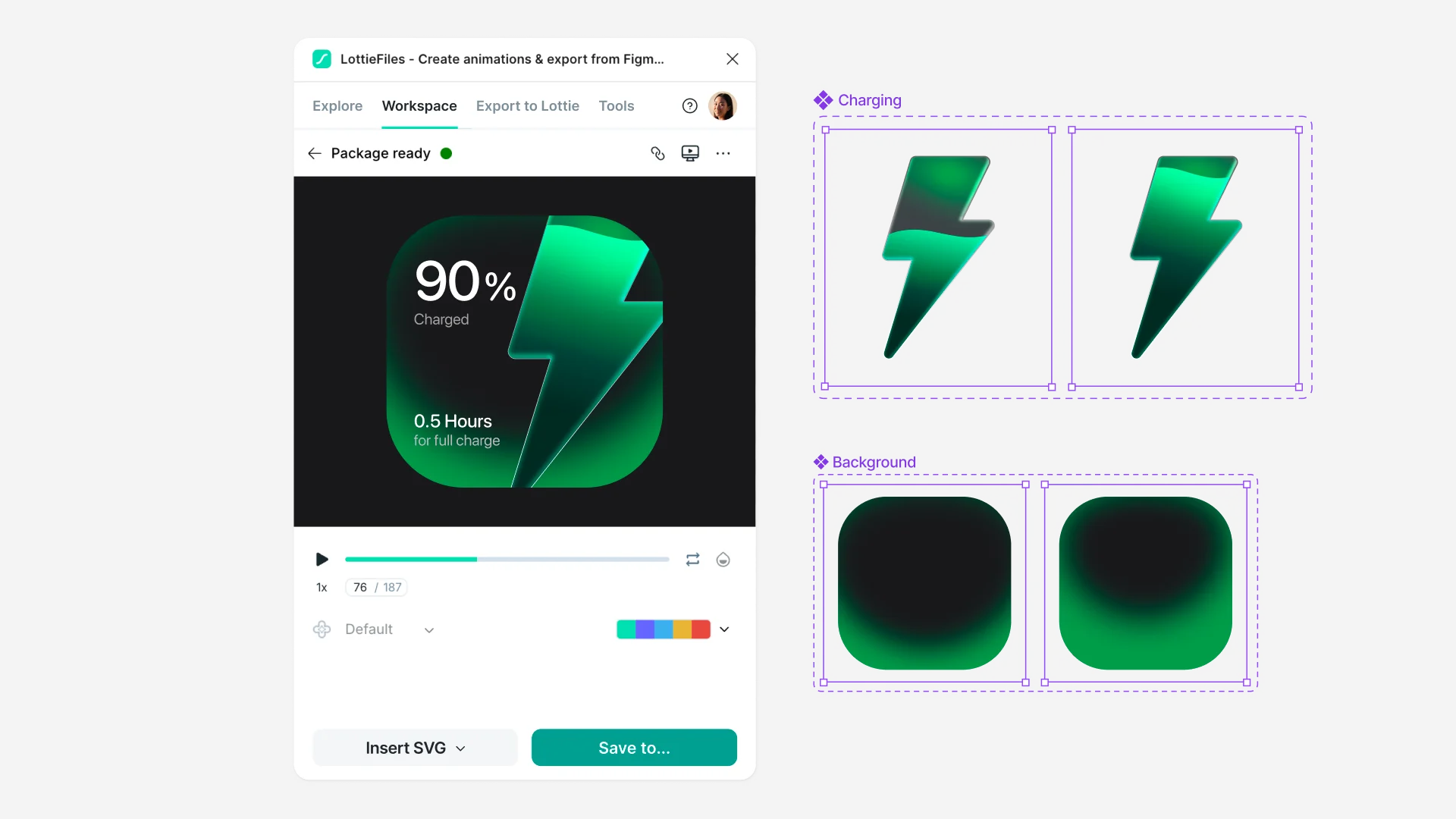
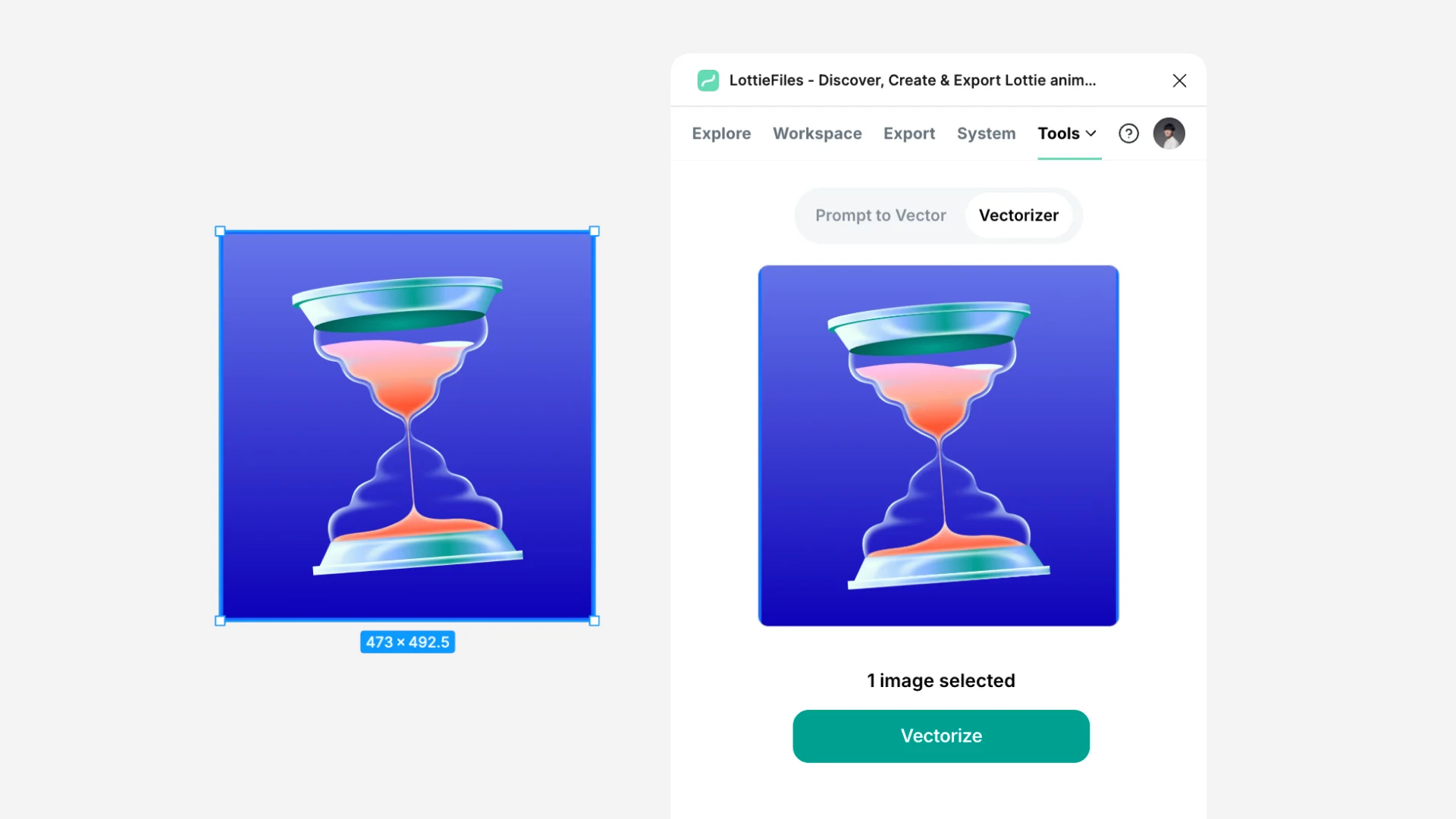
Vectorizer is a useful feature that turns images from Figma or a user's own files into vectors. Along the way, AI intelligently recognizes objects and converts them into individually editable layers.
With vector assets in hand, LottieFiles users can easily start creating Lottie animations from them. Despite the technology's value, the feature was not immediately visible, so many users passed it by without knowing it existed.
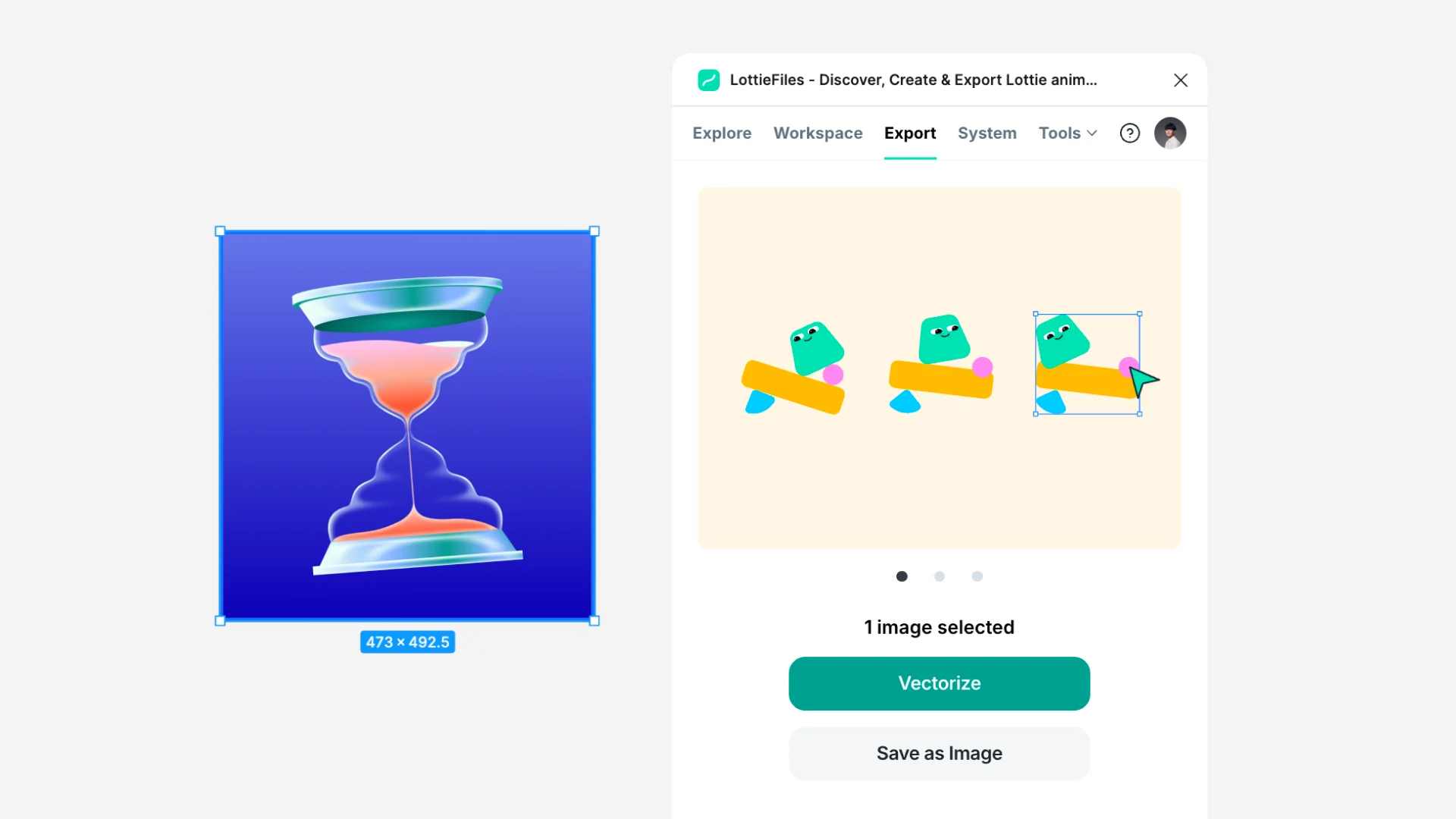
I wanted to surface these AI capabilities contextually but unmistakably, without getting in the way of the reason people opened the plugin: exporting. When an image layer was selected in Figma, I made Vectorize the primary action instead of Export, so users could try the feature with a single click. As a result, users could conveniently create vectors from a selected image and use them in animations. This also revealed that the feature could reach even more users as a separate plugin, so we launched it in parallel as a standalone plugin called AI Vectorizer. Taking vectorization beyond the Lottie context and exposing it to every Figma user helped us attract more organic users.
Explore AI VectorizerScaled UX
Lottie's core strength is bringing complex animations into products in a lightweight, vector-based format, but several problems still needed solving: the same file could look different across operating systems, deployed animations were hard to update, and adding interaction still required a developer. I gradually extended the UX principles behind the feature checker across these broader plugin challenges.
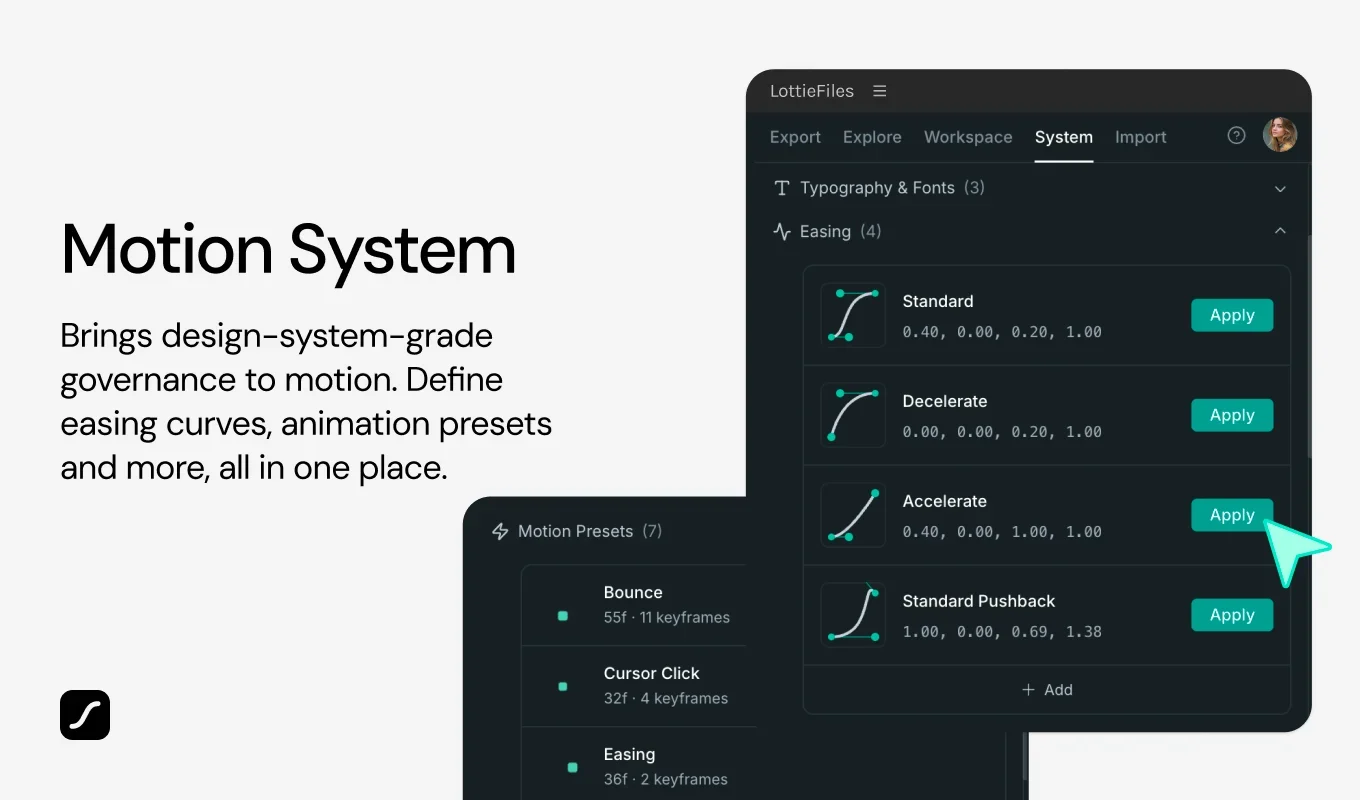
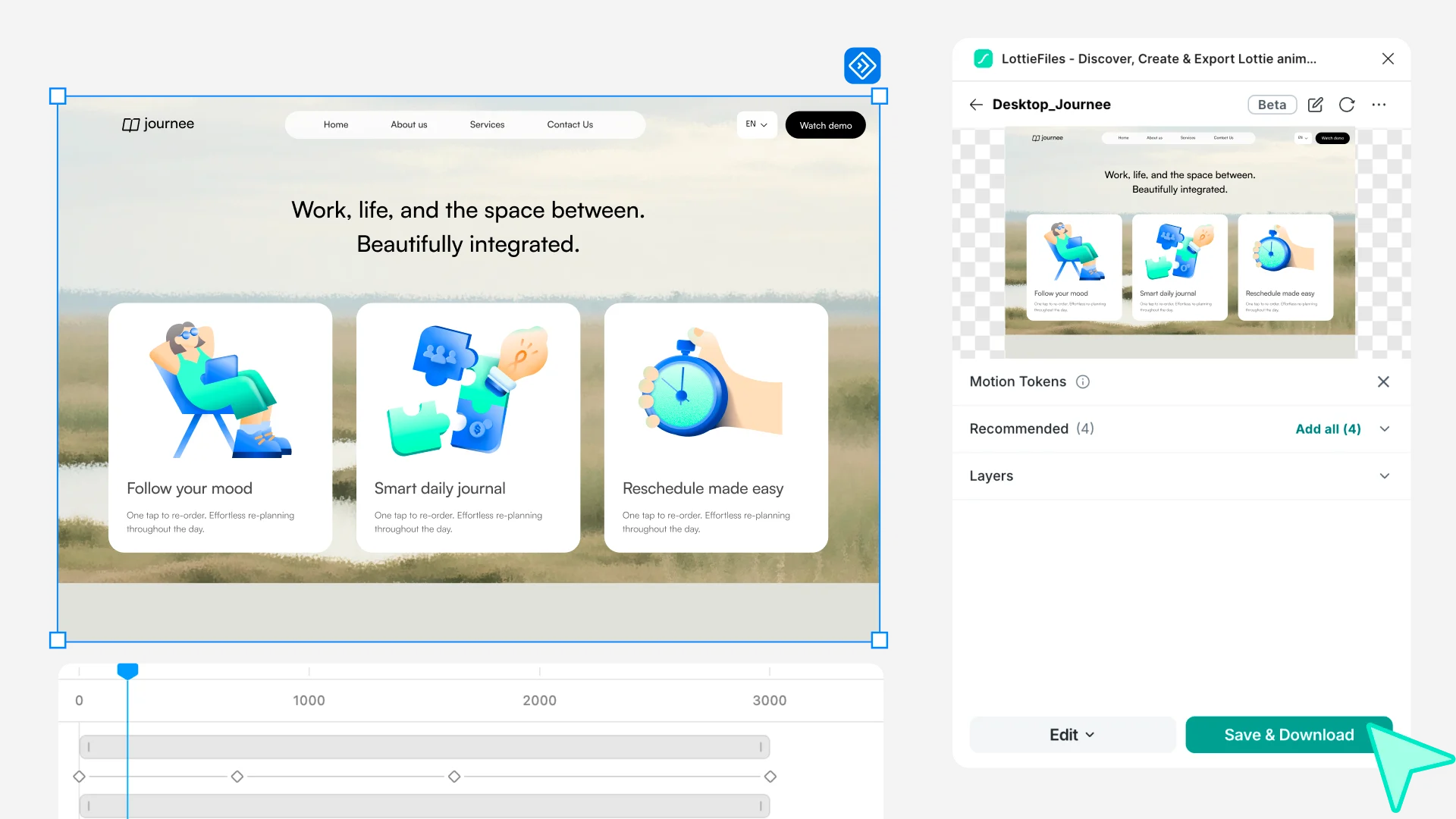
Over time, both Lottie and Figma gained many motion-related capabilities. Rather than adding a new button to the plugin each time, I folded these capabilities naturally into the user flows people already knew. As a result, a wide range of features, including Figma Motion, interactions, Figma variables, themes, and components, became available in Lottie ‘in a single click’, in the form most familiar to users.
Along the way, elements that could not be carried into Lottie were reported honestly in the check results, with a direct path to the layer that needed fixing. Even as more capabilities were added, users did not have to relearn the plugin each time; they could keep working on animations around their own design and the live animation preview.
Workflows
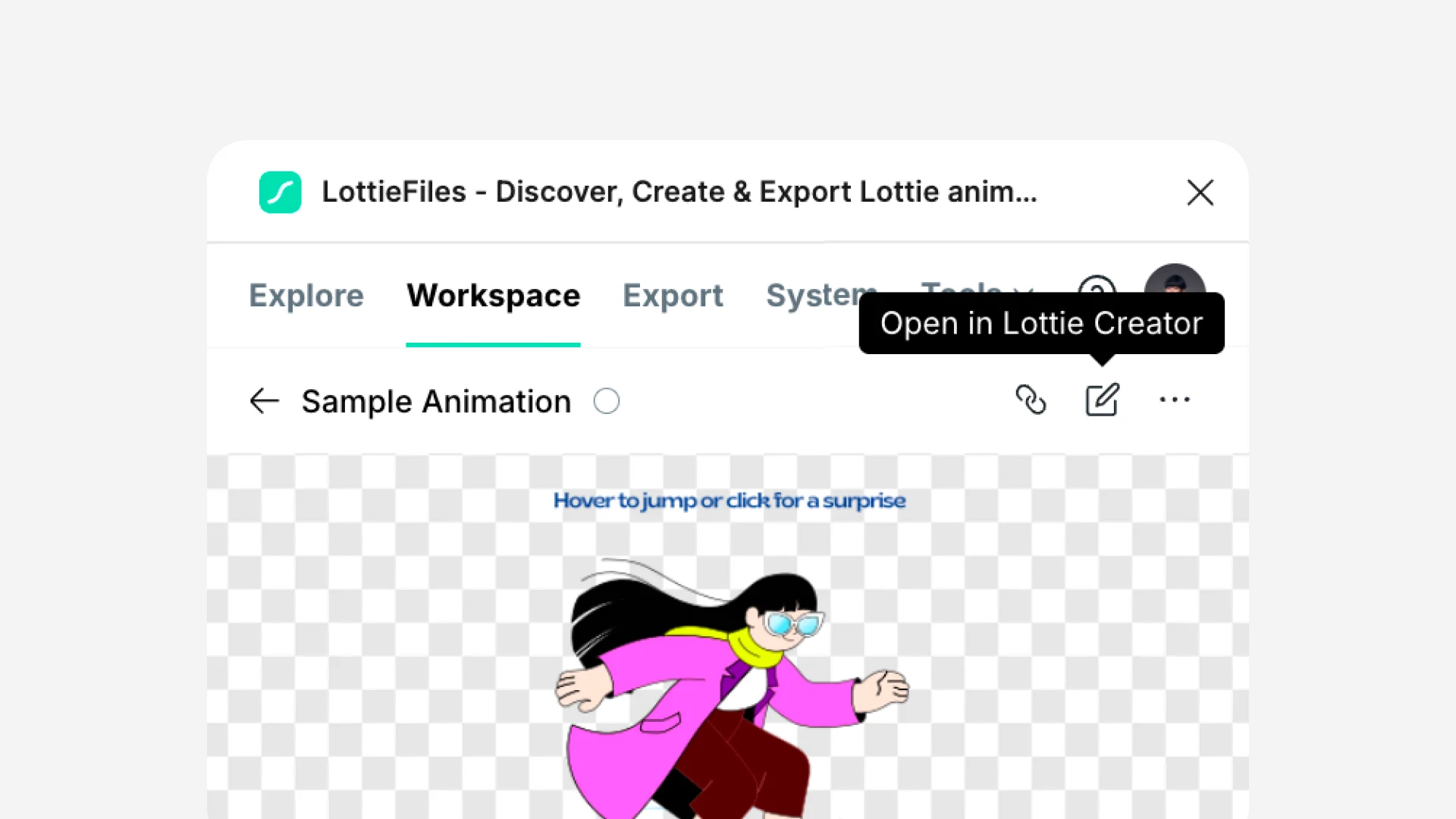
As the plugin evolved, I did not try to fit every editing and management capability into it. When users needed more detailed motion editing than Figma could provide, the work continued in Lottie Creator; when they needed version management and CDN delivery for saved animations, it continued in the web workspace. The point was not to finish everything inside the plugin. It was to let animations started in each design tool keep being used in the tool suited to the depth and purpose of the work, without rebuilding them each time.
Results
Right after the December 2025 release, failures dropped steadily, and since then the monthly average has stayed below 50. Unsupported Lottie features or layer mismatches that users had used without noticing no longer ended in the extreme outcome of a ‘render failure’. Instead, users could encounter and fix them in a form they could easily resolve themselves.
Through these many experience improvements, users can now turn designs made in Figma into production-ready animations through the LottieFiles plugin, and the plugin's user base grew about 54%, from 650,000 to 1 million. Lottie animations saved per user rose from 2.07 to 3.18, more than 50% above the previous level.